- Studio or maker
- motionVFX
- Activation
- Not required
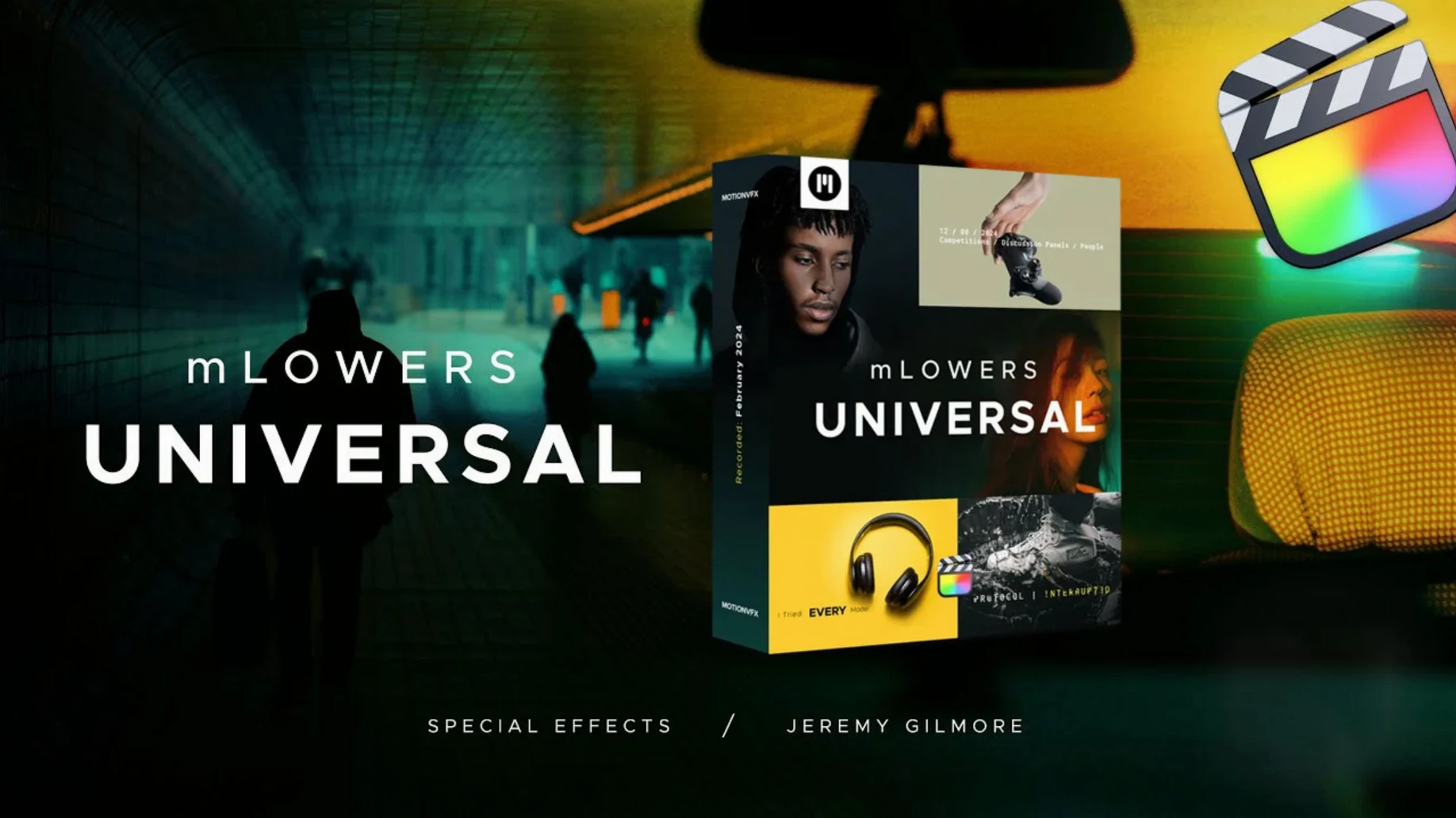
mLowers Universal from motionVFX is a pack of 70 animated lower-third and title presets built for Final Cut Pro.
Check formats and host compatibility first
The pack works directly inside Final Cut Pro. Each preset is a Motion Template file you drop onto a connected clip. No extra software needed beyond FCP itself.
Install the titles on your Mac
Copy the downloaded files into /Users/Your Name/Movies/Motion Templates/Titles. The presets then appear in Final Cut Pro's Titles browser under the same folder name.
Hear what the sound brings
The animated lower thirds include designs inspired by movie screens and high-tech visuals, with social media markers for cross-platform use. The motion keeps each title clean and readable during playback.
A real-world example: a weekly video newsletter
A friend of mine runs a small video newsletter for a local arts collective. Each week she records a short update — exhibition openings, workshop dates, calls for submissions. Before mLowers Universal, she spent twenty minutes per episode building simple name bars and section titles in Final Cut Pro. The text placement was always a little off, and the animation felt flat.
Now she drops in one of the dynamic glitch-style lower thirds for interviewee names, and a clean high-tech preset for the "Coming Up" section header. The whole edit takes maybe five minutes longer than the raw cut, and the titles look deliberate rather than tacked on. The social media markers are useful too: she exports a square version for Instagram, and the marker presets already sit in the right place for the platform's aspect ratio.
How a typical working session might go
Open Final Cut Pro with a timeline of interview clips and b-roll already assembled. In the Titles browser, scroll to the folder named mLowers Universal. The presets are grouped loosely by style — retro designs in one row, high-tech in another, glitch effects near the bottom.
Drag a lower third onto an interview clip. The title and subtitle fields appear in the viewer. Type the person's name and role. The animation plays in real time: a clean reveal, a short pause, then a smooth hold. No keyframes to touch, no position tweaks.
For a section break, choose one of the movie-screen-style titles. It fades in over a wide shot of the venue, stays long enough to read, then fades out. The timing matches the clip duration automatically, but you can trim the title in the timeline if you need it shorter.
Last step: add a social media marker preset at the end of the timeline. The marker shows a short "Follow us" animation with a simple icon. Export the project, and the final video has a consistent visual theme across all its titles.
Presets missing from Titles browser? Check folder location
- Presets don't appear in the Titles browser. Check the file location. The folder must sit inside
Movies/Motion Templates/Titles, not directly in Motion Templates. Restart Final Cut Pro after moving the files. - Text fields show scrambled letters or boxes. A few presets use fonts that came with the install. If the font is not on your Mac, open the preset in the viewer, select the text layer, and change the font to one you already have installed.
- Animation looks different in the exported video. Preview renders in Final Cut Pro sometimes skip a frame or two. Render the title section before exporting. Select the clip and press Control-R to render the red bar above the timeline.
- Presets are too fast or too slow. Each preset has a default duration. Drag the edges of the title clip in the timeline to lengthen or shorten the animation. The motion adjusts to fit.
Larger text fields after enabling detailed feedback in Preferences
Before you start editing, open Final Cut Pro's Preferences and go to the Editing panel. Turn on "Show detailed title and generator feedback." This makes the text fields in the viewer larger and easier to edit. The change helps when you are working with longer lower-third lines.
In the same Preferences, set the timeline default duration for titles to something comfortable — six seconds is a good baseline for a lower third that includes a name and a short title. You can always trim it later.
If you plan to use the same preset style across multiple projects, create a compound clip of one completed title. Drag that compound clip into your Favorites browser. Next time you need the same look, you can reuse the compound clip with the text already formatted.
- macOS: not specified by the developer
- Architecture: not specified (likely Intel and Apple Silicon)
- Other: Final Cut Pro
Questions I keep getting
Does mLowers Universal work with Final Cut Pro on Intel and Apple Silicon Macs?
Yes, motionVFX states it is ready for Final Cut Pro projects. No specific architecture limits are listed, so it should run on both Intel and Apple Silicon Macs.
How many presets come in the pack?
The pack includes 70 animated lower thirds.
What kind of designs are included?
The set includes designs inspired by movie screens, high-tech visuals, and social media markers for cross-platform promotion.
How to install
- Open the downloaded folder and select the mLowers Universal files.
- Move them to
/Users/Your Name/Movies/Motion Templates/Titles. This puts them where Final Cut Pro looks for title presets.
Similar apps


Sign in or join the club to leave a comment.
Nobody has commented yet.