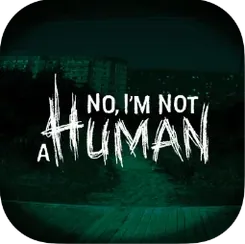
- Version
- 1.3.19 Rev2 [Wineskin]
- Studio or maker
- Trioskaz
- Languages
- Russian, English, German, Spanish, Chinese (Traditional), Chinese (Simplified), Korean, Portuguese, French, Japanese
- Activation
- Not required
- Chip type
- Apple Silicon
- Tried out on
- macOS Tahoe, Mac mini 2024 M4
- First released
- 15.09.2025
- Voice languages
- Music only
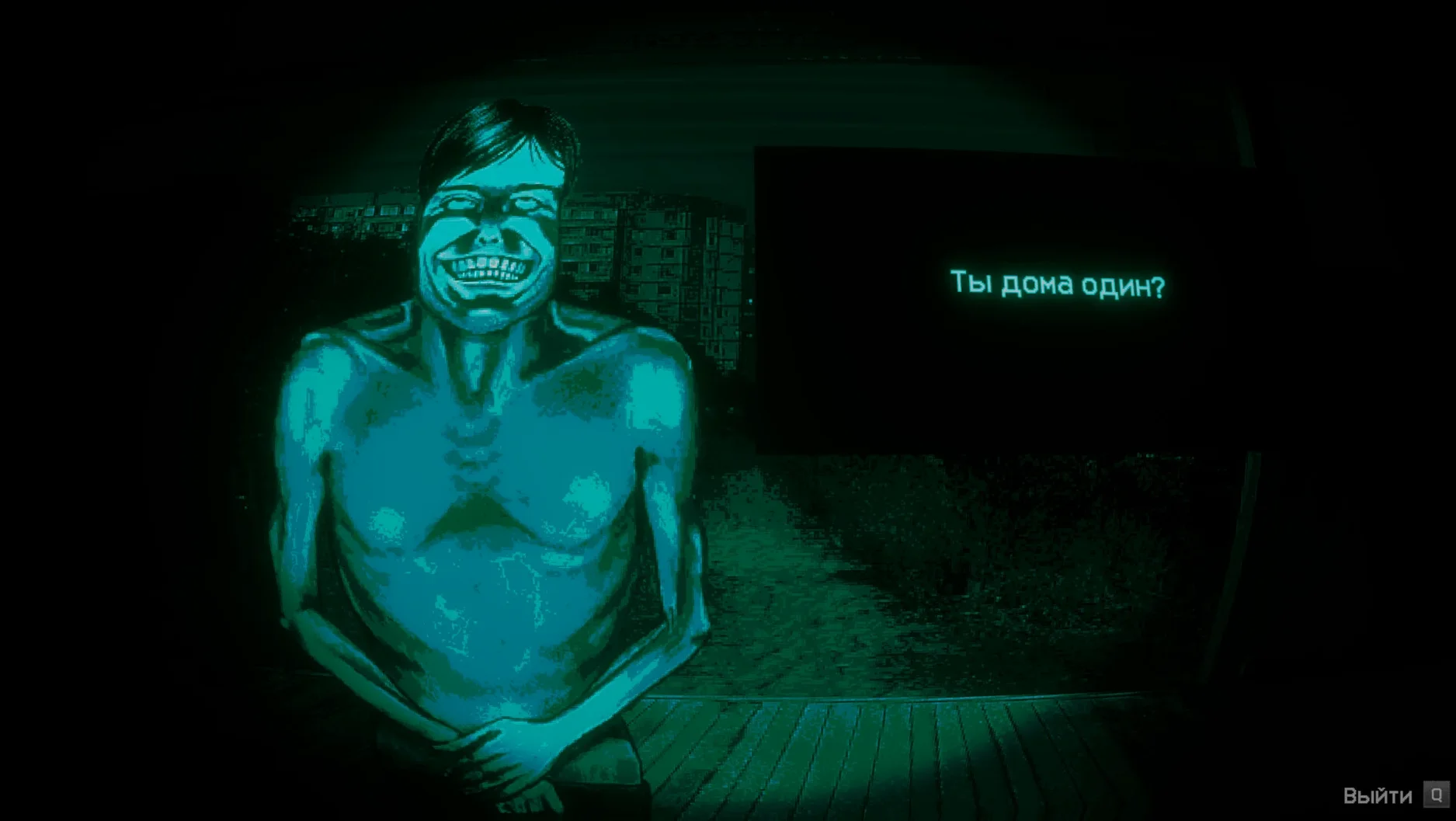
Version 1.3.19 Rev2 brings a hotfix for Steam Cloud save recovery on Steam Deck and minor Ukrainian localization tweaks. On a Mac, this build runs through Wineskin, so it behaves a bit differently than a native port. I checked it on a Mac mini 2024 with M4 and macOS Tahoe, and the ARM build works as expected. The game is set during the end of the world, and your job is to question each person at the door and decide if they're human. It's a tense, anxiety-driven horror experience, and the language options cover Russian, English, German, Spanish, and several others.
Performance on the M4 was smooth in my sessions, though the Wineskin wrapper can occasionally cause a hiccup on first launch. If you see an error, run the Fix file inside the disk image before trying again. After that, it should start cleanly from Launchpad. The controls are straightforward — you click through dialogue and make choices, so a mouse or trackpad is all you need.
For a horror game about judgment and paranoia, it runs quietly on the M4. Expect a few seconds of loading when a scene changes, but nothing that breaks the mood.
Papers, Please but with a different tone
If you have played Papers, Please, the core loop will feel familiar — someone at the door, a decision to make, consequences if you get it wrong. The difference is tone: Papers, Please is bureaucratic tension, while No, I'm Not a Human leans into outright horror. The Visitors here are not holding passports with errors; they are mimicking human behavior, and your only tool is your own judgment. There is no document checker, no rulebook. It is a more personal, more unsettling experience.
Another comparison is Do Not Feed the Monkeys, where you watch strangers through webcams and decide who to report. That game is about voyeurism and moral choice from a distance. No, I'm Not a Human puts you face to face with the person at the door. You hear them speak, you see how they move. The anxiety comes from proximity, not observation.
A third title that shares DNA is The Mortuary Assistant, where you examine bodies and decide if they are truly dead. Both games ask you to read subtle signs and act fast. But No, I'm Not a Human replaces supernatural horror with something closer to social paranoia. The enemy is not a corpse — it is a creature that looks and talks like a scared neighbor.
None of these games run on Apple Silicon, but all three work through Wineskin or Proton. No, I'm Not a Human is the lightest of the three in terms of system strain, and the ARM build handles it well on the M4.
Start your first session in English
Start your first session in English, as instructed. The language selector only appears after the initial launch. Once you have seen the menu once, you can switch to Russian, German, or any of the other supported languages in the settings panel.
Keep the Fix file where you can find it. If the game shows a black screen or a generic error on the first try, run the Fix from the disk image before anything else. It only takes a moment and prevents repeated restarts.
Save files live inside the app bundle under Steam/RUNE/427410/remote. If you want to back up progress between sessions, copy that folder somewhere safe. The game does not sync to any cloud service on this build, so manual backups are the only safety net.
Do not rush the questioning. Each person at the door has a short set of responses, and the visual cues are subtle — a twitch, a pause, a shift in expression. Take your time. The game does not punish you for thinking, only for deciding wrong.
If you play in a dark room with headphones, the atmosphere works better. The audio is music only, but the sound design and silence between questions carry a lot of weight.
Runs through Wineskin with no extra install
Is this a native Mac game or does it need something extra?
It runs through Wineskin, which is a compatibility layer. You do not need to install Wineskin separately — it is included in the build. You just drag the app to Applications and launch it. The ARM build was tested on macOS Tahoe with an M4, and it works without any extra configuration.
Will it work on an Intel Mac?
The build is labeled for ARM architecture, so it is intended for Apple Silicon machines. I have not tried it on Intel hardware, and the instructions do not mention it. Stick with the ARM build if you have an M1 or later.
Does the game have jump scares?
It is more about sustained anxiety than sudden loud moments. The horror comes from the uncertainty of each encounter. Some players might find the quiet tension more effective than scripted scares.
How long does a playthrough take?
That depends on how careful you are. A cautious run with full questioning can take a couple of hours. If you make quick decisions and fail often, it might stretch longer. There is some replay value in trying different approaches to each visitor.
Can I change the language after the first launch?
Yes. Start in English, then go to the settings menu and switch to your preferred language. Russian, German, Spanish, Chinese, Korean, Portuguese, French, and Japanese are all available after the first boot.
Version 1.3.19 Rev2 fixes Steam Cloud saves
Version 1.3.19 Rev2 is a hotfix release. The main change is a fix for Steam Cloud save recovery on Steam Deck. On a Mac, that does not affect you directly because the build does not use Steam Cloud. What matters is that the same update also includes minor corrections to the Ukrainian localization. If you play in Ukrainian, you will notice fewer untranslated strings and better phrasing in the visitor dialogue.
There are no changes to the core gameplay, the questioning system, or the visual style. The game looks and plays the same as earlier 1.3.x builds. The hotfix simply makes the experience a bit cleaner for people using Ukrainian text and ensures that anyone moving from a Steam Deck to a Mac does not lose their saves. For a Mac-only player, the practical effect is negligible, but it is nice to know the build is up to date with the latest fixes.
- Version 1.3.19 Rev2 is the current build for Mac.
- Official hotfix addresses Steam Cloud save recovery on Steam Deck.
- Minor Ukrainian localization fixes included.
- macOS Tahoe
- Apple Silicon (ARM build)
Questions I keep getting
What should I do if the game shows an error on launch?
Run the Fix file included in the disk image, then try launching again. That resolves the common Wineskin-related issues.
Does the game work on Intel Macs?
No, this build is ARM-only, so it requires an Apple Silicon Mac.
Can I change the language after starting?
Yes, start the game in English first, then switch to your preferred language in the settings menu.
How to install
- Open the downloaded disk image to mount it.
- Drag the app to the Applications folder shortcut. This keeps the game organized and easy to find.
- After copying finishes, launch the app from Launchpad.
- If the game shows an error on launch, run the Fix file in the disk image. That usually clears up Wineskin-related hiccups.
- Start the game in English on the first launch to avoid any initial confusion.
- After the first launch, switch the language in the game settings if you prefer another one.
Similar games





Sign in or join the club to leave a comment.
Nobody has commented yet.