
- Version
- 1.1.2.8.ffc2de0.gm Native
- Studio or maker
- Mechanistry
- Languages
- Russian, English, German, Spanish, Italian, Chinese (Simplified), Korean, Polish, Portuguese, Ukrainian, French, Japanese
- Activation
- DRM-free
- Chip type
- Apple Silicon, Intel 64-bit
- Tried out on
- macOS Tahoe, Mac mini 2024 M4
- First released
- 15.09.2021
- Voice languages
- Music only
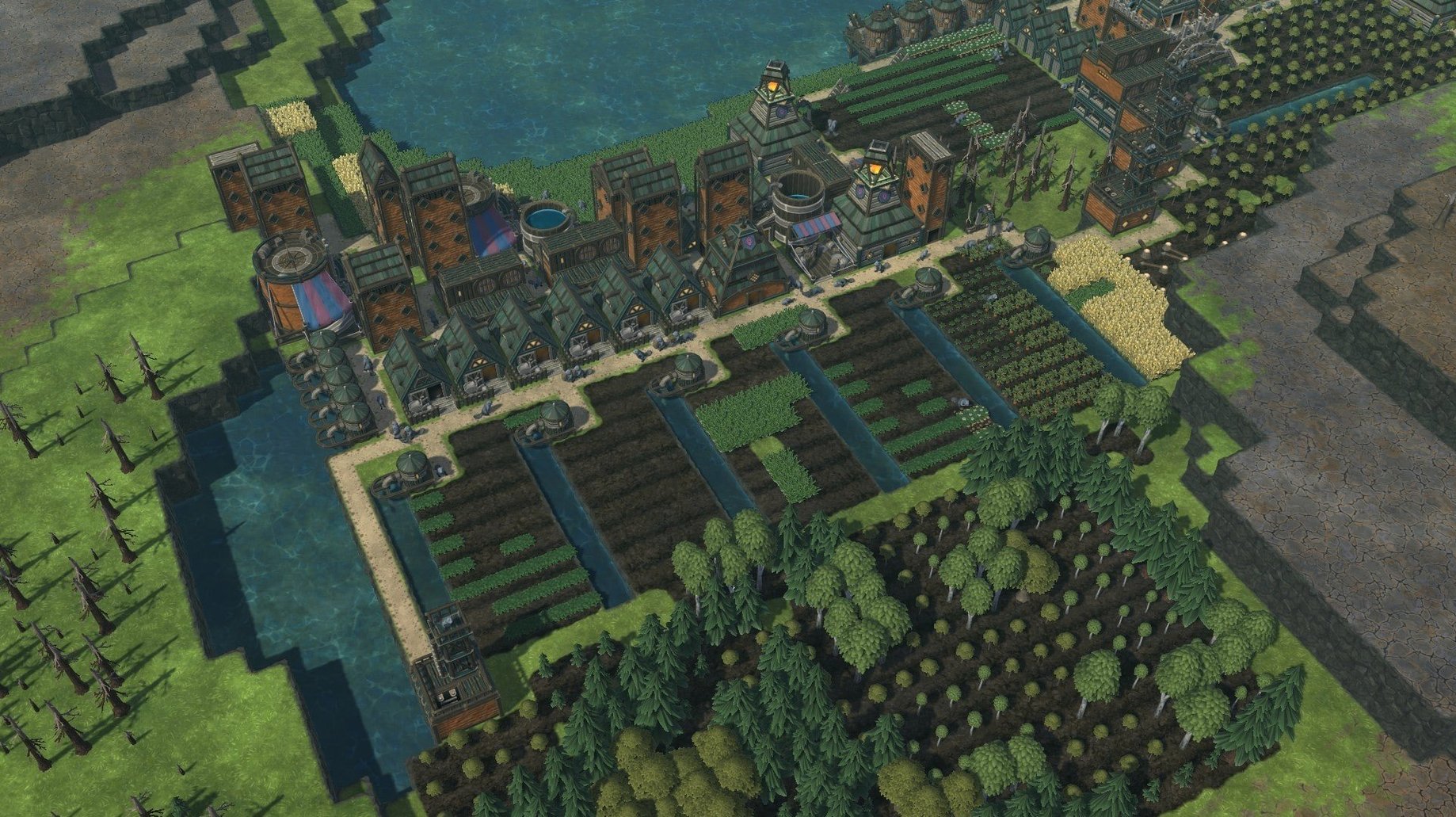
The 1.1 update for Timberborn brings fresh maps and a statistics panel, which makes tracking your beaver colony’s water usage and wood supply more straightforward. This is a game about engineering and survival: you build dams, dig canals, and redirect rivers to keep your settlement alive through dry seasons.
City-builders with a vertical twist and water physics
- Players who enjoy city-builders with a vertical twist — stacked buildings, platforms, and bridges let you construct upward when ground space runs out.
- Anyone curious about water physics in a game: the flow, evaporation, and flood mechanics are central to every decision.
- Mac users with either an Apple Silicon or Intel machine; the build supports both architectures.
First title from Mechanistry with less-polished systems
- This is Mechanistry’s first title, so some systems feel less polished than established colony sims.
- The two beaver factions (Folktails and Iron Teeth) play differently, but the game doesn’t tutorialise those differences much.
- Controls are mouse-driven with keyboard shortcuts; no controller support is advertised.
The first few days after installing Timberborn are about learning how water behaves — something the game doesn’t explain in detail but rewards you for figuring out. Start a practice map on a low difficulty setting. Let the Folktails colony be your introduction: they focus on wood and food storage, which gives you more room to experiment with dam placement without the constant pressure of survival. Build a small dam early, even if you don’t think you need one yet. Watching the water level rise behind it teaches you more than any tutorial could about flow direction and evaporation rates.
Statistics panel shows consumption and production rates
Version 1.1.2.4.52e959e.gm includes a few features that are not shouted about but save time once you notice them. The statistics panel is one: it shows your colony’s consumption and production rates for water, food, and wood. Keep it open during the first dry season to see exactly when your reserves start to drop. Another is the district management system. You can assign tasks to specific districts, which keeps beavers from walking across the map to gather logs when you need them closer to a construction site. It is also worth checking the map editor early. Even if you do not plan to build custom maps, browsing the community-shared ones gives you a sense of what is possible — some have clever water puzzles that teach new strategies.
Systems-driven game for Mac users who like water management
Timberborn suits Mac users who like systems-driven games where understanding the rules matters more than fast reflexes. If you enjoyed city-builders like Banished or Frostpunk and wished they had more water management, this is a natural fit. It also works well for players who experiment: the vertical building system, with stacked platforms and bridges, encourages you to test unusual layouts. Apple Silicon machines handle the build without issue, and Intel Macs are supported too, so the audience is broad. The DRM-free nature of this version means you can keep it on an external drive and run it on different machines without re-downloading — a small convenience for anyone who moves between a desktop Mac and a laptop.
- Version 1.1 adds new maps and a statistics panel.
- macOS (version not specified by the developer).
- Supports Apple Silicon and Intel 64-bit architectures.
Questions I keep getting
What languages does Timberborn support on Mac?
The interface is available in English, Russian, German, Spanish, Italian, Simplified Chinese, Korean, Polish, Portuguese, Ukrainian, French, and Japanese.
How to install
- Run the downloaded package.
- Follow the standard installation steps.
- Choose a location when asked; Applications is the recommended folder.
Similar games






Sign in or join the club to leave a comment.
Nobody has commented yet.