- Version
- 1.0.3 fix
- Studio or maker
- Trapped Predator
- Languages
- Russian, English, German, Spanish, Italian, Chinese (Simplified), Korean, Portuguese, Turkish, French, Japanese
- Activation
- Not required
- Chip type
- Apple Silicon, Intel 64-bit
- Tried out on
- macOS Tahoe, Mac mini 2024 M4
- First released
- 12.02.2026
- Voice languages
- English
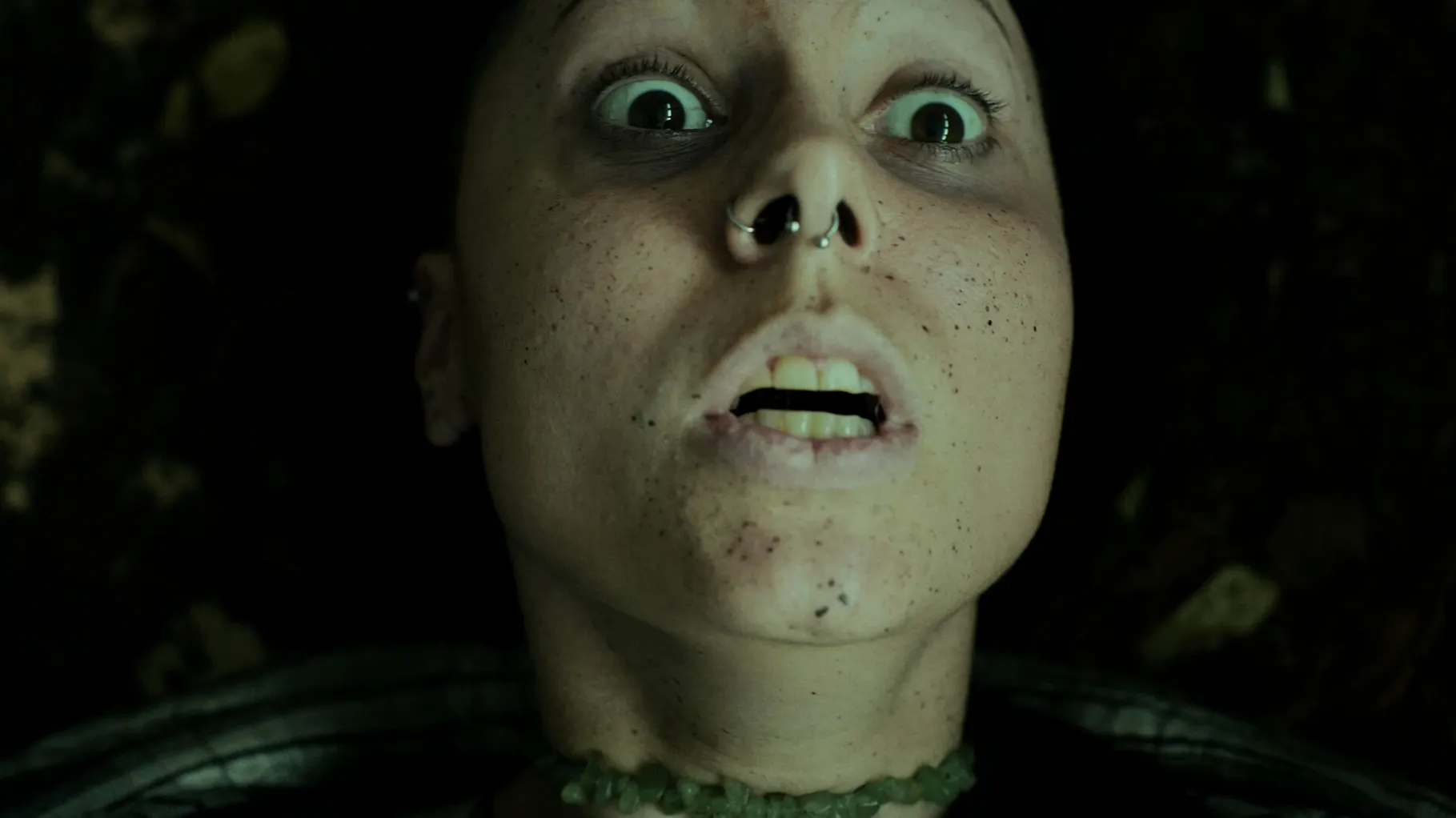
You sit down after a long day of teaching, dim the lights, and start Heart of the Forest. The Black Forest surrounds you, dense and quiet. This is not a walk — it is an interactive psychological horror film where your choices determine what happens next. A wrong turn or a hasty decision might bring an old vengeful spirit closer.
The game runs on both ARM and x86 64-bit Macs, so whether you use an M1 iMac or an older Intel model, it should work. Controls are straightforward: point and click through the story, making decisions at key moments. There is no frantic combat, only tense choices and atmosphere. The game supports English, German, Russian, Spanish, Italian, French, and several other languages.
Performance on the iMac M1 is smooth. Expect a quiet, unsettling experience that lasts a couple of hours. If you run a club or want to recommend a short horror title for older students, this one is a solid choice.
Stripping away combat and puzzles changes the pacing
If you already have The Darkest of Days or The Complex in your library, you will notice a difference in pacing. Those titles lean into combat or puzzle-solving between story beats. Heart of the Forest strips that away. You are mostly watching and choosing, which puts it closer to an interactive movie than a traditional game. Students who lose patience with inventory management tend to stay engaged here because nothing slows them down.
Another common comparison is with Until Dawn, but that game asks for a PlayStation or a Windows PC. Heart of the Forest runs natively on Mac without translation layers or extra setup. For a teacher's game club, that means one fewer compatibility question to answer.
Runs from a disk image with no license management
The game opens from a standard disk image and drops into your Applications folder like any well-behaved Mac app. Because it requires no activation, you can install it on a shared school iMac without managing licenses or online accounts. Students can play, close it, and the next person picks up without logging out.
If you use QuickTime Player to record a short clip for class discussion, the game window captures easily. No DRM layers block screen recording. That is useful when you want to talk about narrative design or choice-based storytelling without playing the whole thing live.
Game won't launch after copying? Check the install location
- Game does not launch after copying. Check that you dragged the app into Applications and did not try to run it from the disk image. macOS often blocks apps launched directly from mounted volumes. Eject the image, then open the app from Launchpad or your Applications folder.
- Audio stutters or drops out. This can happen if another app is using the microphone or playing audio in the background. Close Safari, Spotify, or any conferencing tool before starting the game. The English voice acting is a big part of the atmosphere, so you want it clear.
- Game window is too small or too large. Heart of the Forest does not have a settings menu for resolution adjustments. If the window does not fit your screen, check that your Mac's display scaling is set to default in System Settings. On a 2024 Mac mini, the game ran at a comfortable size without tweaks.
- Save progress seems lost. The game auto-saves at decision points. If you close the app mid-scene, it may not record that spot. Let a scene finish before quitting. Students who rush to the next class sometimes lose a few minutes of progress.
- macOS version not specified
- Architecture: ARM (Apple Silicon) and x86 64-bit
Questions I keep getting
What languages does Heart of the Forest support?
The game supports Russian, English, German, Spanish, Italian, Simplified Chinese, Korean, Portuguese, Turkish, French, and Japanese.
Does it run on Apple Silicon Macs?
Yes, it supports both ARM (Apple Silicon) and x86 64-bit Macs.
Is it a typical action horror game?
No, it is an interactive psychological horror film game where player decisions affect the story, so it is more about atmosphere and choice than combat.
How to install
- Mount the downloaded disk image so your Mac sees it as a disc.
- Drag the game application into the Applications folder alias — this keeps it organized with your other programs.
- Once copying finishes, open the app from Launchpad. That is it.
Similar games

Sign in or join the club to leave a comment.
Nobody has commented yet.