
- Version
- 1.2 (35028.35919)
- Studio or maker
- Young Horses
- Languages
- Russian, English, German, Hungarian, Spanish, Italian, Chinese (Simplified), Korean, Polish, Romanian, French, Japanese
- Activation
- Not required
- Chip type
- Intel 64-bit
- Tried out on
- macOS Sonoma, MacBook Air (M1. 2020)
- First released
- 30.01.2014
- Voice languages
- English
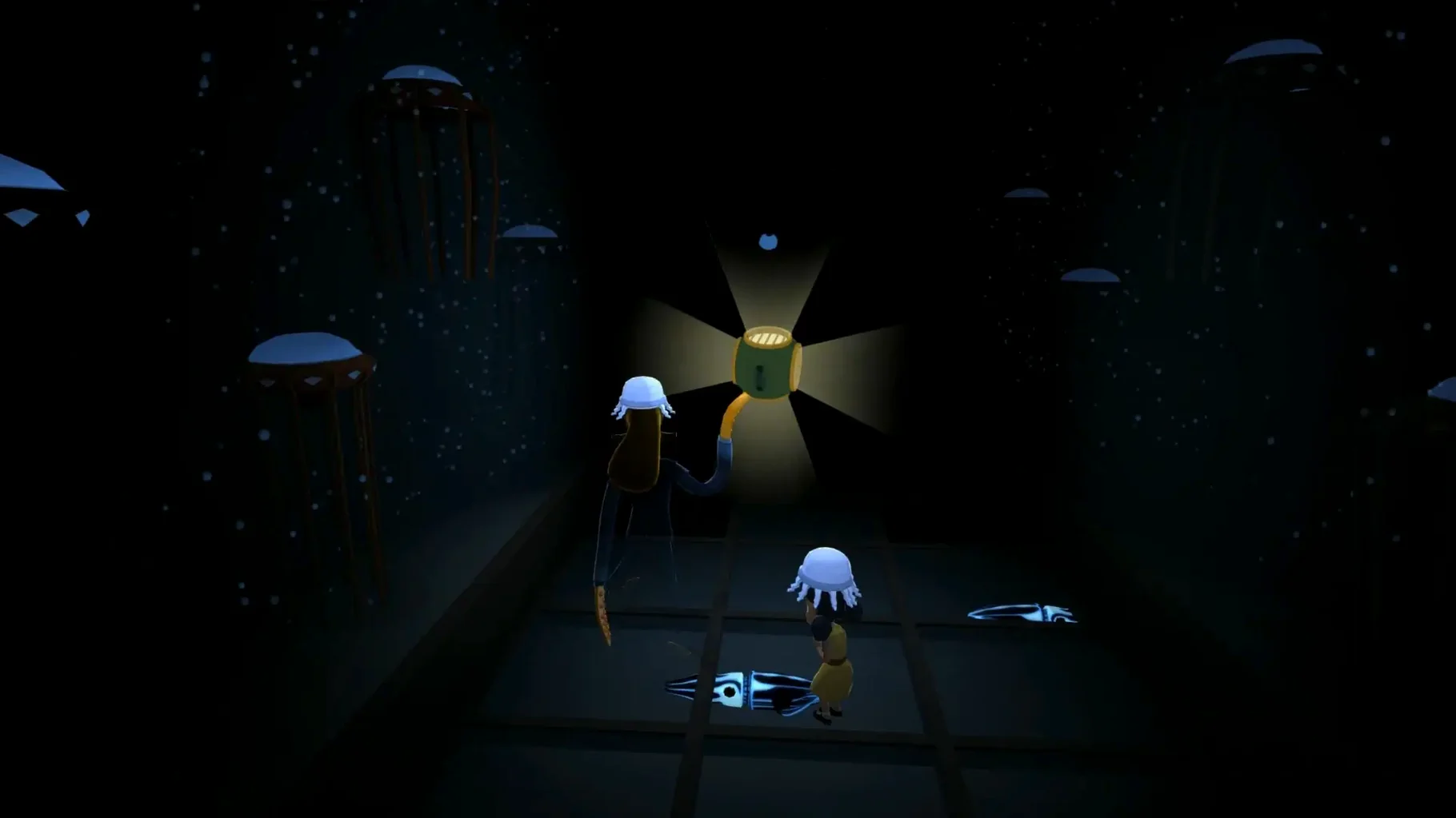
Octodad: Dadliest Catch is a game about destruction, deception, and fatherhood — and it supports up to four players controlling separate limbs of the same octopus. Before you install it on a Mac, people often ask a few practical questions.
What kind of Mac does it run on
The current build is a 64-bit Intel version. It was tested on macOS Sonoma with a 2020 M1 MacBook Air, so it can run on Apple Silicon through Rosetta 2. No specific macOS version is listed in the requirements, but it works on modern systems.
Can you play with others
Yes. Cooperative play works for two to four players, each taking control of one of Octodad's limbs. The story centers on a trip to the local aquarium, and hidden ties can be collected and worn.
A workflow for getting through the aquarium trip with a friend
Start by connecting two controllers to your Mac. Launch Octodad: Dadliest Catch and select cooperative mode from the menu. Each player controls one limb — one arm is responsible for grabbing objects, the other for walking.
When you reach the aquarium entrance, coordination matters most. One player can hold the door while the other squeezes Octodad through. Inside, you will need to avoid bumping into display cases. A common approach is to have one player steer and the other handle reaching for items or steadying Octodad when he wobbles.
For the hidden ties scattered around the aquarium, assign one player to watch for them while the other keeps Octodad moving forward. If you miss one, you can replay the section without losing progress. The game saves at checkpoints, so you can try again without restarting the whole level.
One keyboard works for two players
Some wonder if the game works with a single keyboard. It does not require multiple controllers — one keyboard can serve two players if you assign keys in the settings. The game also recognizes most standard gamepads on macOS.
Another common question is whether the Mac version includes all the content from the original release. It does. The same levels, ties, and cooperative modes are present. No features were cut for the Mac build.
People also ask if the Intel-only version runs poorly on Apple Silicon. On the M1 MacBook Air tested with macOS Sonoma, it performed as expected for a physics-based game. No unusual slowdowns were observed during normal play. The Rosetta 2 translation handles it well.
Why a teacher picked Octodad for a school game club
At the school where I teach, the after-class game club meets twice a week. Last semester, a small group of students wanted a game that was funny without being loud or violent. Octodad fit. I set it up on the club iMac, and two students played while the others watched and gave instructions.
The physics took some getting used to. One student kept knocking Octodad into walls, and the other had to grab him before he tipped over. The room laughed more than it ever did during a math lesson. By the end of the session, two more students wanted to try the next week. It became one of the club's regular picks for the term.
The interface includes Russian, English, German, Hungarian, Spanish, Italian, Simplified Chinese, Korean, Polish, Romanian, French, and Japanese.
- macOS version not specified by developer
- Intel processor (runs on Apple Silicon via Rosetta 2)
How to install
- Open the downloaded disk image to mount it.
- Drag the Octodad app to the Applications folder shortcut inside the disk image.
- Wait for the copy to finish, then launch the game from Launchpad.
Similar games





Sign in or join the club to leave a comment.
Nobody has commented yet.