- Version
- 24.05.2024
- Studio or maker
- VitaminsizDev
- Languages
- English, German, Hungarian, Turkish, French
- Activation
- Not required
- Chip type
- Apple Silicon, Intel 64-bit
- Tried out on
- macOS Sequoia, MacBook Pro (M3 Pro 2023)
- First released
- 6.01.2024
- Voice languages
- Music only
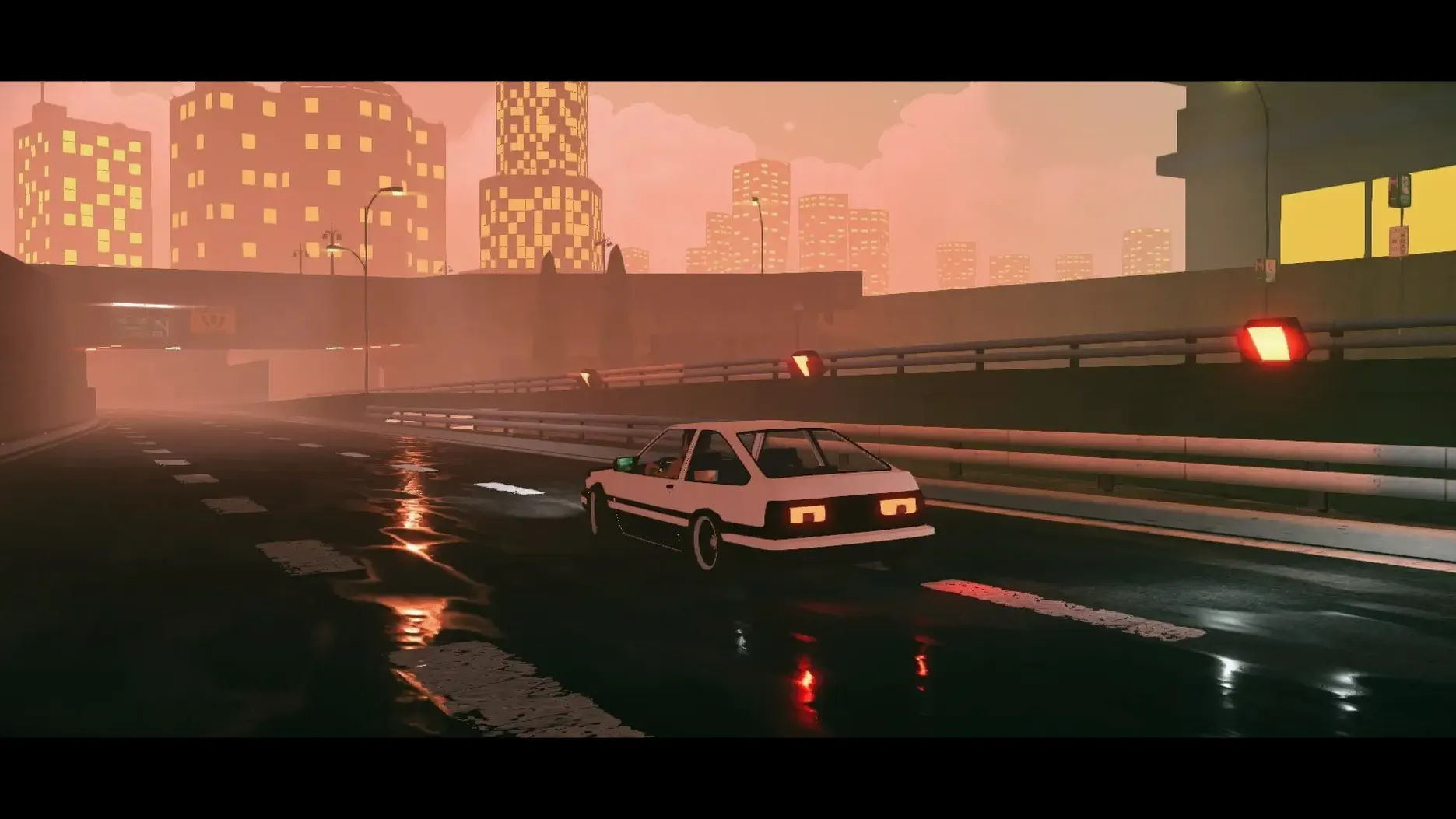
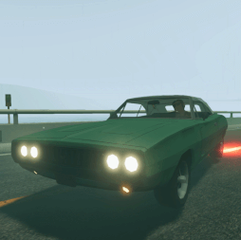
PolyZen Drive fills that gap. It is a straightforward open-road driving title that supports both Apple silicon and 64-bit Intel Macs, so it works on a wide range of machines. The game launched on January 6, 2024, and the current version from May 24, 2024, includes a significant multiplayer update.
On a Mac, you can expect reasonable performance for a low-poly style game. The controls are simple: accelerate, brake, and steer, which makes it easy to pick up. You can choose to race against friends or just drive around and enjoy the scenery. The day and night cycle adds a nice touch, and the live radio feature keeps the drive from feeling monotonous.
Car customization is part of the experience, letting you tweak your vehicle to your liking. The interface is available in English, German, Hungarian, Turkish, and French, which is helpful for a classroom setting. If you are after a relaxed driving game that does not require a lot of setup, PolyZen Drive is worth a look.
Adjust weather and time-of-day before your first drive
When you first start PolyZen Drive, a few defaults are worth adjusting before you hit the road. The weather and time-of-day options are both changeable from the main menu, so you can set a consistent environment for learning or switch things up when you want variety. I usually set the weather to clear and the time to daytime when I introduce the game to new players. That way, the driving conditions stay predictable while everyone gets used to the controls.
The live radio feature comes on by default, which is fine for solo driving, but in a classroom or group setting, you might want to turn it down or off. The volume slider for the radio is easy to find in the audio settings, and it saves your preference between sessions. The camera options are also worth a look early on. PolyZen Drive includes an in-game camera, and you can toggle between views to find the one that feels most natural for your driving style.
A step-by-step workflow for a relaxed sightseeing drive
If you want to take a friend on a relaxed sightseeing drive, here is a simple step-by-step workflow that covers the whole process from launch to finish.
- Launch the game from Launchpad. After you drag the app to the Applications folder, it appears in Launchpad like any other Mac app. Click to open.
- Select multiplayer mode from the main menu. The multiplayer update added cooperative driving, so you and a friend can share the same road without competing. Choose the cooperative option if you just want to cruise together.
- Set the weather and time of day. Before you start driving, pick a clear weather setting and daytime for the best visibility. This keeps the experience calm and lets you focus on the scenery and conversation.
- Customize your car. Use the in-game car customization to change the color and adjust the vehicle's technical characteristics if you want. Tuning the handling slightly can make the car feel more responsive for relaxed driving.
- Begin driving and turn on the live radio. Once on the road, activate the live radio feature for background music. Keep the volume low so you can still hear each other if you are in the same room or on a call.
- Use the in-game camera to capture moments. When you see a nice view or a funny moment, switch to the camera and take a screenshot. This is a nice way to remember the drive without breaking the flow.
Runs on Apple silicon and 64-bit Intel Macs
PolyZen Drive runs on both Apple silicon and 64-bit Intel Macs, so you do not need the newest hardware to play. The developer tested the game on macOS Sequoia using a MacBook Pro with an M3 Pro from 2023, which gives a good baseline for modern machines. The game does not require activation, which simplifies setup—you just open the disk image, drag the app to Applications, and launch it.
The low-poly style means the visual load stays modest, and the game handles day-night transitions and changing weather without demanding high-end graphics. The multiplayer update added both cooperative and competitive driving, and the lighting update from the same version reduced overlapping headlights, so the night driving looks cleaner than it did at launch. If you are on an older Intel Mac, the game should still run, though the experience will depend on your specific hardware configuration.
- Multiplayer update added cooperative and competitive driving.
- Lighting update reduced overlapping headlights.
- macOS with Apple silicon or 64-bit Intel processor
- ARM and Intel architectures supported
How to install
- Open the downloaded disk image.
- Drag the app to the Applications folder.
- After copying finishes, launch the app from Launchpad.
Similar games





Sign in or join the club to leave a comment.
Nobody has commented yet.