- Version
- 0.9.3.2
- Studio or maker
- JIW-Games
- Languages
- English, German
- Activation
- Not required
- Chip type
- Apple Silicon, Intel 64-bit
- Tried out on
- macOS Tahoe, Mac mini 2024 M4
- First released
- 3.12.2014
- Voice languages
- Music only
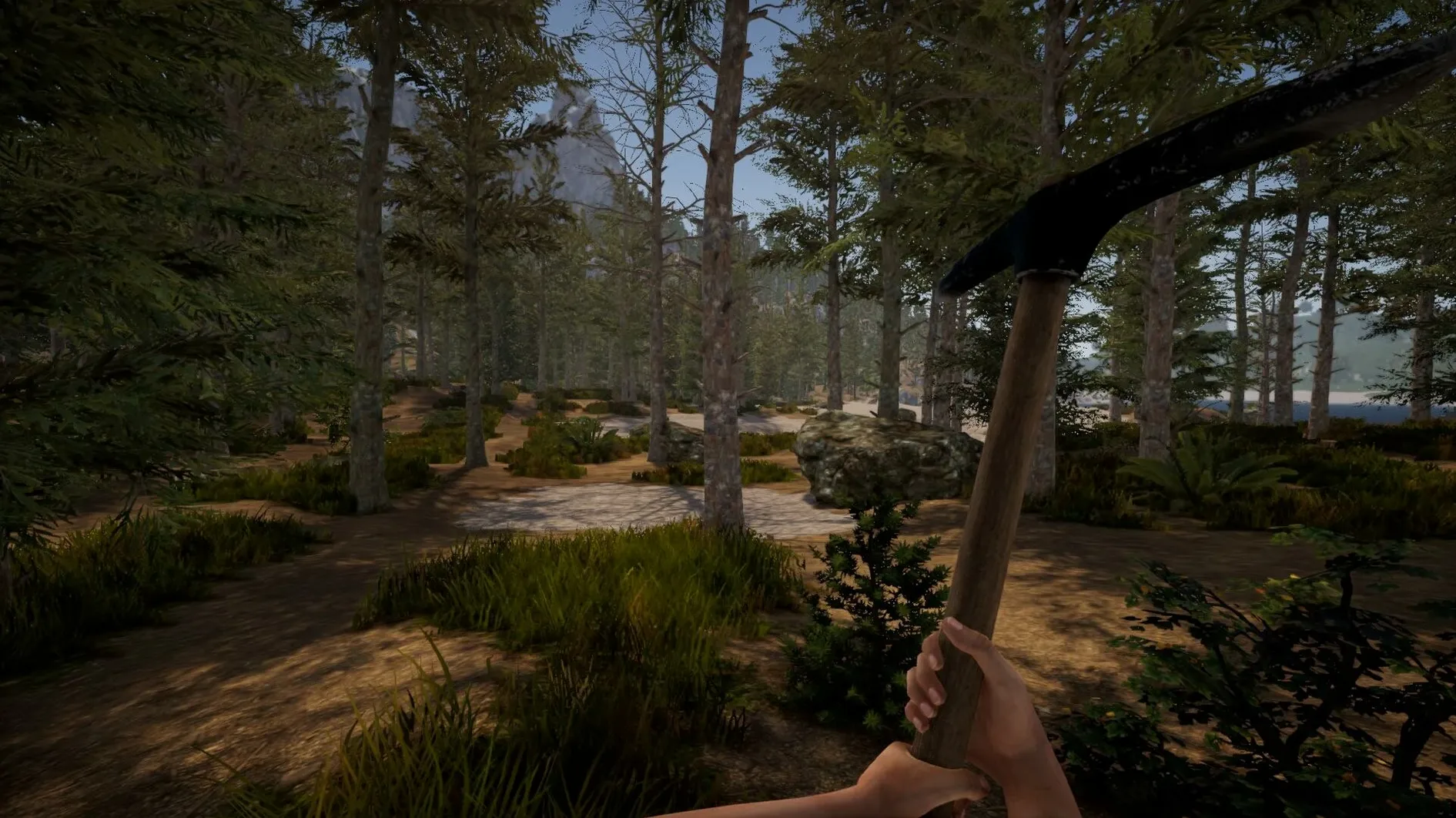
Rising World draws in players who like to shape their own pace. Teachers, tinkerers, and weekend explorers all find something here: you can build a cabin, sail a boat, ride a horse, or just wander through randomly generated biomes. The current version, 0.9.3.2, keeps the core intact while ironing out a few wrinkles.
September 2026 hotfix focuses on stability
The hotfix from September 2026 stays true to the game’s roots. It is still a voxel-based open-world sandbox with a procedurally generated landscape, and it still supports both single-player and multiplayer. What changed is stability, not features. You get the same building tools, rideable animals, and controllable boats. The piano remains interactive, and you can still place images from your hard drive into the world to personalize your builds.
A typical session
- Generate a fresh world and pick a starting area near a river or forest.
- Gather resources and use the building tools to raise a shelter.
- Craft a boat or saddle up an animal to explore neighboring biomes.
- Invite a friend in multiplayer to help expand the base.
- Place a photo frame with an image from your drive to mark your territory.
The interface stays in English, which keeps it simple for classroom use. Rising World remains a patient sandbox where the goal is whatever you decide it is.
After you install version 0.9.3.2 and launch it for the first time, the most helpful thing is to spend a few minutes adjusting your expectations. This is not a guided experience. There are no tutorials. You simply get a randomly generated world and your own curiosity.
Start with a river world and a small shelter
Start by generating a world with a river nearby. Water makes early exploration easier and gives you a reference point while you learn the building tools. Do not try to build something grand on day one. A small shelter with walls and a roof is enough. Place a few planks, stand back, and see how the voxel grid responds to your clicks.
Keep a mental note of the nearest cave entrance. The underground network is extensive and can serve as a reliable source of materials once you locate it. If you play in single-player, save often. The game does not auto-save, and losing an hour of careful wall placement is frustrating.
When you feel ready for multiplayer, start a local session and invite one other person. Two players working together can raise a basic structure in half the time, and the social aspect turns a quiet evening into a shared project.
A Saturday afternoon session from sunrise to sunset
I sat down one Saturday afternoon with no particular goal. I generated a fresh world and landed near a forest edge with a lake visible in the distance. The day cycle was just past sunrise, so I had light for a while. I gathered stone and wood, then used the building tools to put up a small dock on the lakeshore. Once the dock was stable, I crafted a boat, pushed it into the water, and spent the next hour exploring the shoreline. The procedurally generated biome changed from temperate forest to something more arid as I traveled south. I found a cave entrance, marked its location with a wooden post, and saved the game. The session ended with me back at the dock, watching the sun set through the trees. No combat, no quests, just a patient loop of gather, build, and explore.
Scenario from a classroom context
A colleague who runs a small after-school program for middle schoolers uses Rising World for a weekly building challenge. She generates a single world, shares it with up to four students in multiplayer, and gives them a theme such as "a market square" or "a lookout tower." The students coordinate resources, assign roles, and construct within one hour. The destructible environment means mistakes are not permanent, and the photo frame feature lets each group place a team logo from a picture on the teacher's iMac. The activity teaches basic project management through play, and the lack of violence or timers keeps it calm enough for a school setting.
- Hotfix 0.9.3.2 released on September 12, 2026.
- Core gameplay unchanged: building, exploring, and multiplayer still work as before.
- macOS version: not specified
- Architecture: both Intel and Apple Silicon
How to install
- Open the downloaded disk image to mount it.
- Drag the Rising World app into the Applications folder shortcut. This keeps the game in your standard app location.
- Once the copy finishes, launch Rising World from Launchpad. The game is ready to play.
Similar games






Sign in or join the club to leave a comment.
Nobody has commented yet.