- Version
- 1.0.4 fixed
- Studio or maker
- Eidos Montreal, Feral Interactive
- Languages
- Russian, English, German, Arabic, Spanish, Italian, Chinese (Simplified), Korean, Polish, Portuguese, French
- Activation
- Not required
- Chip type
- Intel 64-bit
- Tried out on
- macOS Sequoia, MacBook Air (M1. 2020)
- First released
- 14.09.2018
- Voice languages
- Russian, English, German, Arabic, Spanish, Italian, Chinese (Simplified), Polish, Portuguese, French
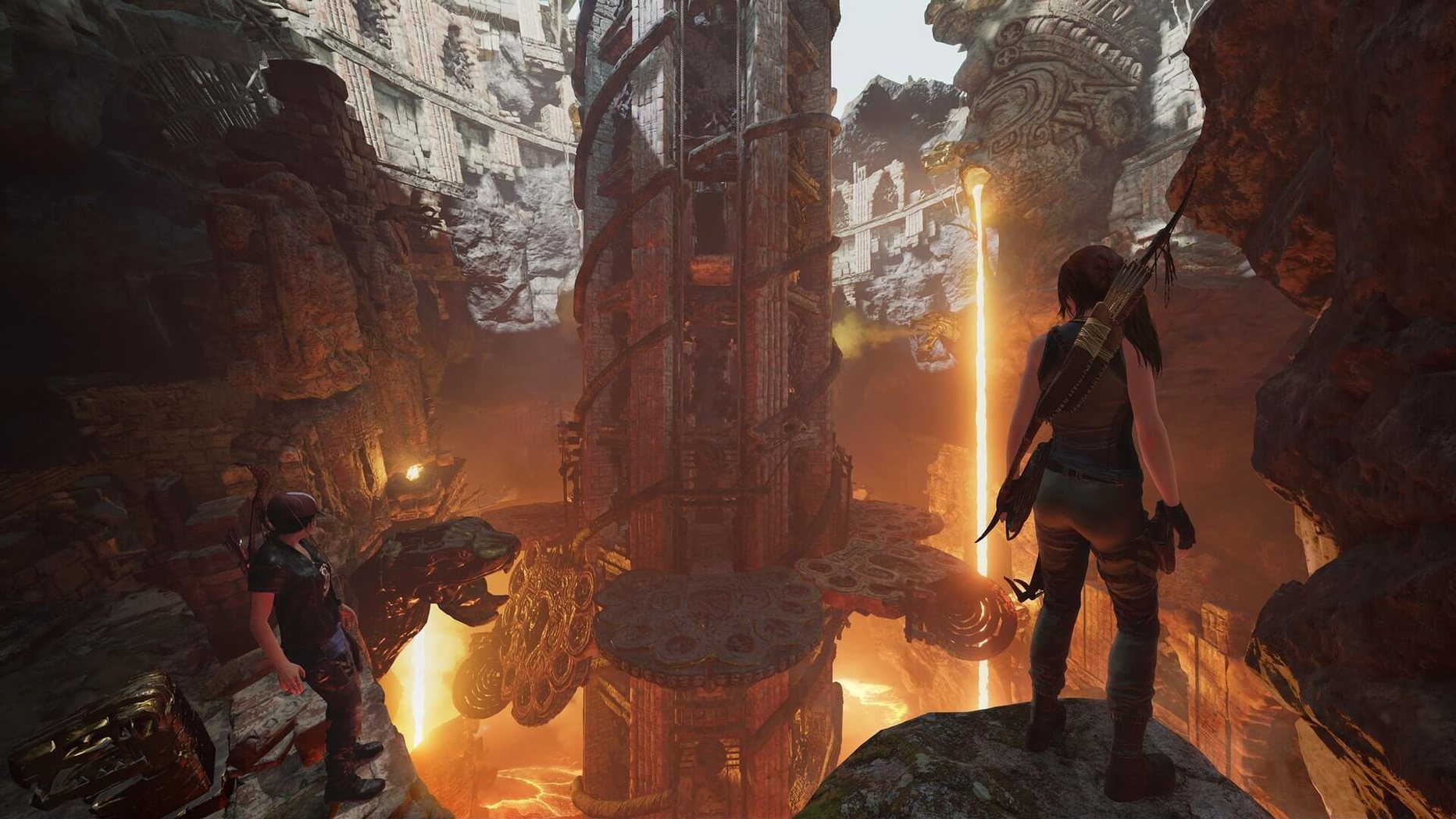
Shadow of the Tomb Raider on Mac is the Definitive Edition, which means you get the full game and all the extra content in one package. For a teacher who runs an after-school game club, that kind of completeness makes planning simple: students can explore the same tombs and use the same gear without anyone missing out.
What the package includes
The base game is here, along with seven challenge tomb DLCs that add more puzzles and platforming. You also get downloadable weapons, outfits, and skills — these unlock right away, so players can customize Lara’s look and loadout from the start. The game is in English, German, Russian, Polish, and several other voice languages, with interface support for French, Korean, Portuguese, and more.
What the game offers
This is the third chapter of Lara Croft’s origin story, set in dense jungles and underground crypts. The dark tombs are full of traps, so each puzzle requires careful observation. The Mac version runs on Intel machines with macOS 10.15 or later, 8 GB RAM, and a 2 GHz processor. It is a large title — plan for 40 GB of free space.
- The package is marked as fixed.
- macOS 10.15 or later
- Intel processor (2 GHz or faster)
- 8 GB RAM
- 40 GB free disk space
- Graphics card with 1.5 GB memory
Questions I keep getting
Does this version include all the DLCs?
Yes, the package includes the base game, seven challenge tomb DLCs, and downloadable weapons, outfits, and skills.
Which voice languages are available?
English, German, Russian, and Polish are among the voice languages included.
What interface languages are supported?
Interface languages include Russian, English, German, Arabic, Spanish, Italian, Simplified Chinese, Korean, Polish, Portuguese, and French.
How to install
- Mount the downloaded disk image.
- Drag the game to the Applications folder alias — this copies all 40 GB to your drive.
- Launch the game from Launchpad after copying finishes.
- If the game does not start after some time, open
Shadow of the Tomb Raider.app/Contents/MacOS/and run the load file inside.
Similar games
Sign in or join the club to leave a comment.
Nobody has commented yet.