- Version
- 1.2.2 [Wineskin]
- Studio or maker
- rose-engine
- Languages
- Russian, English, German, Spanish, Chinese (Simplified), Korean, French, Japanese
- Activation
- Not required
- Chip type
- Apple Silicon
- Tried out on
- macOS Tahoe, Mac mini 2024 M4
- First released
- 27.10.2022
- Voice languages
- Music only
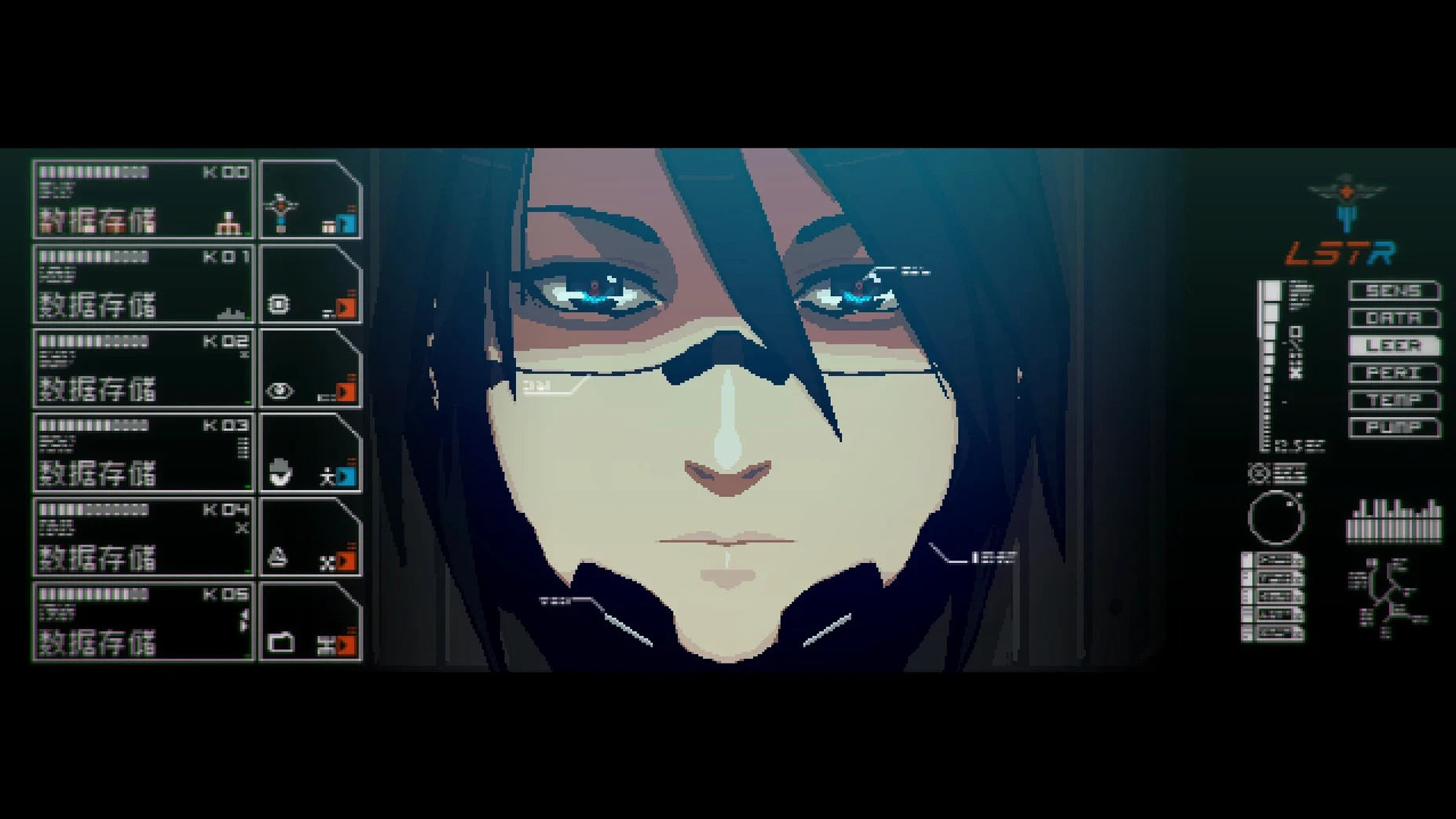
Starting a survival horror game can feel overwhelming, especially when resources are scarce and every corner hides a threat. Signalis drops you into a dystopian future where humanity has colonized the solar system, and your first steps set the tone for the whole experience.
Tense atmosphere and methodical exploration for survival horror fans
- Players who enjoy tense atmosphere and methodical exploration.
- Fans of classic survival horror mechanics: manage ammo, health, and inventory carefully.
- Those who like a good puzzle — Signalis mixes environmental riddles with resource management.
- People who appreciate visual style: 3D characters, dynamic lighting, and shadows create a moody, unsettling world.
Eight languages and Apple Silicon support available
- The game is available in eight languages, including English, German, and Russian, so you can switch via settings.
- It was released on October 27, 2022, and this build runs on Apple Silicon Macs.
- If the game won’t launch, run the Fix file included in the disk image — it often solves startup issues.
Signalis stands apart from Alisa and Tormented Souls with its atmosphere
If you are looking for survival horror on a Mac, you might also come across Alisa or Tormented Souls. Both share the fixed-camera, resource-scarce style that defined the PlayStation-era horror games. Signalis stands apart in two ways. First, its atmosphere leans more toward melancholy than jump scares — the world feels lonely and deliberate, not frantic. Second, the puzzle design is tighter; inventory management often forces you to leave items behind and come back, which adds a layer of planning that the other two do not emphasize as much. Tormented Souls has a heavier combat focus, while Alisa leans into retro quirkiness. Signalis sits in the middle, balancing dread with quiet problem-solving.
A complete puzzle-solving workflow
Here is how a typical Signalis task unfolds from start to finish — for example, unlocking the locked drawer in the first safe room.
- Survey the room. Look at every wall, desk, and shelf. The drawer has a six-digit code lock. No note tells you the number directly.
- Check your inventory. You might have a key, a photo, or a document. Open the menu and read any text items you picked up. One might mention a date or a station number.
- Cross-reference with the environment. Walk back to the area where you found that document. Look at posters, screens, or labels on the wall. The code is often hidden in plain sight — a station number on a sign, a birth date on a medical chart.
- Enter the code. Walk to the drawer, interact with it, and type the six digits. If you are wrong, try a different combination from your notes.
- Collect the reward. Inside you will find either ammunition or a key item. Store it carefully — you may need it two rooms ahead.
This pattern repeats throughout the game, so getting comfortable with reading documents and matching them to the environment saves time and resources.
Anna spent twenty minutes figuring out a puzzle instead of being scared
Anna teaches history at a secondary school in Berlin and joined the game club on a whim. She usually plays narrative adventures, not horror. One evening she opened Signalis, expecting to be scared. Instead, she spent twenty minutes figuring out a combination lock while her students watched over her shoulder. She did not panic — she took notes on paper, walked between rooms, and checked every poster. When the drawer clicked open, one student said, "That is just like solving a primary source puzzle in class." Anna found the game less about reaction time and more about patience, which made her recommend it for the club's quieter afternoons.
Take your time, read notes, and conserve what you find. That’s the heart of Signalis.
- macOS (version not specified)
- Apple Silicon (ARM architecture)
- Tested on macOS Tahoe on a Mac mini 2024 M4
Questions I keep getting
Can I change the language in Signalis on Mac?
Yes, use the game settings to switch between the eight available languages, including English, German, and Russian.
How to install
- Open the downloaded disk image and drag the app into the Applications folder alias. This keeps the game in the standard Mac location.
- After copying finishes, launch the app from Launchpad. That way you start the installed version, not the one in the disk image.
- If the game shows an error at launch, run the file named Fix in the disk image. It addresses common startup problems.
- Use the game settings to change the language. The menu is straightforward.
Similar games





Sign in or join the club to leave a comment.
Nobody has commented yet.