

- Version
- 1.2.1
- Studio or maker
- Output
- Languages
- English
- Activation
- K'ed by MORiA
- Chip type
- Apple Silicon, Intel 64-bit
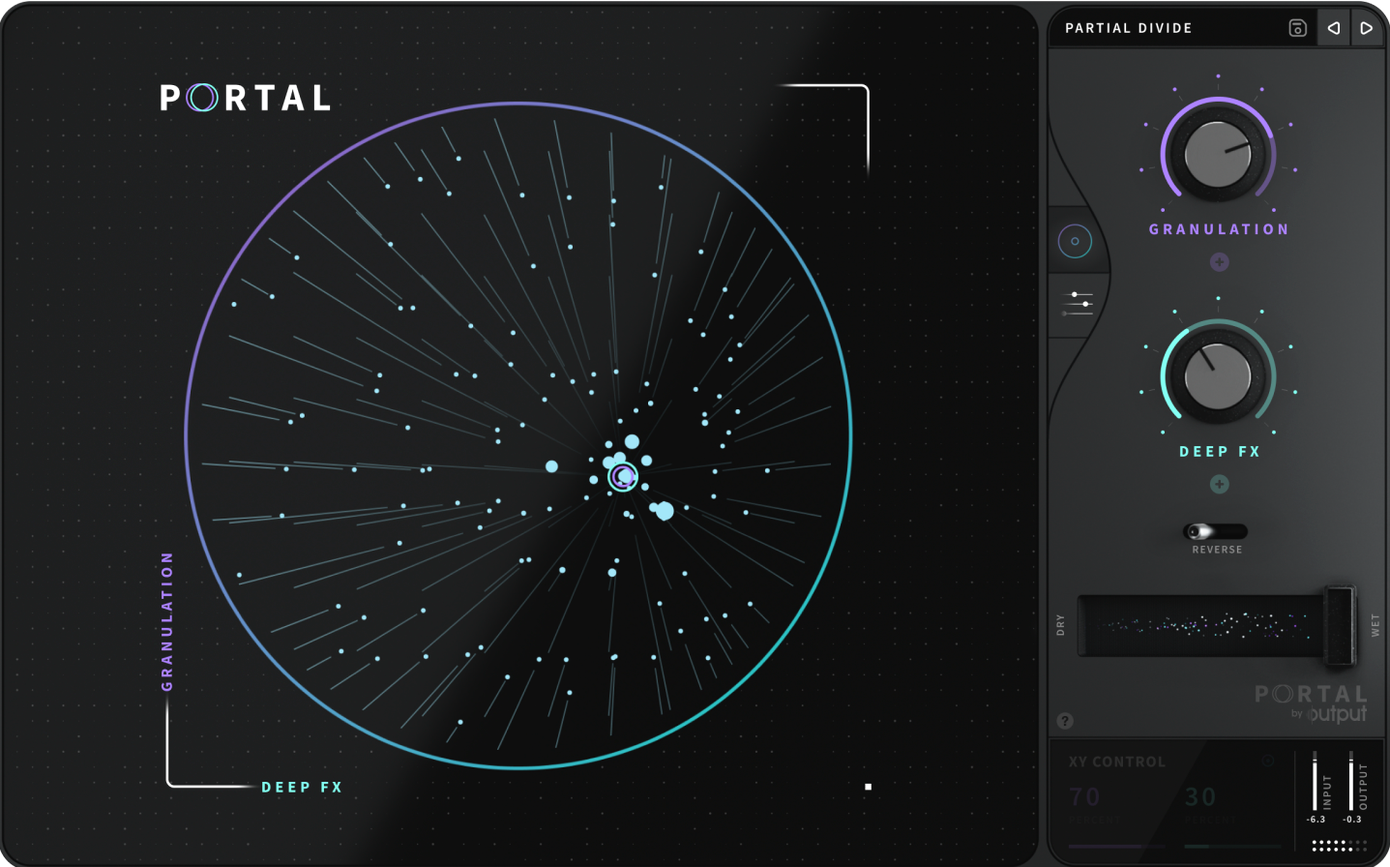
You drop a drum loop into your session, route it through Portal, and turn the macro knob. The sound stretches, fractures, and reforms into something that no longer resembles the original beat. That is the core of Output's granular effects plugin, now at version 1.2.1.
Load Portal with a VST, drum sample, or live input
- Load Portal on a track with a VST, a drum sample, or a live input like a vocal or guitar.
- Set the tempo sync to on if you want grains to lock to your project's tempo, or leave it off for free-running textures.
- Adjust the grain size and pitch controls to reshape the audio. The plugin slows down and stretches sounds, turning a simple chord into a slowly evolving pad.
Setting up a vocal texture from start to finish
A common use for Portal is turning a dry vocal take into a wide, evolving texture that sits behind a chorus or a bridge. Here is a straightforward workflow for that task, from loading the plugin to recording the result.
- Insert Portal on an auxiliary track in your DAW, not on the vocal track itself. This way you keep the dry vocal intact and can blend the processed signal with the original.
- Route the vocal track's output to the auxiliary track's input. Many DAWs call this a send or a bus.
- The grains begin to scatter the voice, stretching it into a wash.
- Switch tempo sync on so the grains lock to your project's bpm. This keeps the texture predictable when you loop a section.
- Adjust the grain size downward until you hear individual grains instead of a smear. A medium setting usually works for vocals: the voice stays recognizable, but the edges soften.
- Turn the pitch control up or down by a few semitones. Portal changes pitch without changing the duration, so the texture stays rhythmic while the voice shifts into a different register.
- Enable the scale lock and choose a scale that matches your song's key. This prevents the pitch shifts from clashing with the harmony.
- Record the auxiliary track's output for a few bars, then listen back. The result should be a vocal texture that moves with the track but no longer sounds like a straight recording.
Portal re-synthesizes audio and needs a steady signal
The most frequent slip is treating Portal like a standard reverb or delay. It is not. Portal re-synthesizes the incoming audio, so it needs a steady signal to work with. A single hit on a kick drum, for example, will produce a short burst of grains that cuts off abruptly. Beginners expect a long tail, but Portal does not generate sustain on its own. Feed it a loop or a held note instead.
Another mistake is leaving the macro knob at zero and wondering why nothing happens. The macro is the main control that blends between different engine settings. Without turning it, you hear almost no effect.
A third error is ignoring the natural variation envelope. Portal can add slight random differences to each grain, which keeps the texture from sounding mechanical. Beginners often leave this off and then complain the effect sounds too static.
Lower the grain size for rhythmic material first
When you open Portal for the first time, head to the grain size control. The default is often set to a middle value that works for everything but excels at nothing. For rhythmic material, lower the grain size so each grain is short and percussive. For pads and drones, raise it so the grains overlap and blur together.
The tempo sync switch is worth checking early. If you are working on a loop and want the grains to hit on the beat, turn sync on. If you are building an ambient layer, leave it off so the grains drift freely.
The pitch lock to scale is another early stop. Set it to your song's key and the plugin will only produce notes inside that scale, saving you from accidental dissonance when you adjust pitch.
Process a live guitar or microphone through Portal
The plugin can process live inputs. If you plug a guitar or microphone into your interface and route it to a track with Portal, you get real-time granular processing. This is useful for live performance or for feeding improvised material into a recording session.
Portal runs in both Intel and Apple silicon mode, so it works on older Macs and the newer M-series machines without extra configuration.
Because it is an effects plugin and not a software instrument, you can stack it with other effects on the same track. Try placing Portal before a reverb or a delay to add movement to the processed grains.
For anyone searching for output portal torrent, portal mac torrent, output portal mac torrent, or portal torrent, version 1.2.1 is the current release. The disk image mounts, the installer runs, and you pick your installation location. From there, the plugin is ready to reshape whatever audio you send into it.
The interface stays in English, and the plugin runs on both Intel and Apple silicon Macs.
- macOS: not specified
- Architecture: Intel and Apple Silicon
- Interface language: English
How to install
- Mount the downloaded disk image to access the installer.
- Run the standard installer and follow the prompts.
- Choose the installation location to finish setup.
Similar apps
Sign in or join the club to leave a comment.
Nobody has commented yet.