- Version
- 0.8.17 Native
- Studio or maker
- Andreas Hager Gaming
- Languages
- English
- Activation
- Not required
- Chip type
- Apple Silicon
- Tried out on
- macOS Tahoe, Mac mini 2024 M4
- First released
- 14.03.2025
- Voice languages
- Music only
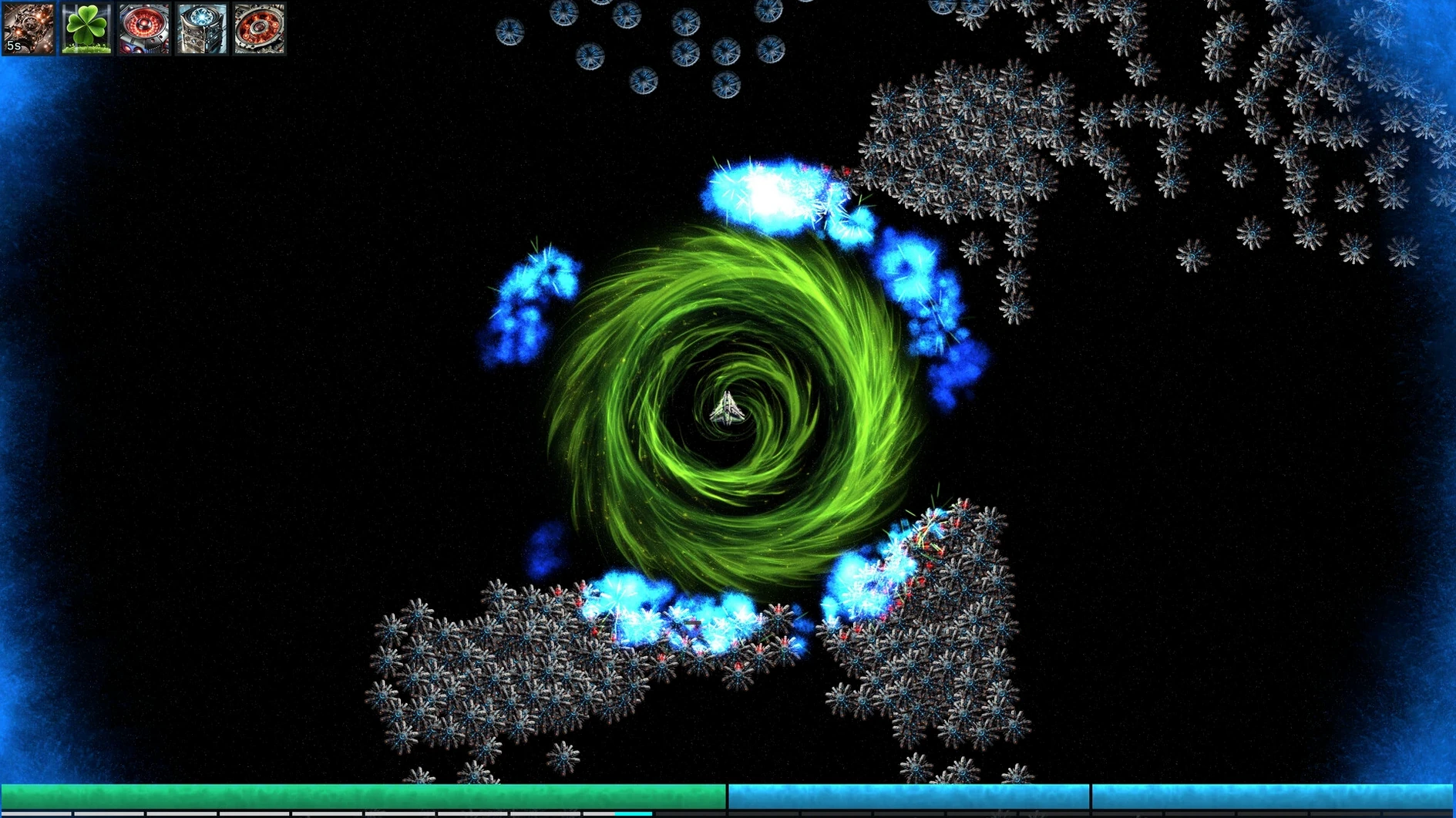
Most bullet heaven games let you pick upgrades as you go, but they rarely give you room to plan. Astroloot takes a different path: it wraps the familiar horde-blasting action around ARPG-style systems, so your ship's power comes from deliberate choices, not just luck. The result is a game that rewards thinking ahead without ever slowing the pace.
At the core is a skill tree with more than 1,000 nodes. That sounds overwhelming, but it is laid out clearly, and you can respec as you learn what works. Items add another layer: each piece of gear has six modifier slots, and you can craft upgrades deterministically, meaning you know exactly what you are getting. No random outcomes, just decisions.
The game is built for single-player sessions, with no server requirements or online restrictions. You play at your own speed, pause when you need to, and experiment freely.
Astroloot released on March 14, 2025, and it is available on Steam. If you enjoy games that mix fast action with thoughtful build crafting, this one is worth a look.
For the classroom, I appreciate when a game respects the hardware students are using. Astroloot is built for Apple Silicon, so it runs natively on M-series Macs. The installer is simple: open the downloaded disk image, drag the app into the Applications folder, and launch from Launchpad. No extra configuration, no account setup. Students can get to the action in a couple of clicks.
Small conveniences that make a difference
The interface is in English throughout, which keeps things straightforward for the game club. There is no language switching or localization to navigate. The game also includes musical accompaniment rather than voice acting, so it works well with headphones in a classroom setting without distracting others.
Build-crafting fans will appreciate the nine types of dice you can find and collect. They add a tactile sense of discovery to each run, and they give students a concrete goal to work toward between skill tree planning sessions. The deterministic crafting system means you never waste materials on a gamble. If you have the resources, you know the outcome.
One thing that caught my attention is how the game handles missions. The latest update fixed an overlapping Black Market mission in the Lost Library, which suggests the developers are actively tuning the content. The update also addressed a multiplayer session crash and a desync issue. Even though the game is designed for single-player play, the stability fixes show attention to polish.
For anyone looking to try something that blends walking-sim exploration with deep ARPG mechanics, astroloot mac torrent downloads are available for those who want to test the waters before committing. The Early Access label means the game is still growing, and that is part of the appeal for a game club that enjoys tracking a title as it develops.
The native Apple Silicon build of Astroloot has been updated to version 0.8.17.
- Apple Silicon Mac
How to install
Astroloot 0.8.17 is built for Apple Silicon and weighs in at a tidy 210 MB. The three-step setup gets you sorting through space loot without delay.
- Open the downloaded disk image — this mounts it as a temporary volume on your Mac.
- Drag the Astroloot app icon onto the Applications folder shortcut inside the window to copy it to your system.
- Once the copy finishes, you can eject the disk image and launch Astroloot from the Launchpad.
Similar games





Sign in or join the club to leave a comment.
Nobody has commented yet.