
- Version
- 1.371 Native
- Studio or maker
- Remedy Entertainment
- Languages
- Russian, English, German, Arabic, Spanish, Italian, Chinese (Traditional), Chinese (Simplified), Korean, Polish, Portuguese, French, Japanese
- Activation
- Not required
- Chip type
- Apple Silicon
- Tried out on
- macOS Sequoia, MacBook Air (M1. 2020)
- First released
- 26.03.2025
- Voice languages
- English, German, Spanish, French
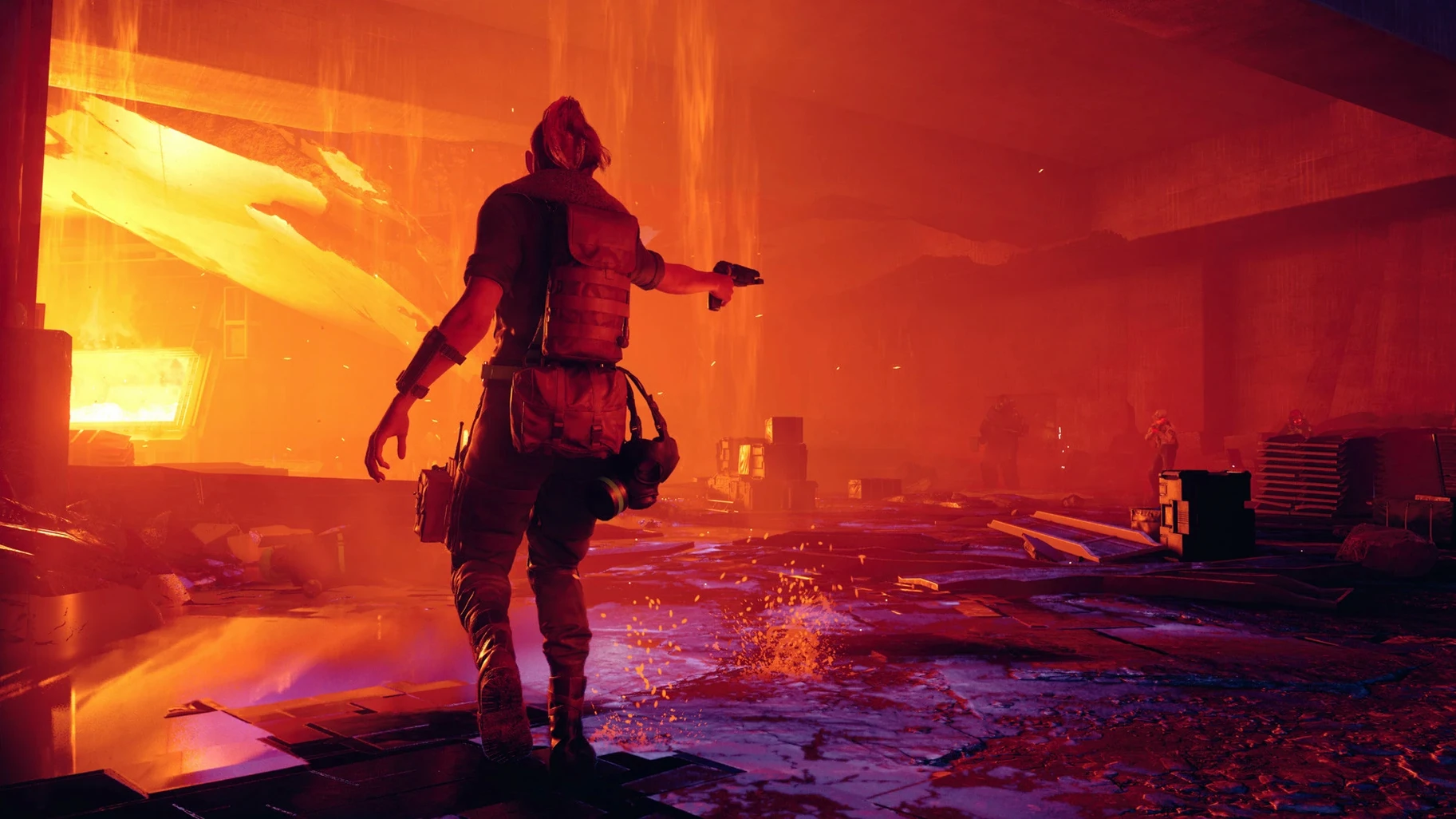
You know that feeling when a lesson plan gets rearranged by the school office — rooms change, schedules shift, nothing stays where it was. Control takes that and turns it into a whole game. Set in the Federal Bureau of Control, a government building that keeps altering itself, you play Jesse Faden, searching for her missing brother while the place shifts around you. It's a third-person action game with missions, boss battles, and a story that rewards patience.
Only Apple silicon and macOS 14 or later
Only on Apple silicon. The game needs macOS 14.0 or later and an Apple M1 chip or newer. It was tested on macOS Sequoia on a MacBook Air (M1, 2020), so if you have an M1 or later, you're in the same boat. Intel Macs are out of the picture.
What about graphics features?
Apple states the game is optimized for Macs and supports MetalFX upscaling. Hardware-accelerated ray tracing works on Macs with M3 and M4 processors. On older M1 and M2 chips, you still get the game, just without that ray tracing boost.
Which languages are available?
The interface comes in thirteen languages: English, German, French, Spanish, Italian, Portuguese, Polish, Russian, Arabic, Korean, Japanese, and both Simplified and Traditional Chinese. A separate Russian voice mod build is also available if you prefer that audio.
Why would a teacher recommend it?
It's a game about navigating a building that never stays the same — good for anyone who likes puzzles wrapped in action. The story pulls you forward, and the shifting setting keeps you thinking. Just make sure your Mac meets the silicon requirement before you start.
Runs natively on any M-series Mac
The game runs on any Mac with an Apple M1 chip or later, so that covers everything from MacBook Airs to Mac Studio machines. Because the build is ARM-native, it uses the same architecture as Apple's own silicon — no translation layer, no extra overhead. Apple lists HDR support and MetalFX upscaling as part of the package, which helps the game adapt to different screen sizes and resolutions. On M3 and M4 Macs, hardware-accelerated ray tracing is available. The version number in the build label is Control Ultimate Edition 1.31 MAS, and the current update is 1.33.1 fix. No activation is required: you mount the disk image, drag the app into Applications, and open it from Launchpad.
Third-person combat with telekinesis and weapon customization
If you already play action games with a control pad or keyboard, Control fits a familiar mold — third-person combat, abilities like telekinesis, weapon customization, and environments that double as weapons. Players who enjoy single-player stories, especially ones set in a mysterious, shifting location, will find a lot to follow. It's also a good choice for anyone curious about how a recent AAA title performs on Apple hardware without needing Windows. Because it's optimized for Apple Silicon and uses MetalFX, it shows what the platform can do when a developer builds for it directly. For control ultimate edition mac torrent users who have waited for this game on Mac, it's a straightforward install with no extra launcher or online check.
Version 1.371 Native is available for Apple Silicon, bringing the full Control Ultimate Edition to M-series chips without Rosetta.
- Apple Silicon (M1, M2, M3, M4 family)
Questions I keep getting
Can I run Control Ultimate Edition on an Intel Mac?
No. The Mac version requires Apple silicon — an M1 chip or later — and macOS 14.0 or newer.
Does Control support ray tracing on all Apple silicon Macs?
Hardware-accelerated ray tracing works on Macs with M3 and M4 processors. M1 and M2 Macs still run the game, but without that feature.
What languages does the game's interface support?
Thirteen languages, including English, German, French, Spanish, Italian, Portuguese, Polish, Russian, Arabic, Korean, Japanese, and Chinese (Simplified and Traditional).
How to install
The download is just under 26 GB, so a steady connection and some patience help. The build runs on Apple Silicon Macs, and the three-step setup gets you into the Oldest House without much fuss.
- Open the downloaded disk image — this mounts a virtual drive on your desktop with the app inside.
- Drag the application icon onto the Applications folder shortcut in the same window to copy it to your Mac.
- Once copying finishes, launch the game through Launchpad or your Applications folder.
Similar games






Sign in or join the club to leave a comment.
Nobody has commented yet.