
- Version
- 26.3.2.2329565
- Studio or maker
- Sports Interactive
- Languages
- Russian, English, German, Greek, Danish, Spanish, Italian, Chinese (Simplified), Korean, Dutch, Norwegian, Polish, Portuguese, Thai, French, Swedish, Japanese
- Activation
- Not required
- Chip type
- Apple Silicon, Intel 64-bit
- Tried out on
- macOS Tahoe, Mac mini 2024 M4
- First released
- 4.11.2025
- Voice languages
- Music only
The FMPedia glossary sits quietly in the corner of the new portal, ready to explain any term you stumble over. That is typical of Football Manager 26 on Mac: the big additions get the attention, but the smaller touches make the difference.
Women's Super League and NWSL are included from day one
- Women's football arrives with the Women's Super League and the National Women's Soccer League included from day one.
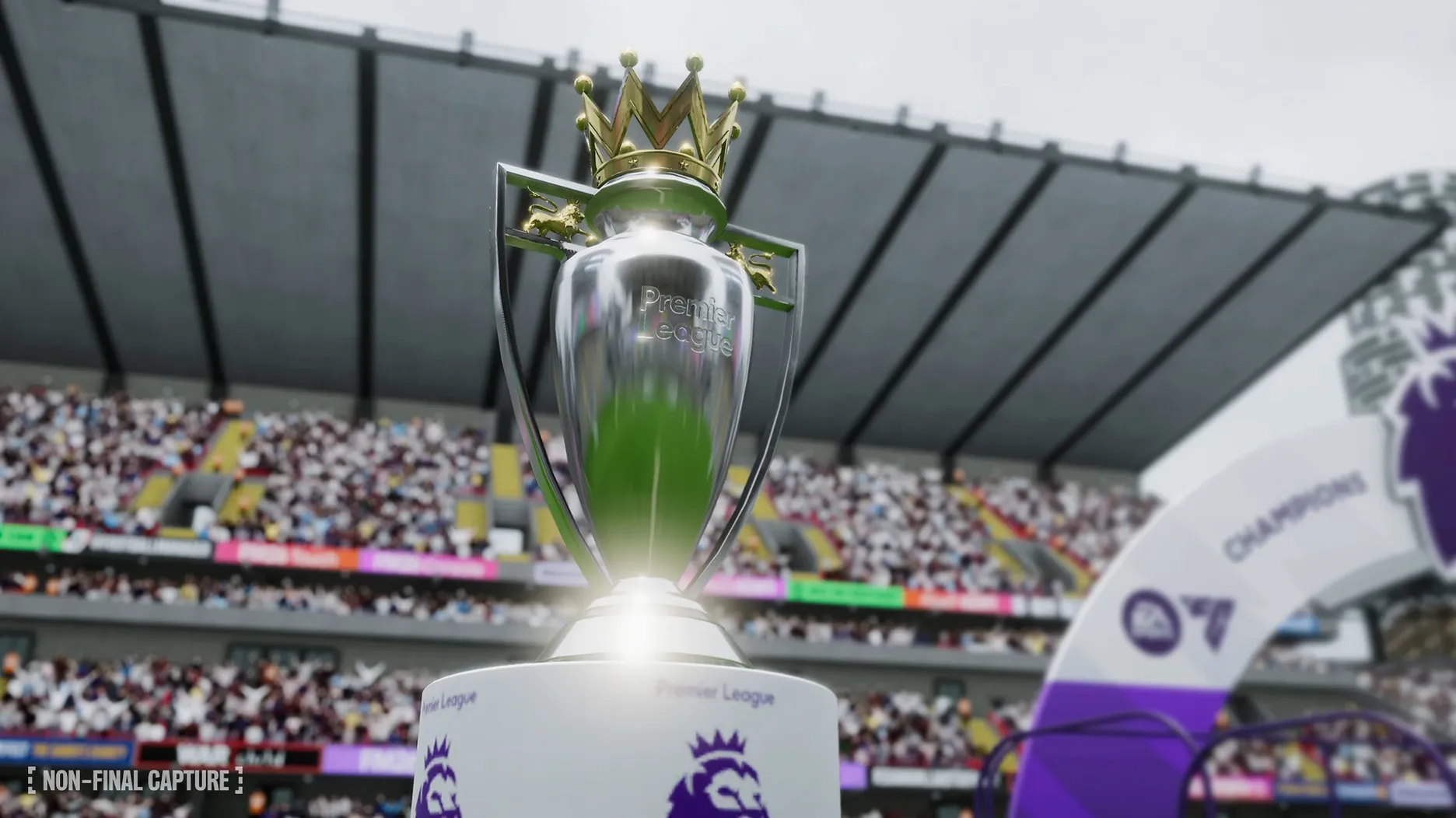
- Premier League licensing brings official club badges, kits, and player photos.
- Separate attacking and defensive tactics let you shape each phase of play independently.
- TransferRoom-based recruitment tools give you a clearer picture of the transfer market.
- Improved manager creation and search cut down the time between starting the game and taking charge of your first training session.
How it plays on your Mac
The whole game has been rebuilt with Unity, which shows in the reworked interface and the enhanced match presentation. A portal for football-related information keeps news, fixtures, and squad updates in one place, and quick bookmarks mean you can jump straight to the screens you visit most. Updated player roles add more nuance to how your squad interprets your instructions. Football Manager 26 Touch, the Apple Arcade version, offers a separate, more streamlined experience for Mac and other Apple devices.
Adjust the interface zoom on larger Mac displays
Before you jump into your first save, a few adjustments make the game feel more like yours. Open the preferences panel and look for the interface zoom setting. On a larger Mac display, the default scaling can make text and panels feel either too small or too big. A notch or two up or down is usually all it takes to read match reports and scouting data comfortably.
The match speed setting is another early stop. If you are new to the series, a slower speed lets you follow the action and see how your tactical instructions play out. Veterans often bump it up to the fastest setting and skip replays. Both are easy to adjust mid-game if you change your mind.
Autosave frequency matters. The default interval might be longer than you want. Setting it to save every week or every month means you never lose much progress if something unexpected happens. The game does not slow down noticeably during autosaves on a modern Mac, so it is a safe precaution.
Bookmark your most-visited screens in the scouting centre
The quick bookmarks are one of those features you might overlook in the first few sessions. When you find yourself visiting the same screen repeatedly — your scouting centre, the transfer hub, or a specific player’s profile — bookmark it. Over a long season, that saves a surprising number of clicks.
The improved search bar works across the whole game. Type a player name, a club, a competition, or even a staff member, and it shows results from every active save. If you manage multiple careers, this keeps you from digging through menus to find what you need.
The FMPedia glossary is worth a quick browse early on, especially if you are newer to football management sims. Terms like "pressing trigger" or "half-back" are explained in plain language. You can access it from the portal without leaving your current screen.
The character editor has been simplified this year. Changing a manager’s appearance or backstory takes fewer steps, so you spend less time on setup and more time on tactics. The same applies to creating new staff members if you decide to add a coach or a scout mid-career.
Women's football is fully playable with 14 leagues from 11 countries
Does this version support women’s football from the start? Yes. Women’s football is included in the base game with 14 leagues from 11 countries. The Women’s Super League and the National Women’s Soccer League are both fully playable.
Do I need an internet connection to play? No. Football Manager 2026 works offline once installed. The TransferRoom-based recruitment tools and the portal’s live news updates require a connection, but the core simulation runs entirely on your Mac.
Will it work on an Intel Mac or only on Apple Silicon? Both architectures are supported. The game has been tested on macOS Tahoe and on a Mac mini 2024 M4, so it runs on current hardware. The 26.3.2.2329565 build is stable for both ARM and 64-bit x86 systems.
Is there any activation or online check required? No. The game does not require activation. You copy it to your Applications folder and launch it.
Can I manage a club from one country and a national team from another in the same save? Yes. You can load multiple leagues from different countries and take charge of a club and a nation at the same time.
What languages is the interface available in? The game supports Russian, English, German, Greek, Danish, Spanish, Italian, Simplified Chinese, Korean, Dutch, Norwegian, Polish, Portuguese, Thai, French, Swedish, and Japanese.
Football Manager 2026 Touch uses the same engine
Football Manager 2026 sits in a category of its own in many ways, but a few other Mac games scratch a similar itch. Football Manager 2026 Touch is the most direct comparison. It is the same engine and the same database, but with fewer tactical options and a faster pace. It suits players who want to move through seasons quickly without diving into every training session and press conference. The Touch version also requires macOS 11.0 or later, while the full game runs on macOS Tahoe and above.
Out of the Park Baseball is a management sim from another sport. It shares the same DNA: you handle lineups, trades, and long-term development. The interface is less polished than Football Manager’s new portal, and the match engine is text-based rather than visual. It is a good alternative if baseball is your sport, but the match presentation and tactical depth are not comparable.
Franchise Hockey Manager follows the same pattern for hockey. It is from the same publisher as Out of the Park Baseball and has a similar approach to data and simulation. The match engine is simpler, and the tactical side is less detailed than what Football Manager 26 offers with its separate attack and defense systems. If you are looking for a management sim and prefer hockey, it is worth a look.
None of these games replicate the depth of the player roles, the TransferRoom recruitment tools, or the women’s football leagues that Football Manager 26 includes. Football Manager 2026 delivers the deepest club management simulation available for Mac players. The same applies if you have looked up fm 26 utorrent or fm26 mac os in the past — the current build covers everything the series has built over the years, plus the new foundations from Unity.
- Created with Unity.
- Introduced women's football.
- Added Premier League licensing with club badges, kits, and official player photos.
- Added separate attacking and defensive tactics.
- Added a reworked user interface and portal.
- Architecture: supports both ARM and 64-bit x86.
- Interface languages: Russian, English, German, Greek, Danish, Spanish, Italian, Chinese (Simplified), Korean, Dutch, Norwegian, Polish, Portuguese, Thai, French, Swedish, Japanese.
How to install
- Open the downloaded disk image.
- Drag the app to the Applications folder alias.
- After copying finishes, launch the app from Launchpad.
Similar games






Sign in or join the club to leave a comment.
Nobody has commented yet.