
- Version
- 1.1.0.6a13 REV 1 [Wineskin]
- Studio or maker
- ProjectMoon
- Languages
- Russian, English, Chinese (Simplified), Korean, Japanese
- Activation
- Not required
- Chip type
- Apple Silicon
- Tried out on
- macOS Tahoe, Mac mini 2024 M4
- First released
- 11.08.2021
- Voice languages
- Korean
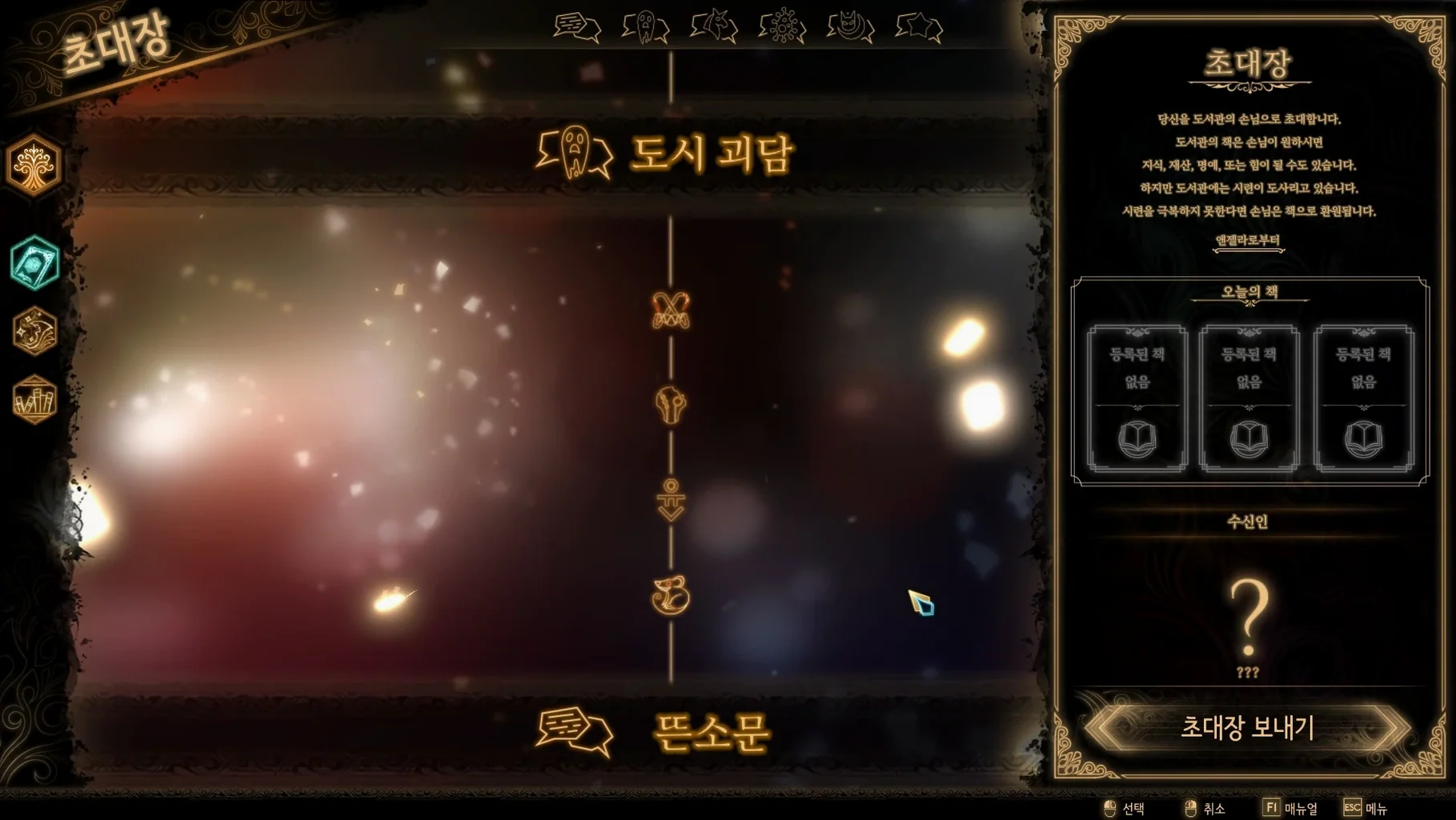
The card system in Library of Ruina is built around dice, and those dice decide everything. Each turn you pick cards, and the dice on them clash with the guest's dice. Higher rolls win the exchange, so it is not just about choosing the strongest card — it is about reading the opponent's pattern and committing at the right moment. Defeated guests turn into books, and those books become new cards and floors for your Library.
You play as the owner of the Library, inviting guests who arrive with their own stories and their own decks. As the Library grows with every book you collect, new areas open and the challenge deepens. The game is a direct sequel to Lobotomy Corporation, so returning players will recognize the world, but newcomers can step in cold because the story stands on its own.
Presentation is a big part of the package. The soundtrack comes from Mili and Studio EIM, and the voice language is Korean, with interface text available in Russian, English, Simplified Chinese, Korean, and Japanese. The current build is version 1.1.0.6a13 REV 1, a Wineskin port for Apple Silicon Macs.
For a classroom game club, the blend of tactical planning and narrative keeps students engaged, and the turn-based pace means no one is left behind. The Russian build label suggests the copy is the Russian release, but the English interface option is right there in the menu.
Strategy and deck-building fans feel at home
Strategy players are the obvious audience, but I see three groups of Mac users who really settle into this one. First, anyone coming from deck-building games like Slay the Spire or Monster Train will feel at home with the card-and-dice system, though the pacing here is slower and more deliberate. Second, visual novel readers who enjoy layered dystopian fiction will stay for the story — the City with its twenty-six districts, each with its own power structure, gives the Library a reason to keep inviting guests. Third, former Lobotomy Corporation players get the full experience: returning characters, references to that game's events, and a combat system that feels like a natural evolution rather than a fresh start.
For school use, the turn-based nature means a player can explain their turn aloud while the class watches, which works well in a game club or a strategy-focused elective. The game never forces quick reactions, so it suits students who prefer to think through their options.
The first-launch error in the Wineskin wrapper
Most problems people hit with this build are related to the Wineskin wrapper, not the game itself. The most common one is an error at first launch. If the game window does not appear or you see a warning about missing components, run the Fix file included on the disk image before launching again. That step resolves the issue in nearly every case.
Another thing that trips people up: save data location. Because the game runs inside a Wineskin wrapper, the save folder is tucked away under Library of Ruina.app/Contents/SharedSupport/prefix/drive_c/users/Sikarugir/AppData/LocalLow/Project Moon/LibraryOfRuina. If you need to back up your progress or move it to another Mac, that is the path to look for. On older macOS versions, the Wineskin wrapper might refuse to open on the first attempt because of Gatekeeper — right-clicking the app and selecting Open from the context menu usually gets around that.
It behaves like a standard macOS app after install
Since the game runs through a Wineskin wrapper, it behaves like a standard macOS app once installed. You can drag it into Applications, launch it from Launchpad, and switch away from it with Command-Tab just like any other program. That means you can keep a browser window open with a strategy guide or a music player running in the background without the game complaining.
The wrapper also means the game respects macOS window management. You can use Mission Control to move it between desktops, and screen recording tools like QuickTime Player can capture gameplay for a club session or a walkthrough video. Because the wrapper uses a separate drive_c environment, the game does not interfere with other Windows titles you might have running through different wrappers — each one keeps its own configuration. If you are also running Lobotomy Corporation on the same Mac, the save folders are independent, so there is no risk of one overwriting the other.
Library Of Ruina is a strategic card-battle game where you manage a library and battle guests.
- Wineskin build REV 1 for Apple Silicon Macs.
- macOS version: not specified
- Architecture: ARM (Apple Silicon)
Questions I keep getting
What happens when a guest is defeated?
Defeated guests turn into books, and those books expand your Library with new cards and floor options.
What should I do if the game shows an error at launch?
Run the included Fix file from the disk image, and the game should start normally after that.
How to install
- Mount the downloaded disk image.
- Drag the app into your Applications folder.
- Launch the game from Launchpad once copying finishes.
- If an error appears at startup, run the Fix file from the disk image.
Similar games






Sign in or join the club to leave a comment.
Nobody has commented yet.