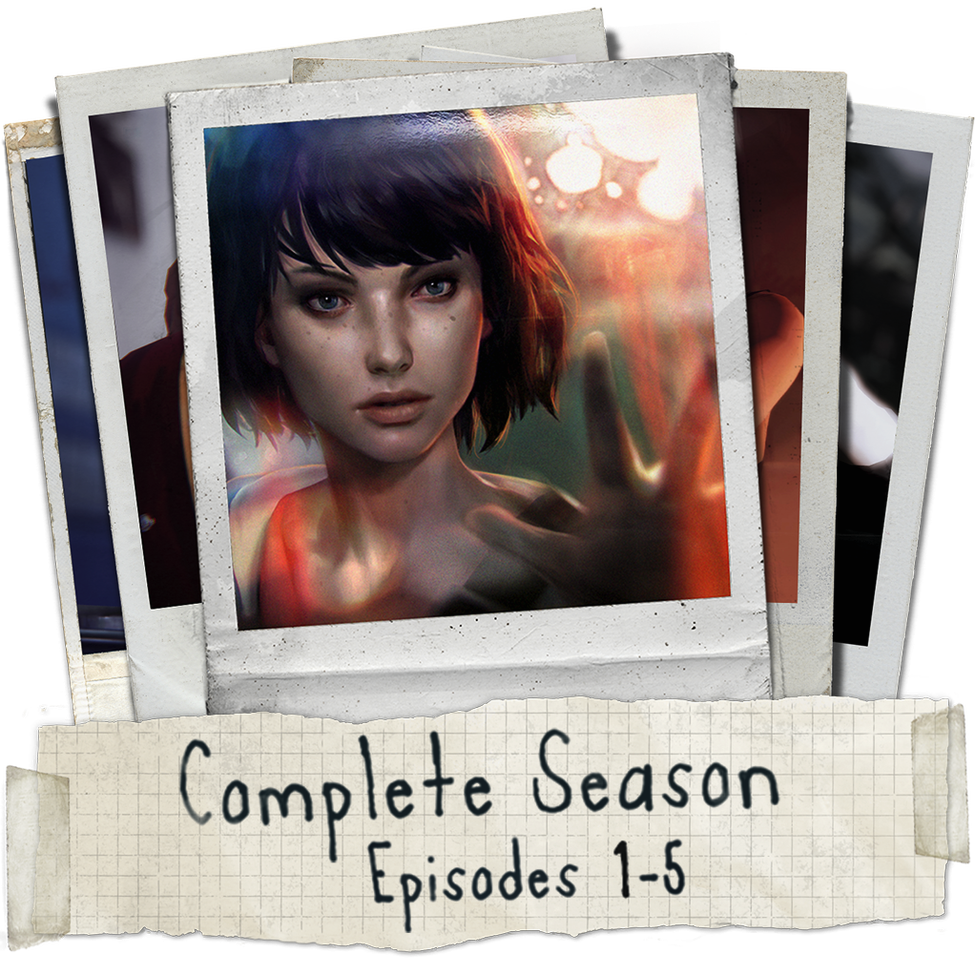
- Version
- 1.0.3 fix
- Studio or maker
- Dontnod Entertainment, Feral Interactive
- Languages
- Russian, English, German, Spanish, Italian, Portuguese, French
- Activation
- K'ed by ACTiVATED
- Chip type
- Intel 64-bit
- Tried out on
- macOS Sequoia, MacBook Air (M1. 2020)
- First released
- 29.01.2015
- Voice languages
- Russian, English
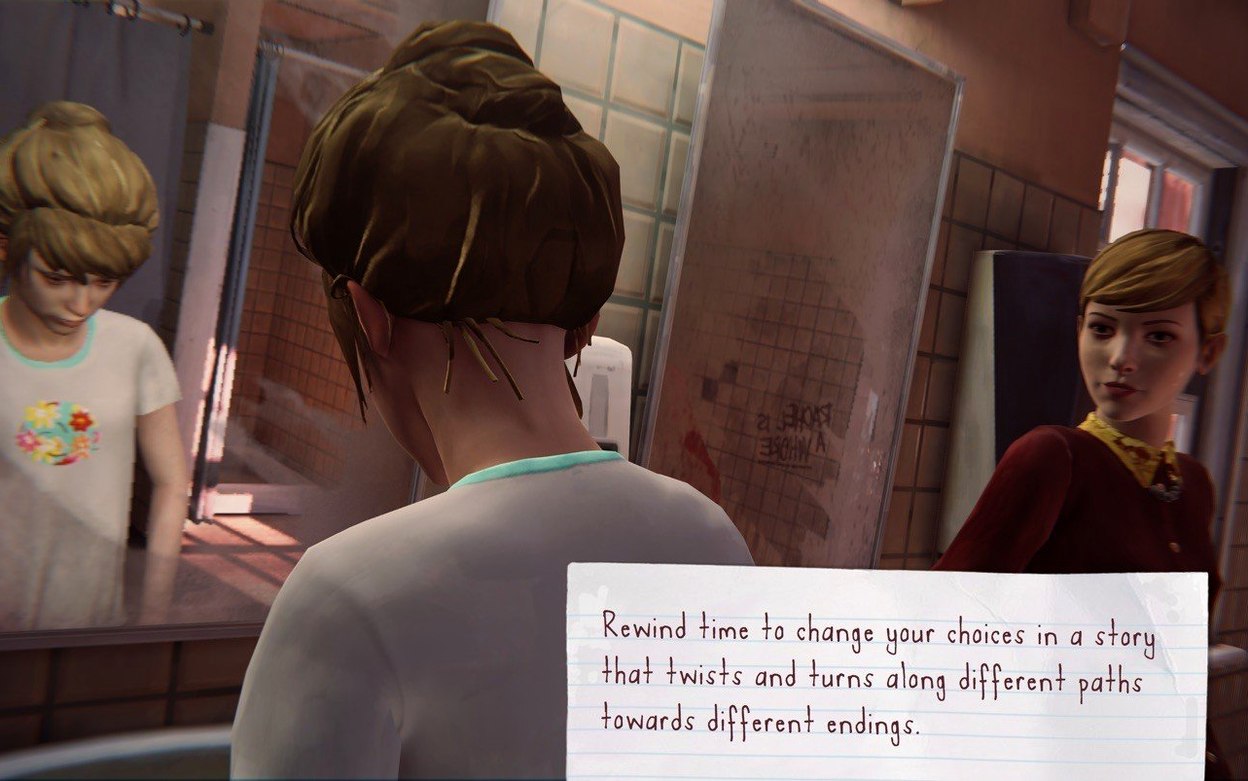
The rewind mechanic is the first thing you'll notice — a shoulder-button press lets Max undo a whole conversation, try a different reply, and see how the other person reacts. That alone makes the game worth a look on your iMac. But what keeps me recommending it in the game club is how the mechanic builds over five episodes. Early on, you use it to fix small mistakes; by episode 3, you're weighing which future to keep, because every choice closes off another branch.
You play Max Caulfield, a high school photography student, and the story stays grounded in her world — classes, friendships, a missing girl. The tone shifts between quiet moments and tense set pieces, and the soundtrack does a lot of the heavy lifting. Feral Interactive handled the Mac port, and it runs as a native Intel app, so no translation layer is needed.
Voice acting comes in Russian and English, with subtitles in several European languages, which is handy if your students want to practice. The endings genuinely differ based on your decisions, so it's a good conversation starter about consequences. Copy the app to Applications after mounting the disk image, and you're set for a solid weekend.
One teacher’s afternoon with Max
I know a colleague who runs the after-school film club. She borrowed my copy of Life is Strange after hearing me talk about it at lunch. Her plan was simple: watch a couple of episodes for atmosphere and visual storytelling ideas. Two days later she’d played through the whole season herself, notebook beside the keyboard, jotting down timestamps. She told me the rewind function let her show the same scene to a group of students twice with different dialogue, then ask them which version felt more honest. She doesn’t game much, but she understood the mechanic in ten minutes and saw the classroom use straight away. That’s the kind of reach this game has.
For her Mac — an older Intel MacBook Air — the game ran without complaint. So if your own Mac is a few years old and you worry about compatibility, the Intel-native build in Life is Strange is about as straightforward as it gets.
Adventure gamers who value writing over action
Three types of Mac users tend to stay with the game to the final scene:
- Adventure game players who value writing over action. There are no twitch reflexes required. The challenge is emotional and narrative — deciding which character to trust, which clue to follow, which moment to let stand.
- Teachers and group facilitators. The branching dialogue and ending divergence make it a lightweight tool for discussions about cause and effect. I’ve had students write short reflections on a single choice and compare their reasoning.
- Mac users with an Intel machine who want a polished story game. Since the port is native Intel (no Rosetta needed), even a 2015 iMac or MacBook Pro handles it well. The universal language support also helps if you want to switch the subtitles to a language you’re learning.
Check language and voice tracks before starting
Before you start episode one, I’d adjust a couple of things to make the experience smoother:
- Language selection. The download includes both Russian and English voice tracks plus subtitles in seven languages. If you prefer the original English voices and want subtitles in another language, you can mix them from the main menu before loading a save. This is worth setting early — you can’t change voice language mid-episode without restarting.
- Subtitle size and background. Some menu options let you tweak how subtitles display. If you’re playing on a smaller laptop screen or plan to sit further back, increasing the subtitle size helps, especially during outdoor dialogue scenes with background noise.
- Autosave frequency. The game autosaves at key moments, but I still make a habit of using the manual save slot after each episode ends. It’s a small habit that lets you revisit a specific chapter without replaying from the start.
These small adjustments take about two minutes and save you fumbling later. Then the story takes over.
- Includes episodes 1 through 5.
- macOS version not specified
- Intel x86 64-bit
Questions I keep getting
How many episodes are included?
The Complete Season includes all five episodes, episodes 1 through 5, in one download.
How to install
- Open the downloaded disk image.
- Drag the app into the Applications folder alias.
- Launch the app from Launchpad once copying finishes.
Similar games






Sign in or join the club to leave a comment.
Nobody has commented yet.