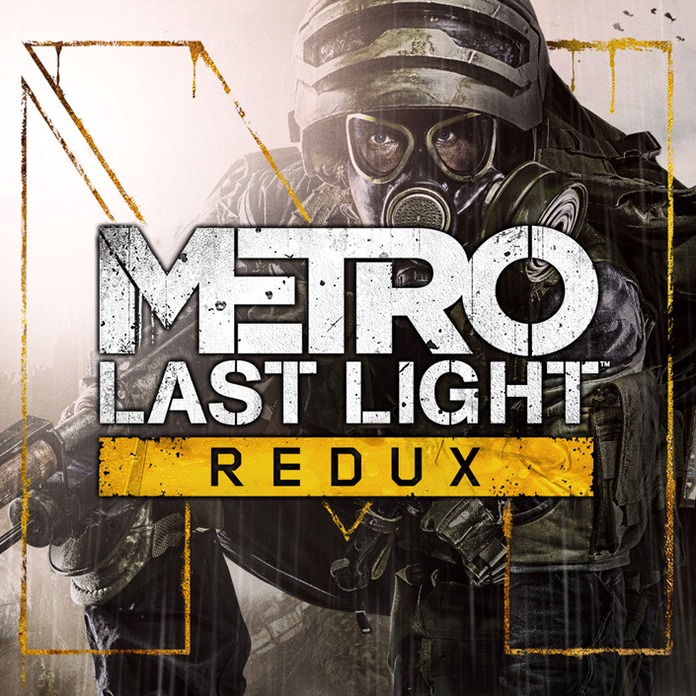
- Version
- 1.0 fixed
- Studio or maker
- 4A Games
- Languages
- Russian, English, German, Spanish, Italian, Dutch, Polish, Ukrainian, French, Czech
- Activation
- K'ed by ACTiVATED
- Chip type
- Intel 64-bit
- Tried out on
- macOS Sequoia, MacBook Air (M1. 2020)
- First released
- 28.08.2014
- Voice languages
- Russian, English, German, Spanish, Italian, Ukrainian, French
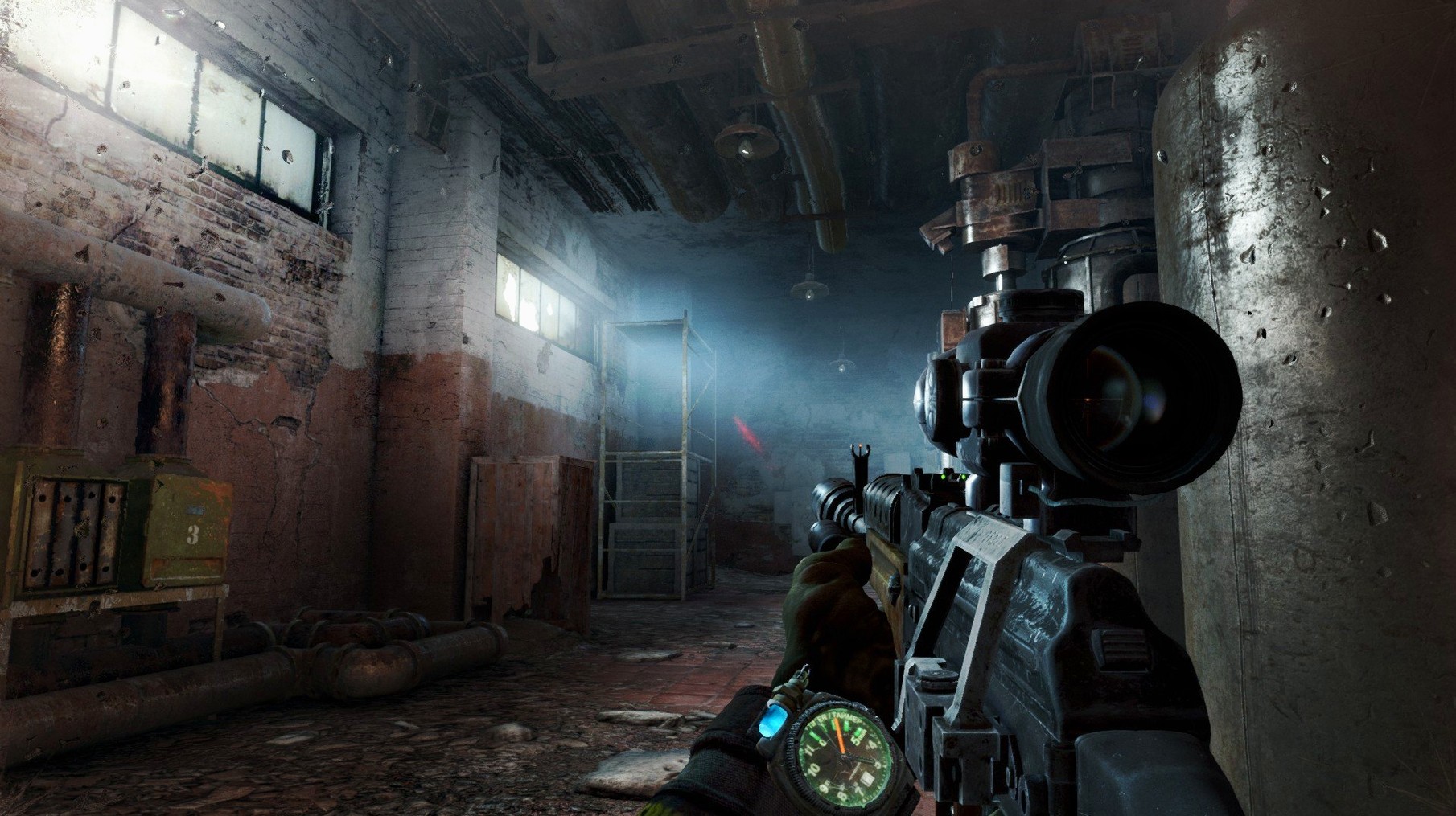
Complete package with all DLC and steady 60 FPS on Intel Macs
- Players who want a complete package — this version includes all previously released DLC.
- Anyone running an Intel Mac with decent dedicated graphics; the rebuilt 4A Engine targets a steady 60 FPS.
- Fans of atmospheric shooters where every bullet matters and the setting feels lived-in.
64-bit Intel-only build requiring Rosetta 2 on Apple Silicon
- It is a 64-bit x86 build, so it runs only on Intel Macs. Apple Silicon users will need Rosetta 2.
- Minimum specs ask for a 3.2 GHz Intel Core i5, 8 GB of RAM, and a Radeon HD7950 or GeForce GTX 750m.
- This is the Redux version — think of it as the definitive edition of the original Metro: Last Light.
Atmospheric single-player focus versus BioShock Infinite and Metro 2033
If you have browsed the Mac gaming scene for a while, you have probably come across Bioshock Infinite and the original Metro 2033 Redux. All three share a strong single-player focus and a bleak, atmospheric world. Bioshock Infinite leans heavily on colorful sky-city visuals and a faster, more arcade-like gunfight, while Metro: Last Light Redux keeps its fights slower and more deliberate — ammunition is scarce, and hiding in shadows often beats running in guns blazing. The Metro 2033 Redux, which shares the same engine and launcher, is the earlier chapter; Last Light offers a larger world and more refined stealth mechanics. If you can run one Metro game on your Intel Mac, you can run the other.
Fixes for launch failures and improper app installation
A few things trip people up, especially if they are new to the Metro Redux series.
- Game won't launch after copying. Make sure you dragged the app from the disk image into your Applications folder, not just opened it from the image. Running it from the image can cause permission errors.
- Mouse feels sluggish or the game stutters. The game defaults to a higher graphics preset than some machines handle well. In the in-game settings, lower the resolution or turn off advanced effects like tessellation; the 60 FPS target is more stable with medium settings on older Radeon HD7950-level cards.
- Voice or subtitles in the wrong language. Launch the game, go to the options menu, and switch voice or subtitle language before starting a new campaign. The supported voice languages are listed, and changing them mid-game sometimes requires a restart of the chapter.
A tenth grader's first serious shooter with survival consequences
One of my tenth graders had only played lightweight games before — nothing with real consequences. He wanted something that felt serious, not cartoonish. I pointed him to Metro: Last Light Redux because its Survival mode punishes wasteful shooting and rewards patience. He spent the first evening hiding in a dark tunnel, listening to guards talk, and working out a route that used only two shotgun shells. The next week he asked if there were other games that made him think like that. That is exactly the kind of shift a good story-driven shooter can start — and this version, with all its DLC included, gives a student plenty of space to grow into it.
- macOS 10.9.5 Mavericks or later
- Intel processor (3.2 GHz Core i5 or better)
- 8 GB memory
- Radeon HD7950 3 GB or NVIDIA GeForce GTX 750m 1 GB
- 64-bit x86 architecture
How to install
- Open the downloaded disk image. This mounts a virtual drive on your desktop.
- Drag the app icon into the Applications folder. This copies the game to your system.
- Once copying finishes, launch Metro: Last Light Redux from Launchpad. The game is ready to play.
Similar games



Sign in or join the club to leave a comment.
Nobody has commented yet.