- Version
- 3.3 (12130)
- Studio or maker
- SkyBox Labs
- Languages
- Russian, English, German, Arabic, Spanish, Italian, Chinese (Traditional), Chinese (Simplified), Korean, Polish, Portuguese, French
- Activation
- Not required
- Chip type
- Apple Silicon, Intel 64-bit
- Tried out on
- macOS Sonoma, MacBook Air (M1. 2020)
- First released
- 30.09.2026
- Voice languages
- Music only
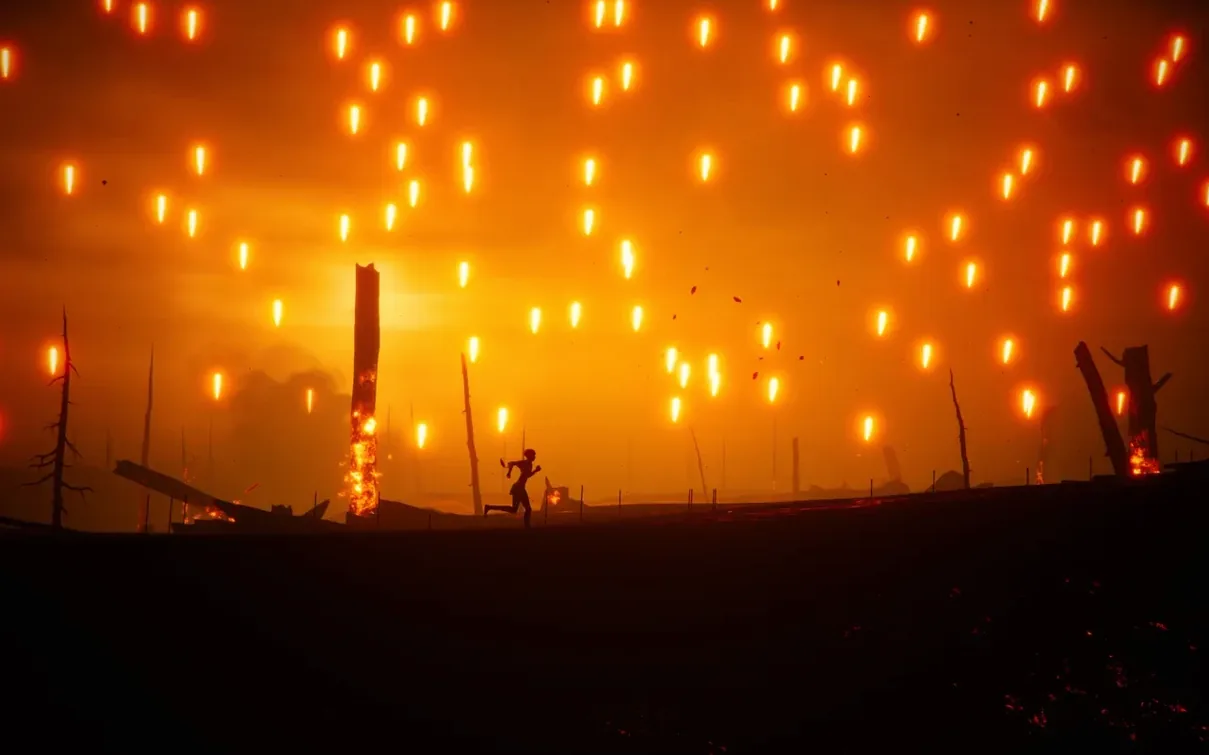
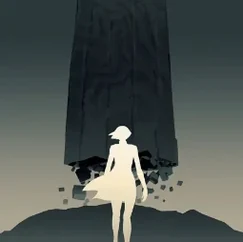
You find a young woman moving through a world that is ending. The sky is grey, the cities are empty, and the forests feel old. Stela is a cinematic, atmospheric platformer where you solve puzzles by using objects in the environment and avoid dangerous enemies. It is a quiet, deliberate game, best played with headphones and no rush.
Atmosphere-driven puzzle platformer
- Players who enjoy atmosphere over action — the music and visuals carry the story.
- Anyone with an Intel or Apple Silicon Mac; the game runs on both architectures without extra configuration.
- Short play sessions; the world is divided into large, self-contained areas like dark forests and underground ruins.
No combat or fighting—just environmental puzzles
- There is no combat; you move past enemies rather than fight them.
- Puzzles are environmental — you push, pull, or activate objects in the scene.
- Interface languages include English, German, French, Spanish, Italian, Polish, Portuguese, Russian, Korean, Traditional and Simplified Chinese, and Arabic.
Small details that improve the experience
A few things make Stela easier to settle into. The game respects your time between checkpoints — if you fail a section, you restart nearby rather than far back. There is no text in the world, which means you never have to pause to read instructions; everything you need to understand is shown through the environment itself. The original music shifts subtly as you move between areas, giving you an audio cue that the scene has changed without needing a loading screen.
A puzzle from start to finish
Early in the game you reach a collapsed bridge over a deep gap. A large stone block sits nearby, and there is a broken mechanism on the far side. Here is the workflow for crossing.
- Walk to the stone block and push it toward the bridge until it stops against a raised edge.
- Climb onto the block and look for a ledge above you. Jump to reach it.
- Follow the ledge to a lever. Pull it. The mechanism on the far side extends a platform partway across the gap.
- Drop back down, push the block forward again so it lines up under the platform’s end.
- Jump from the block onto the platform, then run across before it retracts.
The sequence does not require fast reflexes. Each step is about noticing the relationship between the objects and moving them in the right order.
Resumes instantly from an underground ruin
I open Stela on a Tuesday evening after grading papers. The game remembers where I left off, so I am standing at the edge of an underground ruin with a faint orange glow ahead. I spend the first few minutes walking forward, learning the shape of the room. A giant creature moves in the distance, but it is not chasing me — I just have to stay quiet and use the pillars to block its view.
There is a locked door to the left. I find a crank wheel on a raised platform, climb up, and turn it. A gate opens somewhere below. I descend into a lower chamber where water covers the floor. The puzzle here involves floating debris I can stand on. I push one piece toward a ladder, climb up, and find a switch that drains the water. The debris settles, and I cross the dry floor to the exit.
In total I play for about twenty minutes. I solve two puzzles, avoid one enemy patrol, and reach a new open area with a broken tower. The game does not tell me what to do next, but I see a path leading upward and a switch at the base of the tower. That is where I stop for the night.
- macOS 10.13 or later
- Intel or Apple Silicon processor
Questions I keep getting
Does Stela have original music?
Yes, the game includes original music that supports the atmospheric, cinematic feel.
What kind of puzzles does Stela have?
You use objects in the environment — pushing, pulling, or activating them — to solve puzzles and progress through the world.
How to install
- Open the downloaded disk image file.
- Drag the Stela app onto the Applications folder alias inside the disk image window.
- After the copy finishes, launch Stela from Launchpad.
Similar games





Sign in or join the club to leave a comment.
Nobody has commented yet.