
- Version
- 13.2.2
- Studio or maker
- Berserk Games
- Languages
- English
- Activation
- Not required
- Chip type
- Apple Silicon, Intel 64-bit
- Tried out on
- macOS Sequoia, MacBook Air (M1. 2020)
- First released
- 5.06.2015
- Voice languages
- Music only
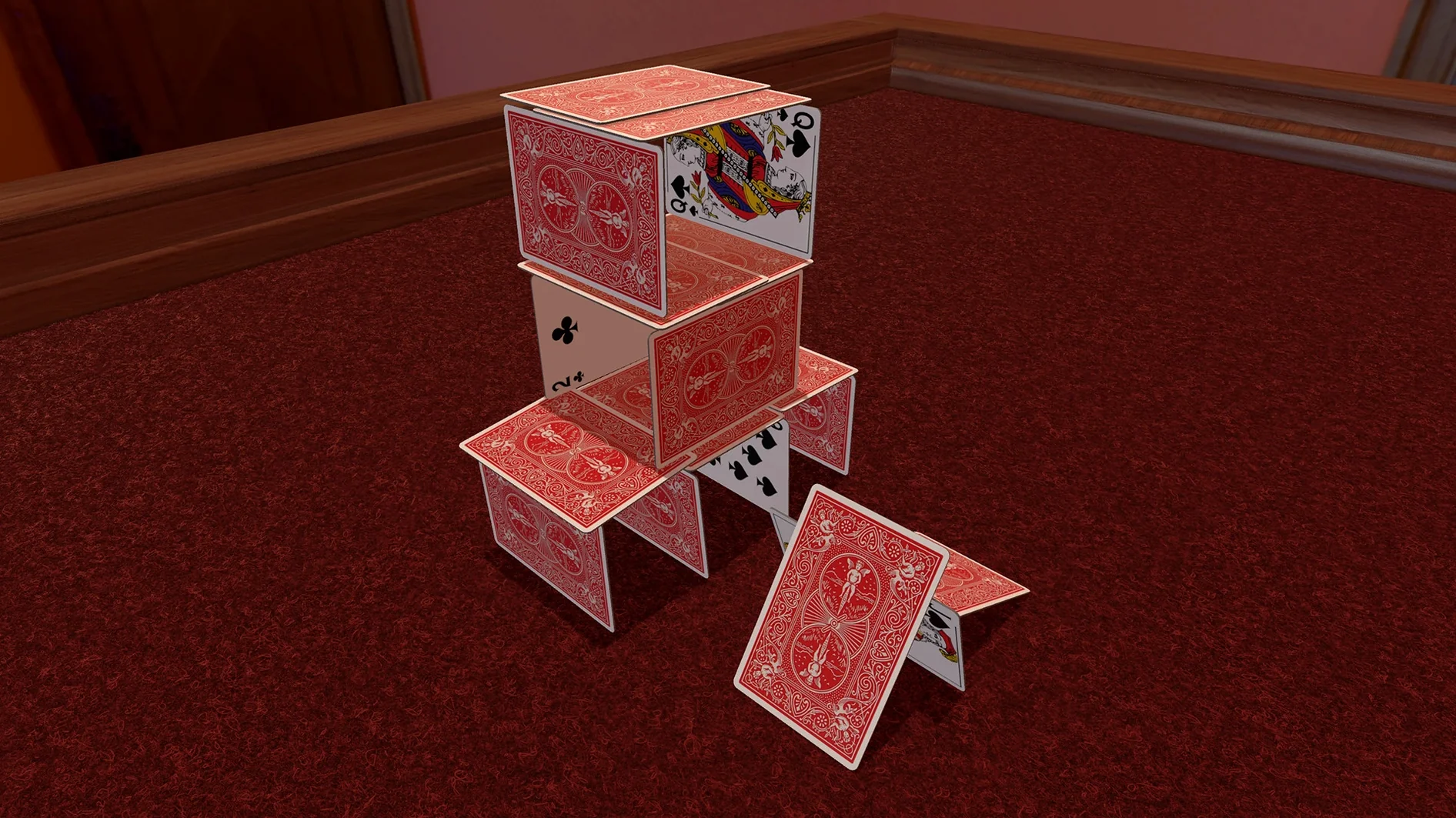
Tabletop Simulator supports thousands of community-made mods, so your collection can grow beyond the base game. Version 13.2 added Discord game join support and Valve Index support for VR, which makes coordinating a session simpler and opens up a new way to play.
Tools that go beyond the basics
- Scripting: You can write custom Lua scripts to automate setup, scoring, and game logic.
- Save states: Save and load any game mid-session, which is useful for long campaigns.
- Custom content import: Drag and drop images, models, and PDFs directly into the sandbox. The game handles common 3D model formats and image types.
- Multiplayer: Up to eight players can join a single table. The built-in voice chat and the new typing indicator keep communication clear.
Running it on your Mac
The package is version 13.2.2 and supports both ARM and x86 64-bit architectures. After you mount the disk image and drag the app into the Applications folder, it launches from Launchpad ready to go. The interface is in English.
What a typical session looks like
I open Tabletop Simulator from Launchpad and the main menu is clean — no tutorial, just a few buttons. For a new game, I click “Create” and pick a table. A blank green or brown mat appears, like setting up a board on a real table. I drag in a few models from the mods folder I saved earlier — maybe a set of dice, some wooden tokens, and a card deck. The physics is immediate: dice tumble when dropped, cards scatter if knocked.
Next I invite friends. I click the multiplayer tab, copy the room code, and paste it into a Discord chat. That’s where the Discord game join support in version 13.2 comes in handy — a friend can click the invite link and join without typing a code. Once everyone is in, I use the built-in voice chat to explain house rules while placing pieces. The typing indicator shows when someone is writing, which helps in a text-heavy game like a storytelling RPG.
After an hour, I save the state with a name like “Session 2 – forest encounter.” Next week I can load it and pick up exactly where we left off, no resetting needed.
Why custom models won’t appear (and how to fix them)
People sometimes wonder why their custom models don’t appear. Usually the file format is the issue — Tabletop Simulator expects common 3D model formats and image types, so a rare extension like .obj with an unsupported texture won’t load. I convert those to a supported format before dragging them in.
Another one: the table feels empty when you start. That is normal because there are no pre-set rules. You build the game yourself. But if you want inspiration, browse the workshop tab in the main menu — thousands of community-made mods include prepared boards, card decks, and even rulebooks in PDF form that you can import directly.
Multiplayer lag can happen if someone has a slow connection. The game uses peer-to-peer, so I ask everyone to close large downloads during play. If voice chat cuts out, restarting the in-game voice toggle usually fixes it. And if the app ever acts oddly after an update, I delete the preferences file in the user data folder and relaunch — that clears settings without losing saves.
- Version 13.2 added Discord game join support.
- Version 13.2 added Valve Index support for VR.
- Version 13.2 added a chat typing indicator.
- macOS version not specified by the developer
- Architecture: ARM and x86 64-bit
Questions I keep getting
Does Tabletop Simulator support VR on Mac?
Version 13.2 added Valve Index support for VR, so you can use a headset with the game.
Can I use custom content from the community?
Yes, the game supports thousands of community-made mods, and you can import your own images, models, and PDFs.
What architectures does the Mac version support?
The game runs on both ARM (Apple Silicon) and x86 64-bit (Intel) Macs.
How to install
- Mount the downloaded disk image.
- Drag the app into the Applications folder alias.
- After copying finishes, open the app from Launchpad.
Similar games





Sign in or join the club to leave a comment.
Nobody has commented yet.