
- Version
- 3.2.13 fix
- Studio or maker
- Gamious
- Languages
- Russian, English, German, Hungarian, Spanish, Italian, Chinese (Simplified), Korean, Dutch, Polish, Portuguese, Turkish, French, Japanese
- Activation
- Not required
- Chip type
- Apple Silicon, Intel 64-bit
- Tried out on
- macOS Tahoe, Mac mini 2024 M4
- First released
- 2.06.2016
- Voice languages
- Music only
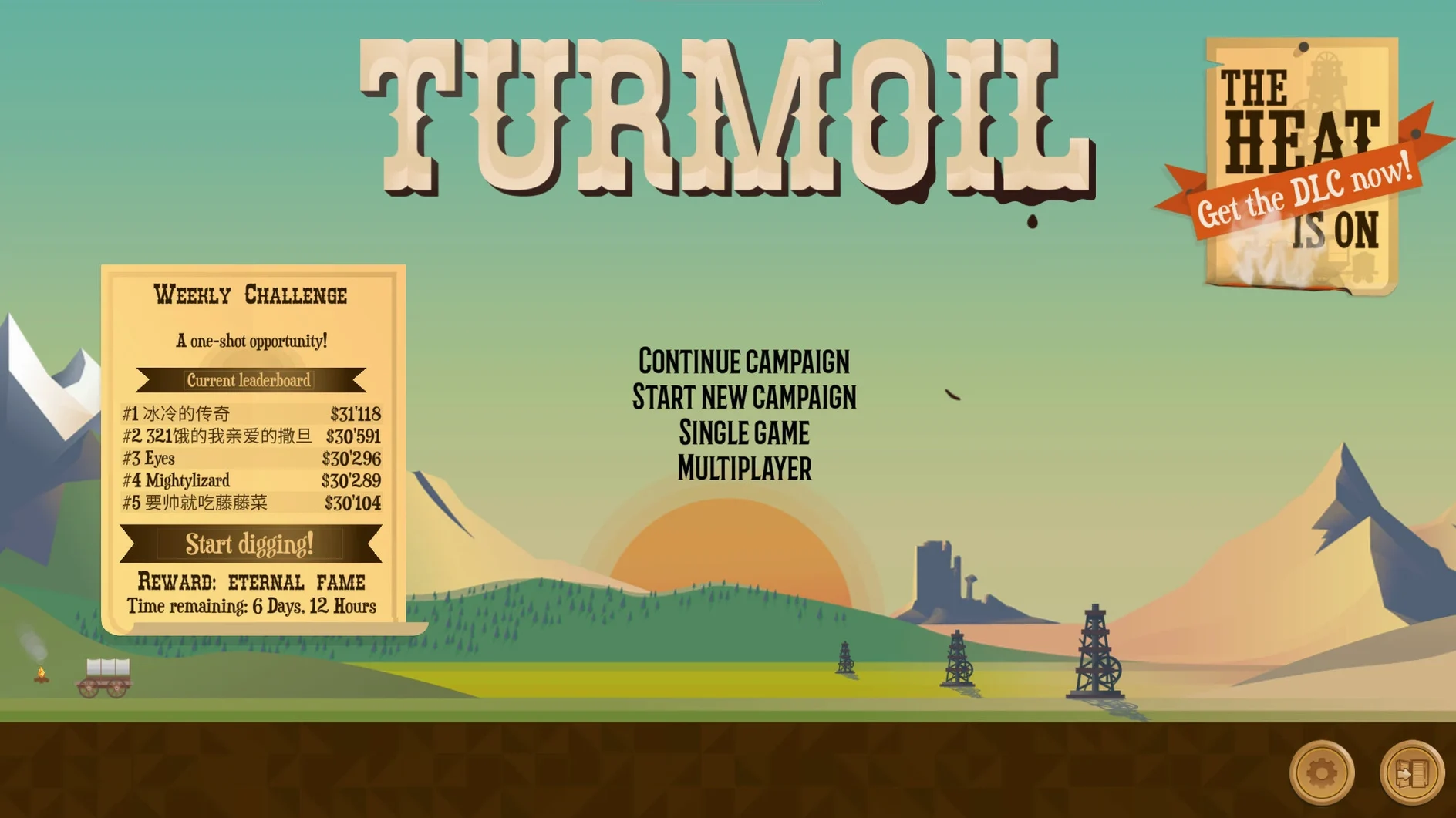
Starting an oil business from scratch sounds like a lot of work. It is a tongue-in-cheek simulation set in 19th-century North America, and it runs well on modern Macs.
Drag the disk image and run a Terminal fix if it won't start
Mount the downloaded disk image, then drag the app into the Applications folder alias. After copying finishes, open it from Launchpad. If the game does not start, open Terminal and run xattr -cr /Applications/Turmoil.app && codesign --force --deep --sign - /Applications/Turmoil.app.
Rise from nothing to become an oil baron in a procedurally generated world
It is a single-player simulation where you rise from nothing to become an oil baron. Levels are procedurally generated, so each playthrough feels different. The campaign guides you through the basics, then lets you compete for the highest profit.
Scout for dark oily patches before you drill
That usually means wasted money — you want to scout first. Use the initial survey to spot dark, oily patches in the ground. Drilling in the wrong spot costs time and cash, and the early rounds are tight on both.
Another mistake is selling oil the moment your tanks fill up. Patience here pays off more than any upgrade.
Many beginners also ignore the saloon. The characters there offer temporary deals and loans that can get you out of a pinch.
Finally, do not buy every upgrade in town right away. Spending evenly on everything spreads your cash too thin.
A workflow for your first campaign round
Here is a start-to-finish sequence that covers the basics of the first campaign level. It is not the only way, but it avoids the common pitfalls above.
Step 1: Auction and survey
Bid on a plot that shows a dark patch near the center. You want oil close to the surface so you do not waste drill depth. After you win the auction, use your scout (the small character that walks the land) to check the area. The darker the soil, the more oil you can expect.
Step 2: Drill and pipeline
Place your drill directly on the darkest spot. Build a pipeline from the drill to your storage tank. Keep the pipeline short — long pipelines cost more to build and maintain, and they take up space that could be used for a second tank later.
Step 3: Manage pressure
As oil flows, watch the pressure gauge. If it drops too low, production slows. It is often enough to fill a tank before the round ends.
Step 4: Sell at the right moment
You can sell in town from the trading screen. One good sell can give you enough for two upgrades next round.
Step 5: Upgrade in town
After selling, spend your profit on one or two upgrades that match the next plot. Do not buy everything — buy what solves the problem you will face.
Works on Intel and Apple Silicon Macs with no activation needed
Turmoil version 3.2.13 fix runs on both Intel and Apple Silicon Macs. The game was built for macOS and works on Tahoe. No activation is needed — just install and play. The interface supports fourteen languages, including English, German, French, Spanish, Japanese, and Simplified Chinese. Audio is music only, no voice acting.
If you search for turmoil mac torrent, you will find the same build. The file you download contains a disk image. After mounting it, drag the app to Applications. If your Mac blocks the app because it is from an unidentified developer, run the Terminal command listed in the install steps above. That is a one-time fix. After that, the game opens normally from Launchpad or Finder.
Interface languages include English, German, French, Spanish, Japanese, and more. The game works on both Intel and Apple Silicon Macs.
- macOS version not specified
- Architecture: Intel and Apple Silicon
- Interface languages: Russian, English, German, Hungarian, Spanish, Italian, Simplified Chinese, Korean, Dutch, Polish, Portuguese, Turkish, French, Japanese
Questions I keep getting
Does Turmoil have a multiplayer mode?
No, the game is single-player only. It focuses on a campaign and procedurally generated levels.
When was Turmoil first released?
The original release date listed is June 2, 2016.
How to install
- Mount the downloaded disk image and drag the app into the Applications folder alias. This keeps your system organized.
- After copying finishes, open the app from Launchpad. It should run normally.
- If the game does not start, run
xattr -cr /Applications/Turmoil.app && codesign --force --deep --sign - /Applications/Turmoil.appin Terminal. This clears extended attributes and re-signs the app.
Similar games






Sign in or join the club to leave a comment.
Nobody has commented yet.