
- Version
- 0.3
- Studio or maker
- Chibum
- Languages
- Russian, English, German, Bulgarian, Danish, Spanish, Italian, Norwegian, Polish, Portuguese, Turkish, French, Swedish
- Activation
- Not required
- Chip type
- Apple Silicon, Intel 64-bit
- Tried out on
- macOS Sequoia, MacBook Air (M1. 2020)
- First released
- 6.08.2025
- Voice languages
- Music only
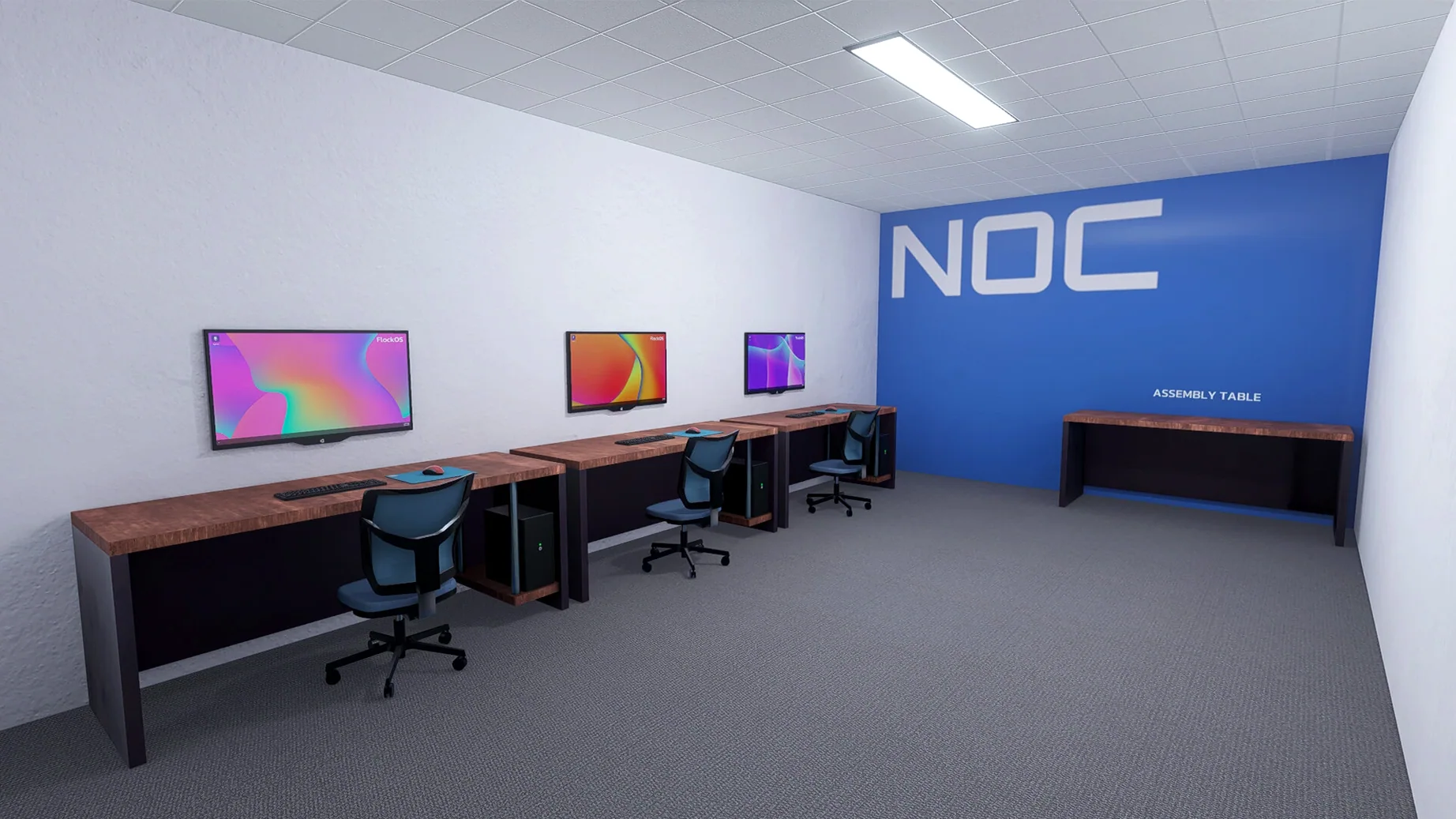
The current version of Web Host Simulator, 0.3, adds a live command system, command suggestions and history, a reworked process list, faster package installs, and server room lighting. It is described as stable and playable now.
Anyone curious about running a web hosting company
- Anyone curious about running a web hosting company, from assembling hardware to selling dedicated servers.
- Players who enjoy real-time physics-based cable management and optimizing server setups.
- People who like managing both graphical and command-line operating systems.
- Those who want a challenge that includes handling cyberattacks and service outages.
The game is still in early access
- The game is still in early access; version 0.3 is the latest release.
- It runs on both Apple Silicon (ARM) and Intel Macs, tested on macOS Sequoia with an M1 MacBook Air.
- Interface languages include English, German, Spanish, French, Italian, and several others.
- You browse in-game websites and work with a live command system to manage servers.
Starting a session by checking in-game notifications
I usually start a session by checking the in-game notifications. A new customer has ordered a VPS with specific resources, so I walk over to the hardware rack and decide which components to use. The physics-based cable management means I spend a minute or two routing cables neatly between the server, the switch, and the power supply. It feels oddly satisfying, like tidying a real server closet.
Once the hardware is assembled, I boot the machine and choose a command-line operating system. The live command system in version 0.3 lets me type commands directly — no menus to click through. I set up the hosting environment, install the necessary packages (the process is noticeably faster now), and configure the customer's account. The command history and suggestions help me avoid retyping long paths.
Later, a cyberattack warning pops up. I switch to the monitoring panel, check the live process list to spot unusual activity, and isolate the affected server before the outage spreads. After the attack is handled, I review the server room lighting — the new lighting effects make it easier to see which units are active at a glance. I finish the session by browsing the in-game websites to confirm everything is running.
Workflow: setting up a dedicated server from scratch
One task that comes up often is provisioning a dedicated server for a new client. Here is the full workflow, from delivery to handover.
- Select and assemble the hardware. Pick a server chassis, choose the CPU and RAM modules, then add network switches. The game shows each component’s specs, so you can match them to the client’s needs.
- Manage the cables. Route power and data cables physically between the components. The physics system means you have to plan the layout to avoid tangles or loose connections.
- Install an operating system. Boot the server and pick either a graphical or command-line OS. I usually go with the command-line option for dedicated servers, since it uses fewer resources.
- Run the live command system. Use the updated terminal to configure network settings, create user accounts, and install web server software. The command suggestions speed this up considerably.
- Test and monitor. Browse the in-game website to confirm the server responds. Check the process list to verify that only expected services are running. If everything looks clean, mark the server as active for the client.
- Handle any issues. If an outage or attack occurs during setup, the reworked process list helps you identify the problem fast. You can also adjust the server room lighting to spot hardware status changes visually.
This workflow repeats with small variations for each new client, but the core steps stay the same. The recent improvements to package installation and command entry make it less tedious than earlier versions.
- Server room lighting added.
- Live command system with suggestions and history.
- Reworked process list.
- Faster package install and uninstall.
- OS: macOS (version not specified by developer)
- Architecture: Apple Silicon (ARM) and Intel (64-bit x86)
Questions I keep getting
Does the game run on Apple Silicon?
Yes, it supports both ARM and 64-bit x86 architectures and was tested on an M1 MacBook Air running macOS Sequoia.
What kind of challenges does the game include?
You handle cyberattacks, service outages, hardware assembly, and real-time cable management.
Is the game finished or still in development?
It is in early access; the current version is 0.3, which the developers describe as stable and playable.
How to install
- Mount the downloaded disk image.
- Drag the app to the Applications folder alias.
- After copying finishes, launch the app from Launchpad.
Similar games






Sign in or join the club to leave a comment.
Nobody has commented yet.