
- Version
- 1.6.100
- Studio or maker
- Luden.io
- Languages
- Russian, English, German, Hungarian, Vietnamese, Greek, Spanish, Italian, Chinese (Traditional), Chinese (Simplified), Korean, Polish, Portuguese, Turkish, French, Czech, Japanese
- Activation
- DRM-free
- Chip type
- Apple Silicon, Intel 64-bit
- Tried out on
- macOS Tahoe, Mac mini 2024 M4
- First released
- 17.01.2019
- Voice languages
- Music only
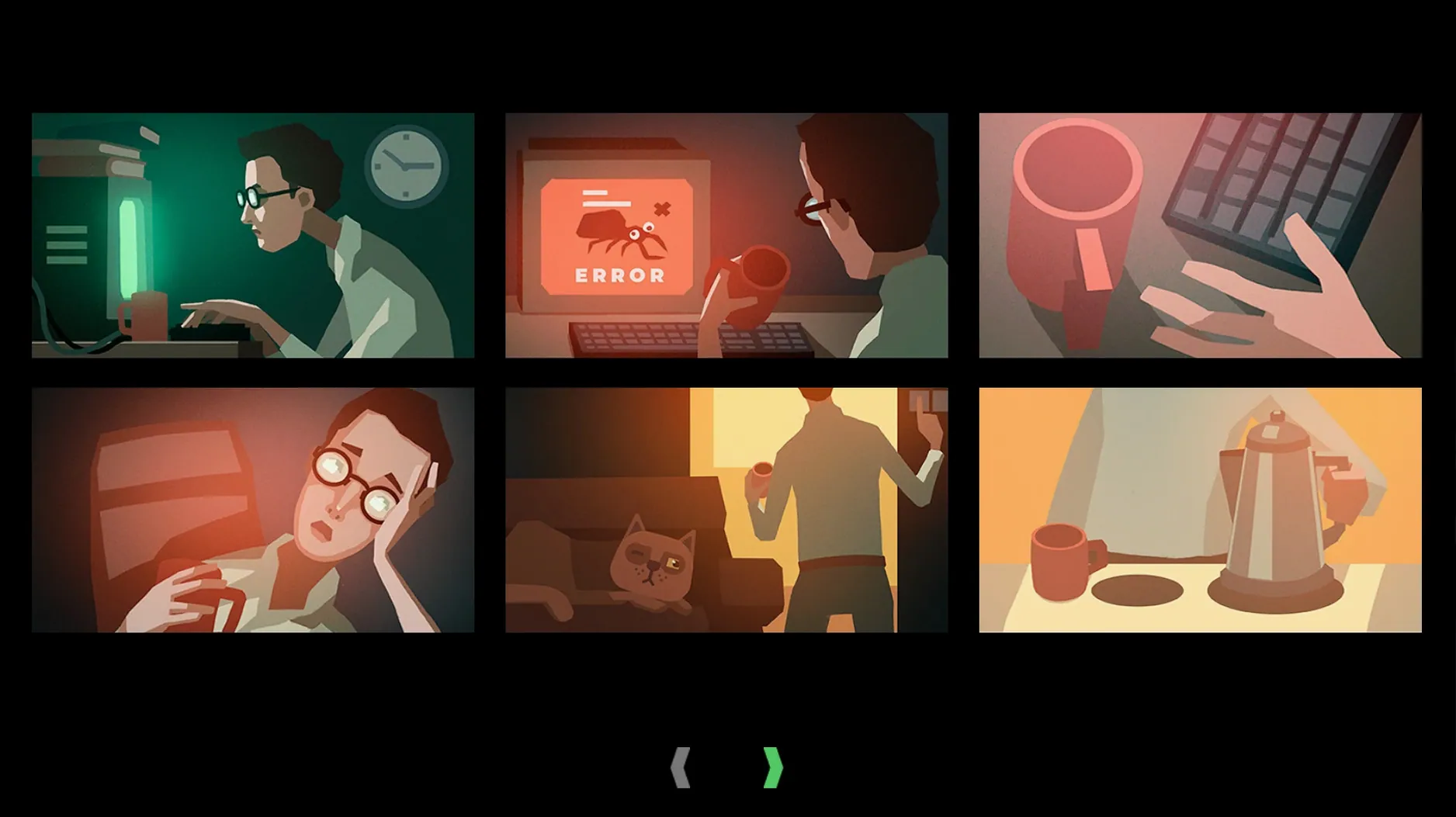
You sit down after a full day of teaching maths and open while true: learn, a puzzle simulation that treats machine learning and neural networks as something you can drag, drop, and connect with lines. The game starts with a cat, a keyboard, and an email inbox full of tasks. You build data-flow diagrams by connecting objects on screen, press a release button, and watch your creation run. Each challenge draws from real machine-learning problems, so the logic of splitting data and training models feels familiar if you have ever used a spreadsheet or a scripting tool.
- Drag objects on screen with the mouse and link them with lines to build neural network pipelines.
- Take tasks by email, each one a small puzzle based on actual ML workflows.
- Run your data flow with a single release button and see if your solution works.
- Works on both Intel and Apple Silicon Macs (use Rosetta on M-series hardware).
- Available in 17 languages including English, German, Russian, and Spanish.
- Current version 1.6.100, released January 2019, runs on any recent macOS.
The game sits well next to the other apps on a teacher’s Mac: it is a quiet, thoughtful tool that turns abstract concepts into something you can see and adjust. No fast reflexes needed, just patience and a willingness to debug your own logic.
Runs on Apple Silicon with Rosetta
The game is built for both ARM and x86 64-bit Macs, so it will install on any modern machine. On Apple Silicon Macs, you launch it with Rosetta — the system handles the translation automatically after the first run. The disk image mounts like any other app, and the standard installer guides you through choosing a location; the Applications folder is the recommended spot. Once installed, the game takes up a modest amount of space and runs quietly in the background while you work through puzzles. You control everything with the mouse: drag objects, draw connections between them, and press the release button to see if your data flow works. The musical accompaniment sets a calm pace, no frantic clicking required.
Start with email tasks for step-by-step learning
Start with the email tasks. They are short and introduce each new concept step by step, from basic data splitting to more complex neural network layouts. Do not skip the earlier ones even if you think you know the idea — the visual programming style takes a little practice. If you get stuck, try connecting fewer objects at first; a simple pipeline that works is better than a complicated one that does not. As you earn steady money from freelance jobs, spend it on hardware upgrades. Better hardware gives you more room to experiment with bigger networks. Keep the game open while you work through a task, step away when you need to, and come back — there is no timer pushing you along.
Solutions for frequent game crashes
Rosetta on Apple Silicon
If you have an M-series Mac, the game needs Rosetta to run. The system usually offers to install Rosetta the first time you open an Intel-only app. If the game does not launch, check that Rosetta is installed by trying to open any older Mac app — the prompt will appear. Once installed, the game runs without further adjustments.
Connections not sticking
When you drag a line between two objects, it sometimes snaps back if the objects are not aligned. Move the objects closer together on the screen and try again. The connection works best when you start from the output point and drag directly to the input point of the next block.
Flow not producing results
If you press the release button and nothing happens, check that every object in your pipeline is connected. A single missing link stops the whole thing. Also look at the color of the objects — some outputs expect a specific type of data, and mismatched blocks cause the flow to fail. Swap components until the lines turn solid and the release button highlights.
For anyone looking to explore machine learning concepts at their own pace, while true: learn is a calm, visual way to understand what happens inside a neural network. If you prefer to while true learn mac torrent, the DRM-free disk image installs the same version and works identically on both architectures.
- macOS: any recent version (supports both Intel and Apple Silicon)
- Architecture: ARM and x86 64-bit
- Interface languages: Russian, English, German, Hungarian, Vietnamese, Greek, Spanish, Italian, Traditional Chinese, Simplified Chinese, Korean, Polish, Portuguese, Turkish, French, Czech, Japanese
Questions I keep getting
Do I need to know machine learning to play this game?
No. The game teaches the concepts as you go. You solve puzzles by building visual pipelines, and the real-world ML problems become clearer with each task.
Can I install it on an Apple Silicon Mac?
Yes, the game is built for both ARM and x86 64-bit Macs. On Apple Silicon, launch it with Rosetta.
How to install
- Mount the downloaded disk image to make the installer available.
- Run the standard installer that appears.
- Choose an install location at the end of the setup. The Applications folder is recommended so the game stays alongside your other software.
- On Apple Silicon Macs, launch the game with Rosetta for best compatibility.
Similar games






Sign in or join the club to leave a comment.
Nobody has commented yet.