- Version
- 1.4.8
- Studio or maker
- Sugar Bytes
- Languages
- English
- Activation
- K'ed by R2R
- Runs on macOS
- macOS 10.14 or later
- Chip type
- Apple Silicon, Intel 64-bit
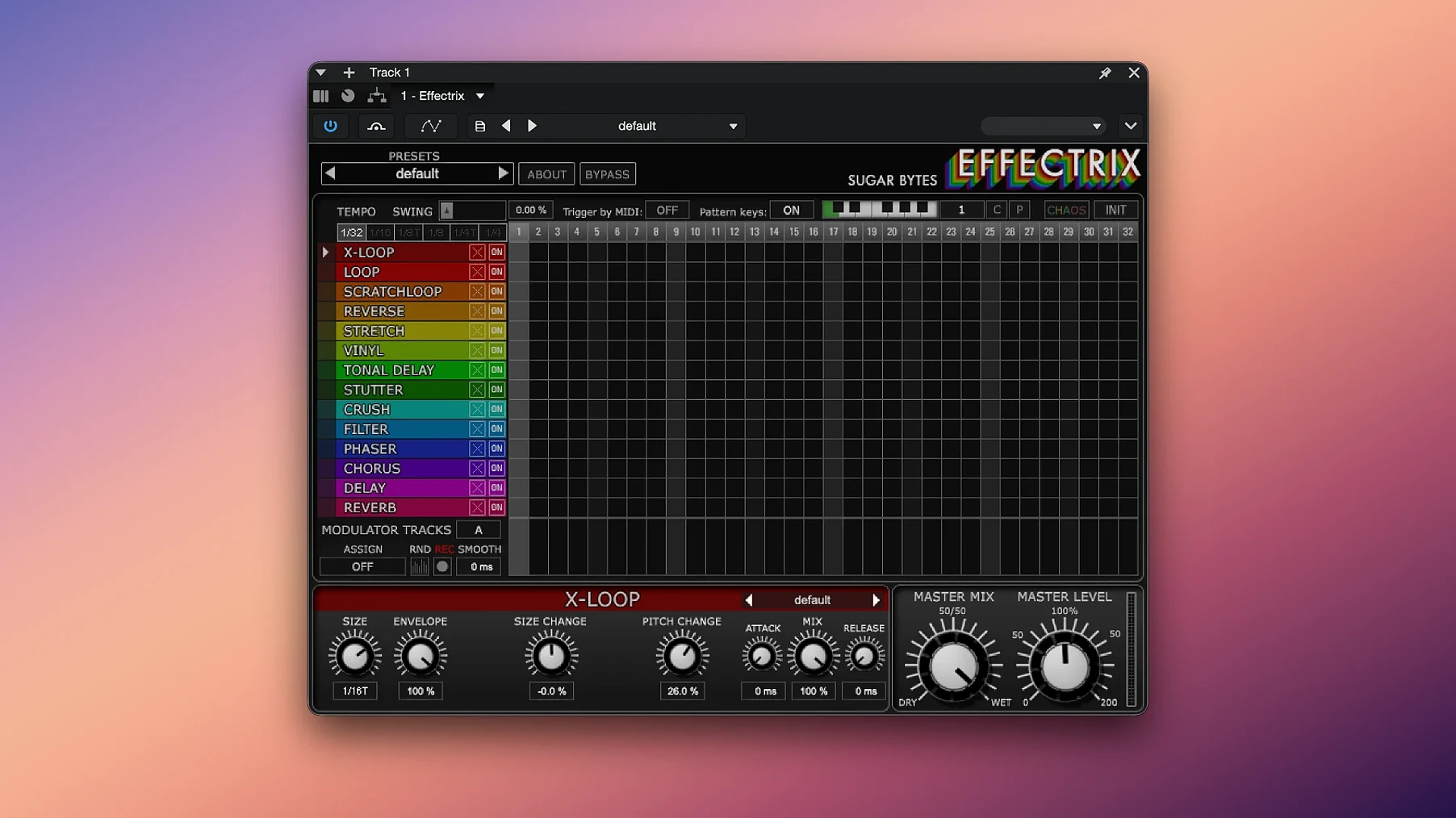
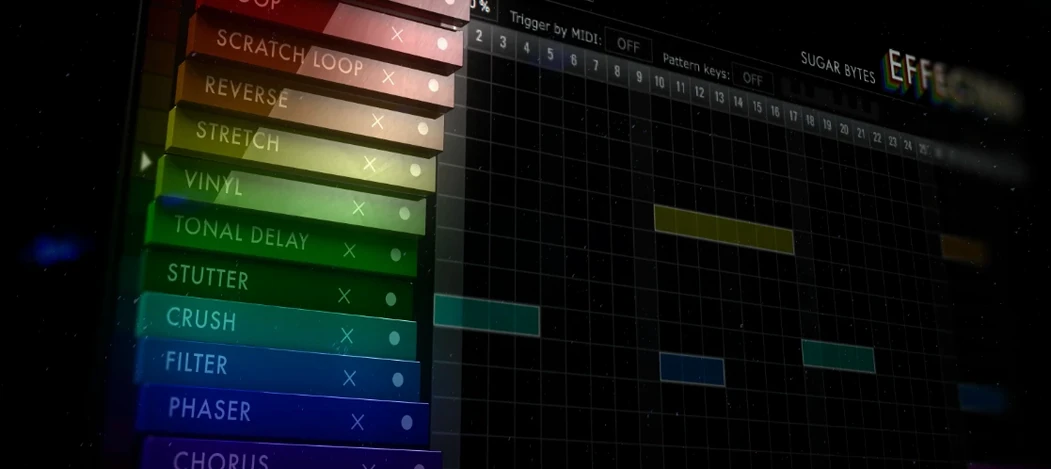
Effectrix 1.4.8 packs 14 synchronized effects into a 16-step sequencer, each step triggering a different sonic twist on your audio. You can divide the tempo per step, so a beat can stretch or tighten without leaving the grid.
Set the pattern
Click any of the 16 steps to place an effect, then choose its type — from glitches to filters. The tempo division per step lets you slow one beat down and speed the next up, all in time.
Shape the mix
Each effect has its own knobs for depth and character, so you can dial in subtle movement or full-on chaos. The Chaos button randomizes the whole pattern when you want a quick idea to work from.
Recall your favorites
Save up to 12 different sequences in one preset and trigger them live from a MIDI keyboard. That makes it practical for playing with a pattern during a performance, not just building one in the studio.
Start with tempo division for the whole grid
When you first open Effectrix, the default pattern is a good starting point, but a few adjustments make it more useful for your own workflow. I usually begin with the tempo division for the whole grid. Setting it to something like 1/4 or 1/8 gives a clear rhythmic anchor before I start placing effects. The swing function is another early stop – a little swing value, maybe 30 to 50 percent, softens the rigid step grid and makes the sequence feel more like a live performance. I also adjust the cycle length right away. If I am working on a short loop, a 4-step cycle keeps things tight; for a longer phrase, I stretch it to 8 or 16 steps. The Chaos button is tempting, but I recommend saving a copy of your preset first – hit it once to see what it does, then tweak the individual effect parameters from there. The modulation tracks are worth setting early too: assign one to control a filter cutoff and the other to volume, so the pattern breathes as it cycles.
Sits in a niche that Stutter Edit 2 and Fracture fill differently
Effectrix sits in a niche that not many plug-ins fill. The closest I have used are Stutter Edit 2 and Glitchmachines Fracture. Stutter Edit 2 focuses on buffer slicing and glitch effects triggered by MIDI notes, which is great for live improvisation, but its step sequencer is less flexible – you cannot adjust tempo per step or recall twelve different patterns from a keyboard. Fracture is more about granular processing and complex modulation, with a deeper sound-design approach, but it lacks the straightforward step grid that makes Effectrix easy to teach to a student or to set up quickly during a session. Another option is iZotope Stutter Edit (the original), which has a similar glitch-and-repeat feel but does not include the 14 synchronized effects or the Chaos button. For someone who wants a plug-in that works equally well for rhythmic effects, filter sweeps, and pitch shifts on a grid, Effectrix covers more ground in one window. It does not require deep sound-design knowledge to get a usable result, which matters when you are working with a tight deadline or a live audience.
Music producers in techno, glitch and IDM get rhythmic variation
Music producers who work with electronic genres – techno, glitch, IDM – will find Effectrix natural for building rhythmic variations on a loop. Sound designers benefit from the 14 effects plus modulation tracks: you can set a pattern that slowly morphs a synth pad into a stutter, then into a filter sweep, all in one sequence. Live performers who use MIDI controllers will appreciate recalling patterns from the keyboard without touching the mouse. DAW users on any modern Mac – from a compact MacBook Air to a beefy Mac Studio – can run it as an Audio Unit, VST2, VST3, or AAX plug-in, and the 64-bit version handles modern projects. Teachers like me can demonstrate step sequencing with it in a classroom setting, because the interface is visual and the Chaos button gives a quick example of randomization. It is less suited for a producer who works only with linear arrangements and never touches effects chains, but for anyone who enjoys experimenting with rhythm and sound together, it fits well.
Built a glitch intro on a hi-hat loop in 4 bars
I sat down last Tuesday to build a glitch-style intro for a track a student had brought in. I loaded Effectrix on a hi-hat loop in my DAW, a simple four-bar pattern that needed some movement. First, I set the cycle length to 8 steps so the effect would unfold over two bars. I clicked step 1 and chose the Beat Repeat effect, dialing the repeat count low so it sounded like a stutter rather than a loop. Step 3 got a pitch shift, set to a quarter-tone drop – just enough to create tension. Step 5 I left empty, because silence between effects can be as expressive as the effects themselves. Step 7 I assigned a bit crusher with a low resolution, which added a gritty texture. For step 8 I used a filter sweep with a slow LFO, so the last step faded out into the next cycle. I turned the swing up to 40 percent to push the pattern slightly off the grid. Then I used the modulation tracks: track one automated the pitch shift depth across the whole cycle, track two controlled the bit-crusher resolution, making it degrade and restore gradually. I hit play. The hi-hat now stuttered, pitched, filtered, and crunched in a pattern that repeated with subtle variation each time. I saved that as preset slot 3, then mapped a MIDI key to recall it during the live performance part of the lesson. The student heard it and said, "That sounds like three different plug-ins working at once." That is when Effectrix earns its place in the rack – it does the work of several effects in one step grid, and you can tweak it without opening multiple windows.
- macOS 10.14 or higher
- 64-bit Mac
- Audio Unit, VST2, VST3, AAX, or Standalone support
How to install
- Open the downloaded package and run the installer. It will place the plugin files in your system's Audio Unit and VST folders.
- Read the included activation notes and follow them to register your copy. That step is required before the plugin works.
Similar apps






Sign in or join the club to leave a comment.
Nobody has commented yet.