
- Version
- 7.3.4
- Studio or maker
- Dehancer
- Languages
- English
- Activation
- Included
- Runs on macOS
- macOS 11 or later
- Chip type
- Apple Silicon, Intel 64-bit
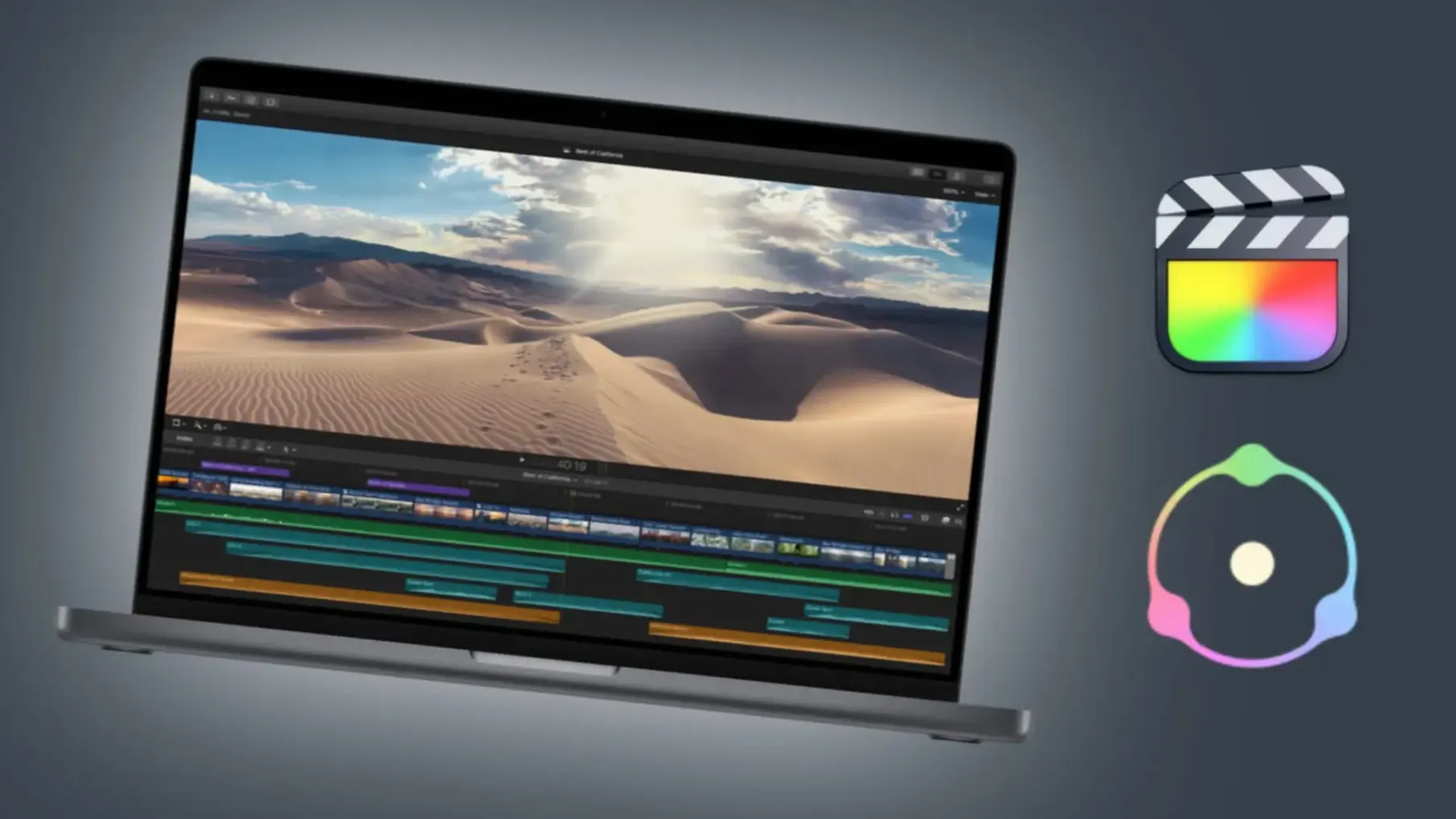
Dehancer Pro is a film emulation plugin for macOS video and photo workflows. This version 7.3.4 brings bug fixes and performance improvements while keeping the complete set of tools: more than 60 film profiles, print films, grain, halation, bloom, film damage, overscan, a LUT generator, and camera profiles.
The macOS build runs on any machine with macOS 11 or later, both Intel and Apple Silicon. It works as a plugin inside DaVinci Resolve, Adobe After Effects, and Adobe Premiere Pro. The interface language is English.
The Dehancer macOS crack enables full access to Dehancer Pro's color-grading tools for video editors. The package includes installation and activation instructions.
Lives inside your app as a plugin, not a separate program
Dehancer Pro lives inside your video or photo application as a plugin, not as a separate program. That means it inherits whatever workflow you already have set up: keyboard shortcuts, color management settings, project templates, and folder structures stay untouched. You apply film emulation as a filter or a node, just like any other effect, but with access to the full library of film profiles.
For Final Cut Pro users, the plugin integrates directly into the color grading workspace. The same film style you dial in for one clip can be saved as a preset and applied across an entire timeline or saved as a LUT through the built-in LUT generator. Export a .cube file from Dehancer Pro, and you can load it into any camera or monitor that accepts LUTs, which is handy if you want previews on set or in another editing suite.
The LUT generator is worth a separate mention. You can take any combination of film stock, grain, halation, and bloom, and bake it into a single LUT file. That file then works in applications that do not support plugins at all, like OBS Studio, Capture One, or even streaming software. It also makes collaboration simpler: send the LUT to a colleague who works on a Windows machine or in a different program, and the look stays consistent.
A freelance colorist matches Sony FX6 and Blackmagic 6K to a 16 mm look
Consider a freelance colorist who receives a short documentary shot on two cameras: a Sony FX6 and a Blackmagic Pocket Cinema Camera 6K. The client wants a muted, slightly faded 16 mm look across the entire piece. The colorist opens the project in DaVinci Resolve, applies a basic color grade to match the two cameras, then adds Dehancer Pro on a group node. They choose a Kodak 16 mm profile, adjust the grain to match the smaller film format, and add a touch of halation around the highlights. The bloom control softens the open highlights just enough to feel like old film stock without washing out the shadows. The entire treatment takes about ten minutes. The LUT generator exports the look as a .cube file for the client to preview on a monitor before delivery. The colorist can then tweak the node settings scene by scene without rebuilding the emulation from scratch. The plugin becomes a single step in a larger pipeline, not an extra application to manage.
Bug fixes end lag when switching film profiles on Apple Silicon Macs
The bug fixes in this release clear up a few issues that showed up in earlier builds. The interface no longer lags when switching between film profiles on Apple Silicon Macs, which was a common complaint in version 7.3.3. The grain overlay also aligns correctly with clips that have non-square pixel aspect ratios, such as anamorphic footage. The performance improvements are noticeable during playback in Resolve: the plugin processes faster when applied to multiple clips on the same timeline, so scrubbing through a graded sequence feels more responsive.
The new Production License Server support matters mostly for post-production houses and teams. Instead of installing and activating the plugin on every workstation individually, a license server manages activation across a network. Each machine running Dehancer Pro checks in with the server, and the administrator can add or remove seats without touching every computer. It does not change how the plugin looks or behaves on your own Mac, but it removes a headache if you manage even a small team.
Best for video editors and colorists already grading in DaVinci Resolve
Video editors and colorists working in DaVinci Resolve are the clearest fit. The plugin sits inside the color page and gives you film looks without leaving Resolve's node-based workflow. If you already grade in Resolve, Dehancer Pro behaves like an extra set of nodes dedicated to film emulation, which saves time compared to applying a LUT and then adding grain, halation, and bloom as separate effects.
Photographers who use Adobe Lightroom Classic or Capture One can export a still from their video project, apply the same film look, and match the photo to the video. The plugin is not designed for still image editors directly, but the LUT generator bridges that gap. Export a LUT from the video look, load it in a photo application that supports LUTs, and the two mediums match.
Post-production teams with multiple workstations benefit from the Production License Server, especially if they switch between machines or bring in freelancers. The activation flow becomes a network setting rather than a per-machine chore. For solo users on a single Intel or Apple Silicon Mac running macOS 11 or later, the plugin works the same way it always has, just with better performance and fewer quirks than before.
Dehancer Pro gives filmmakers and colorists cinematic film-grade color grading tools directly inside their Mac editing software.
- Bug fixes and performance improvements.
- macOS 11 or later
- Intel or Apple Silicon
- DaVinci Resolve, Adobe After Effects, or Adobe Premiere Pro
Questions I keep getting
Which host applications does Dehancer Pro support on Mac?
Dehancer Pro works as a plugin for DaVinci Resolve, Adobe After Effects, and Adobe Premiere Pro.
What macOS version do I need to run Dehancer Pro 7.3.4?
You need macOS 11 or later. The plugin supports both Intel and Apple Silicon Macs.
How to install
- Open the downloaded package and run the installer.
- Follow the on-screen instructions to complete the installation.
- Use the included activation instructions to activate the plugin.
Similar apps




Sign in or join the club to leave a comment.
Nobody has commented yet.