- Version
- 2.0.211.56
- Studio or maker
- Freehold Games
- Languages
- English
- Activation
- DRM-free
- Chip type
- Apple Silicon, Intel 64-bit
- Tried out on
- macOS Tahoe, Mac mini 2024 M4
- First released
- 15.07.2015
- Voice languages
- Music only
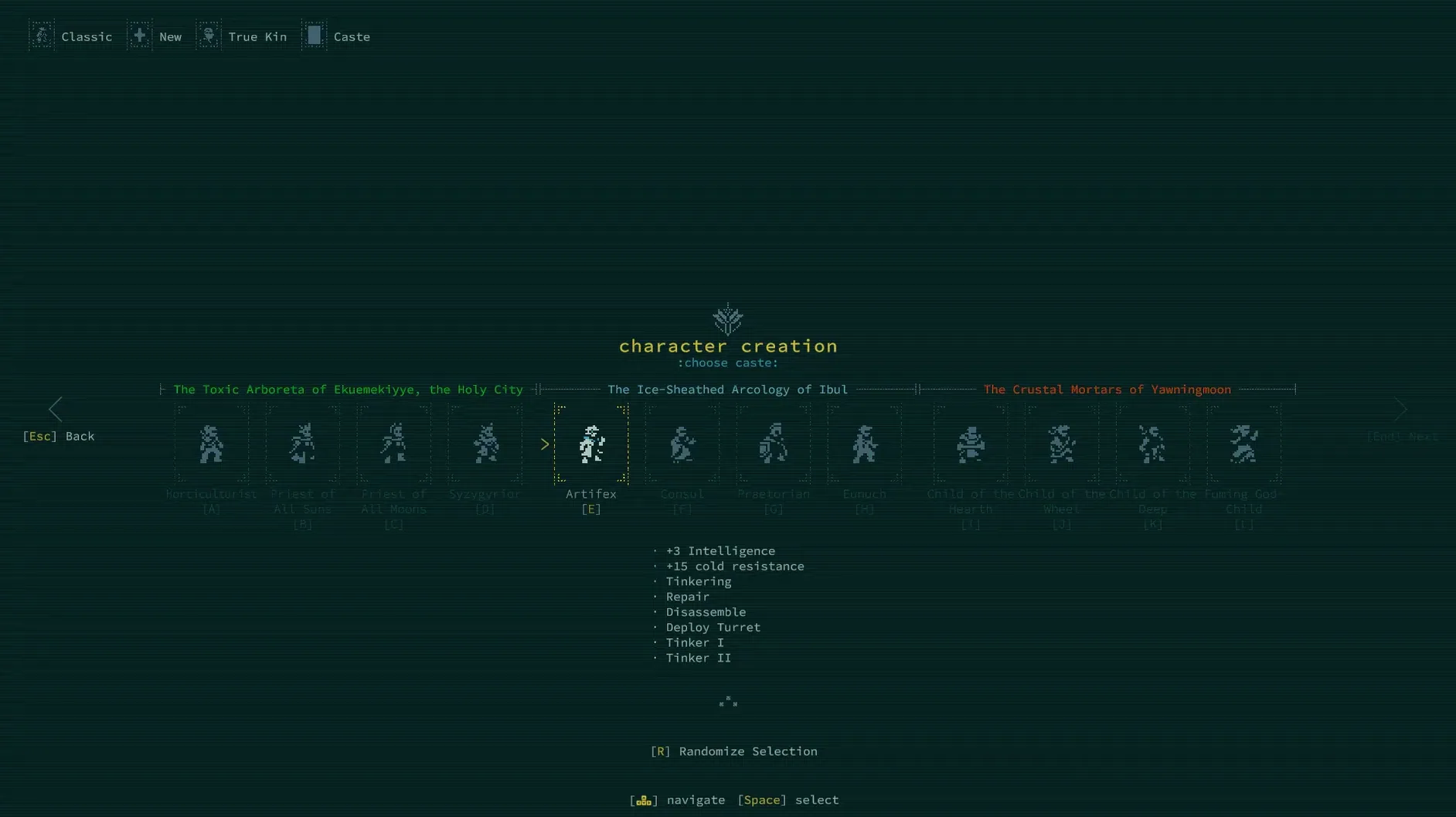
Caves of Qud sits at version 2.0.211.56, and it still digs deeper than most. The developer, Freehold Games, has kept the core intact: procedurally generated regions, more than 60 factions, and a world where monsters and NPCs are simulated as fully as your own character. Death stays permanent, so every step through the salt wastes or fungal jungles carries weight.
Runs natively on Apple Silicon and Intel Macs
This release focuses on polish rather than new systems. It runs natively on both Apple Silicon and Intel Macs, so your classroom iMac or your own M-series laptop will handle it without translation layers. The interface remains in English, and the official wiki is still the best companion for navigating the game's dense lore and mechanics. Kitfox Games handles publishing on Steam, but the development remains firmly with Freehold Games.
Single-player turn-based sandbox remains unchanged
The sandbox philosophy hasn't changed. You can still dig through walls, melt them with acidic gas, or dissolve them into lava. Single-player remains the only mode, which suits the turn-based, thoughtful pace. If you're coming back after a break, expect the same brutal, wonderful depth you left behind—just with a cleaner build under the hood.
Remembers your last several character builds for quick respecs
The simulation runs so deep that a few helpful touches can get overlooked. The game remembers your last several character builds, so you can respec and retry without rewriting everything from scratch. The auto-explore key, mapped by default, will path you through safe terrain and stop when it finds something interactive — stairs, merchants, creatures. You can also use the look command on any tile to read a short description of the environment, which helps when you are trying to tell salt marsh from fungal plain before you step into it. The in-game log keeps a transcript of recent messages, so you do not have to keep up with every notification in real time.
Start with the tutorial and spend first attempts in the starting village
Start by running the tutorial. It walks through movement, combat, and interacting with objects, which saves you from learning the hard way on your first character. Spend your first two or three attempts in the starting village, talk to every NPC, and use the look command on everything. The game rewards careful exploration more than rushing. Try a pure-strain descendant first: fewer moving parts than a mutant, and you can focus on learning the controls and the map layout. Keep your first few runs short. When you die, note what killed you and why — the death screen gives enough context to learn from.
Fix a tiny window on Retina displays and undetected keyboard layouts
If the game window appears tiny on a Retina display, check the display settings inside the launcher — scaling options let you enlarge the interface without losing clarity. Some players report that the game does not detect their keyboard layout properly on macOS. If movement keys do not respond as expected, open the key bindings menu from the main screen and reassign them. Another frequent issue: the game saves only when you rest or transition between zones. If you force-quit without doing either, you lose progress since the last save. To avoid frustration, make a habit of resting on a safe tile before you close the session. The official wiki also has a troubleshooting section for macOS-specific quirks, which is worth a look if something feels off.
- macOS: any recent version
- Architecture: Apple Silicon or Intel 64-bit
- Language: English
Questions I keep getting
Does Caves of Qud run on both Apple Silicon and Intel Macs?
Yes, the current version supports both ARM and x86 64-bit architectures, so it runs natively on any modern Mac.
Is death always permanent in Caves of Qud?
Yes, death is permanent. That's a core part of the roguelike design, and it hasn't changed in this version.
How many factions can I encounter?
The game includes more than 60 factions, each with its own goals, relations, and simulated behavior.
How to install
- Open the downloaded disk image to mount it.
- Drag the Caves of Qud app into the Applications folder alias. This keeps the game in the standard Mac location.
- Once the copy finishes, launch the app from Launchpad. It's ready to play.
Similar games





Sign in or join the club to leave a comment.
Nobody has commented yet.