- Version
- 1.0.4
- Studio or maker
- Zapdot
- Languages
- Russian, English, German, Vietnamese, Spanish, Italian, Chinese (Traditional), Chinese (Simplified), Korean, Dutch, Polish, Portuguese, French, Japanese
- Activation
- Not required
- Chip type
- Apple Silicon, Intel 64-bit
- Tried out on
- macOS Tahoe, Mac mini 2024 M4
- First released
- 22.07.2025
- Voice languages
- Music only
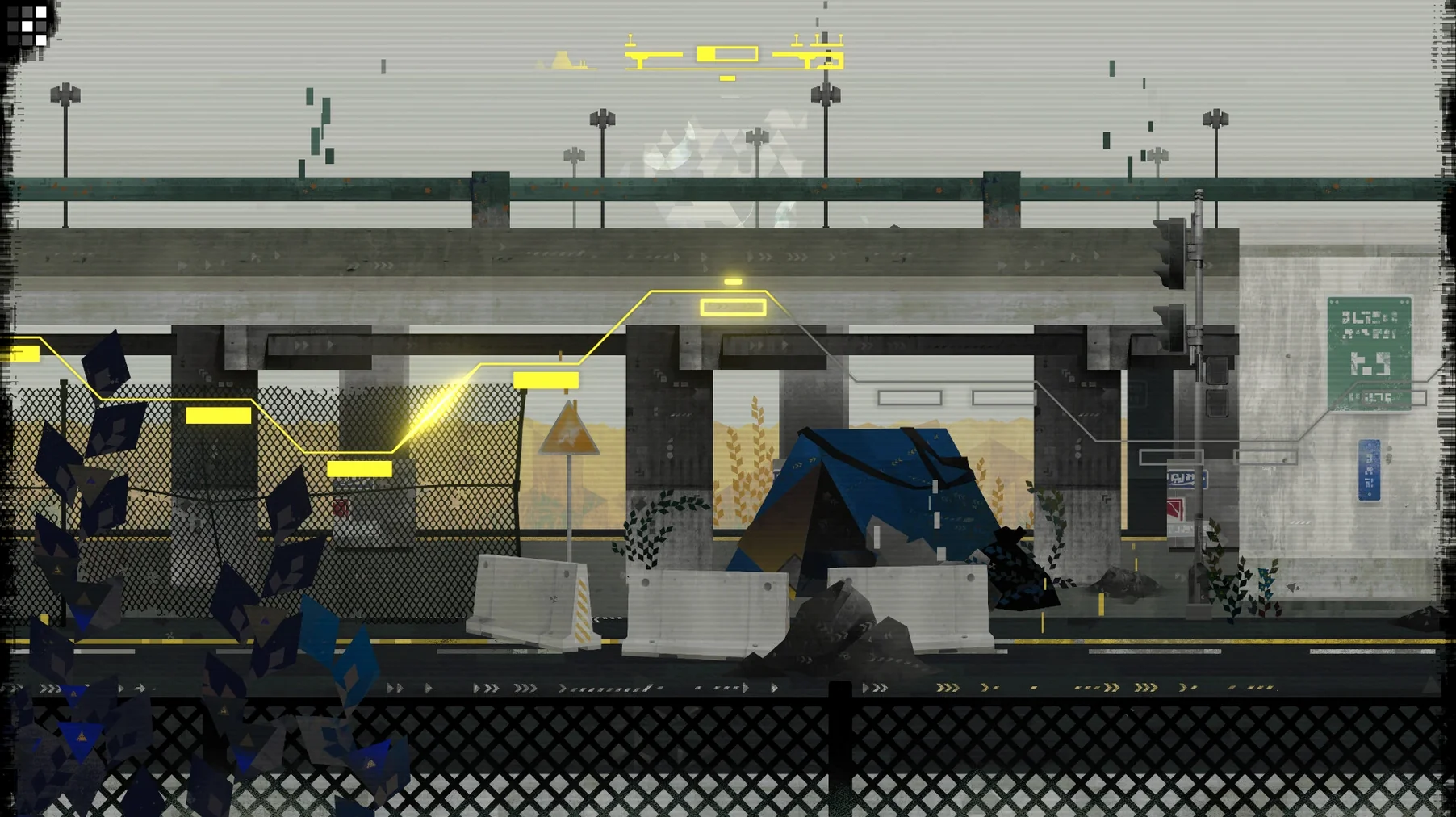
Cipher Zero is for the player who likes to sit with a puzzle, try something that looks wrong, and watch the grid tell them why. It is a minimalist logic game where you toggle symbols and check solutions, learning each rule by experimenting rather than reading instructions.
Deduction lovers and puzzle pokers
If you enjoy deduction games like Sudoku or nonograms, or you like figuring out systems by poking at them, this will click. The 300+ hand-crafted puzzles start gentle and grow into genuine head-scratchers. The clean, quiet presentation helps you focus on the logic itself, and the language support means you can play in German or Spanish if you prefer.
Not for those seeking action or hand-holding
If you want action, story, or a game that tells you exactly what to do, this is not it. Cipher Zero asks for patience and a tolerance for being wrong on purpose. It is a solo, slow-burn activity, best for evenings when you want your brain to do the work. Tested on macOS Tahoe on a Mac mini M4, it runs on both ARM and Intel Macs.
Set the audio volume for responsive soundtrack
Before you start working through the puzzles, take a moment to check the audio settings. The soundtrack changes as you make progress, and it responds to your actions, so the volume level you choose can change how the game feels. I set mine a little lower than usual so the music sits behind the thinking, not in front of it.
If you play on a laptop, the display brightness matters more here than in most games. The tiles are clean and small, and a screen that is too bright will wash out the subtle contrast between on and off states. A dimmer setting makes each toggle clearer, especially during longer sessions.
Switch language to find patterns faster
- The language picker — Cipher Zero ships with fourteen languages, including Russian, Korean, Dutch, and both forms of Chinese. If English is your second language, switching to your native tongue might help you spot patterns faster. The interface is sparse enough that it barely matters, but the puzzle text labels benefit from being in a language you read without thinking.
- Copy to Applications, then launch from Launchpad — The install is simple: open the disk image, drag the app to the Applications folder alias, and start it from Launchpad. No activation step, no extra configuration. If you keep games in a separate folder, you can move it there instead, but Launchpad makes the first launch straightforward.
- No save management needed — Because the game saves your progress automatically as you solve puzzles, there is nothing to configure around files or profiles. You can close the window mid-puzzle and return later without losing your place.
Perfect for teachers running game clubs
This game suits anyone who enjoys quiet, single-player logic puzzles, but a few types of Mac users will find it especially rewarding. Teachers who run an after-school game club, like I do, can use it as a gentle introduction to symbolic reasoning. Students who finish their work early can work through a few puzzles without needing instructions from me, which frees me to help the rest of the class.
Creative professionals who spend their day in visual or audio software might appreciate the change of pace. The game demands a different kind of attention — analytical, patient, and pattern-based — which can feel like a reset after hours of design work. For anyone who uses a Mac at home for leisure and wants a game that respects their time, Cipher Zero fits. It is easy to pick up, easy to put down, and never asks for a commitment longer than one tile toggle at a time.
- macOS version not specified
- Architecture: ARM and 64-bit x86
- Interface languages: Russian, English, German, Vietnamese, Spanish, Italian, Traditional Chinese, Simplified Chinese, Korean, Dutch, Polish, Portuguese, French, Japanese
How to install
- Open the downloaded disk image so the app appears in Finder.
- Drag the app to the Applications folder alias in the same window to keep it organized.
- Once the copy finishes, launch the game from Launchpad.
Similar games


Sign in or join the club to leave a comment.
Nobody has commented yet.