- Version
- 2.1a
- Studio or maker
- CD PROJEKT RED
- Languages
- Russian, English, German, Spanish, Italian, Chinese (Simplified), Polish, Portuguese, Turkish, French, Czech, Japanese
- Activation
- DRM-free
- Chip type
- Apple Silicon, Intel 64-bit
- Tried out on
- macOS Big Sur, MacBook Air (13-inch Early 2014)
- First released
- 16.05.2011
- Voice languages
- Russian, English, German, Polish, French
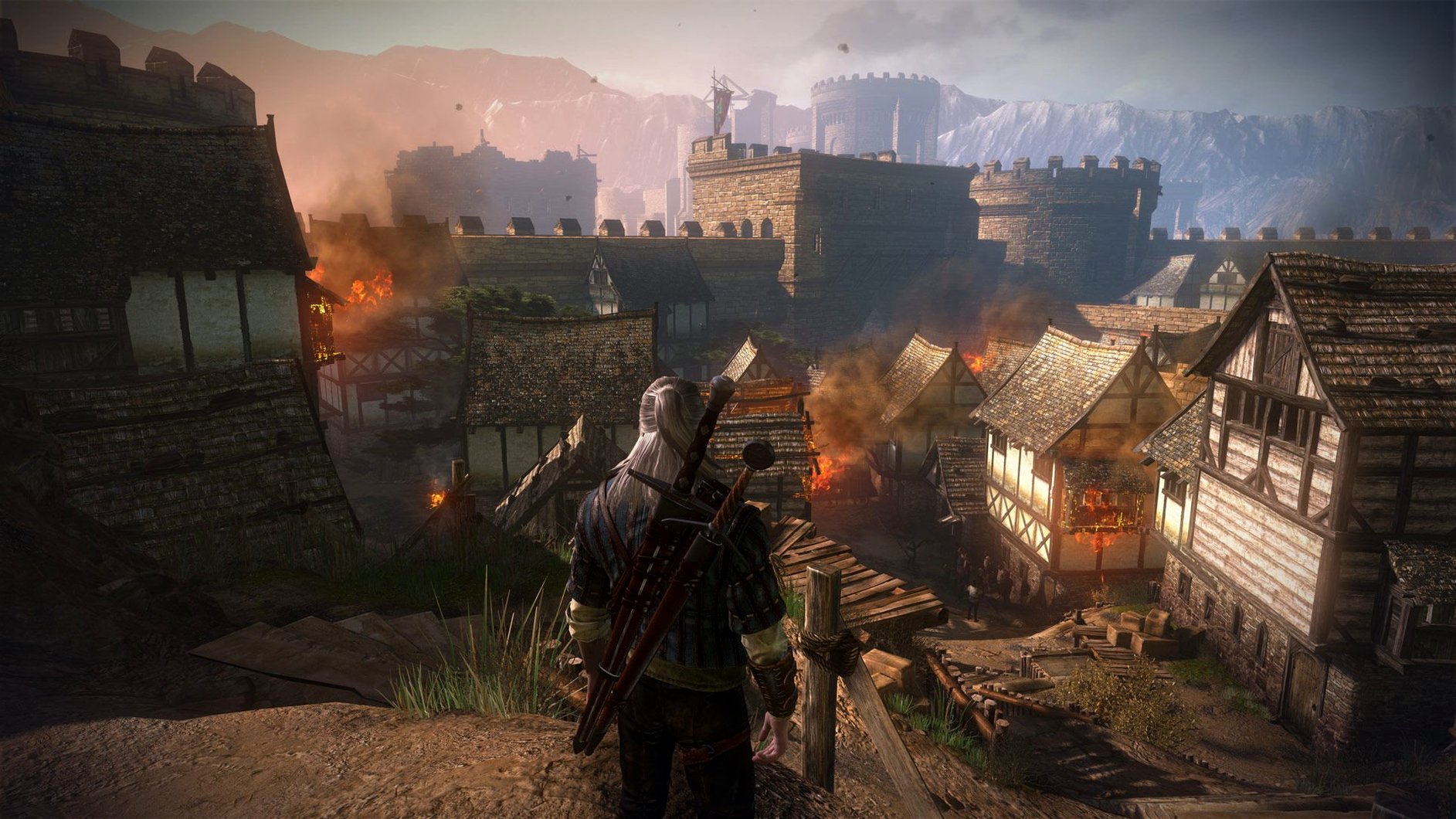
If you have run the original Witcher on your Mac through Wine or Boot Camp, The Witcher 2 is the proper sequel that now runs natively on Apple Silicon. Here are the questions people ask before installing it.
Game basics
Action role-playing game — The second part of Geralt of Rivia’s adventures. You make choices that shape the story and face tougher monsters and politics.
Dark mode — A harder difficulty level that also adds unique Dark items only available in this mode. Not just tougher enemies, but exclusive loot.
Arena mode — Endless waves of enemies to fight through. A separate mode for practice or a quick combat challenge.
Expanded tutorial system — The update includes a more thorough tutorial so new players can learn combat and alchemy without getting lost.
Check language and voices before starting
A few things are worth doing before you begin the story. Check the game language first, since the interface supports twelve languages but the voices only five. If you prefer English voices with German subtitles, for instance, set that in the launcher options before starting a new game. Changing it mid-playthrough is not always smooth.
Pick the Applications folder when the installer asks for a location. The game expects to find its data files relative to that path, and moving them later can break the launcher. If you keep games on a separate drive, you can point the installer there instead, but use a folder without spaces in the name.
Start the tutorial before the main campaign. The expanded tutorial system covers combat, signs, and potion brewing step by step, and it saves you the frustration of dying to the first drowner because you forgot how to parry. You can skip it if you already played the game on another platform, but the Dark mode uses mechanics that are worth practicing first.
Answers to common questions before installing
Will this run on my Intel Mac? Yes. Version 2.1a works on both Intel and Apple Silicon Macs. The minimum macOS is 11.0, so any Mac that can run Big Sur or later is supported. The one exception is macOS Sequoia — the game does not run on that version. If you are on Sequoia now, you will need to wait for a future update or use another Mac with an older system.
Does it need an internet connection to play? No. The game is DRM-free. You install it once and play offline. No launcher login, no activation server. That also means you can copy the installed folder to another Mac and run it there, as long as the other Mac meets the macOS requirement.
Can I change the voice language later? Yes, but only among the five voice languages listed: Russian, English, German, Polish, and French. The interface can switch to any of the twelve languages at any time, so you can read menus in Japanese while hearing English dialogue if that combination appeals to you.
Is the Arena mode separate from the main game? Yes. It is a standalone mode you can start from the main menu. Your progress in the story does not affect it, and vice versa. Good for warming up or for a shorter session when you do not have time for a full quest.
2.1a update adds new intro and video sequences
The version 2.1a update adds new video sequences and a new intro. If you have seen the original intro from the 2011 release, you will notice the difference right away. These are not just re-rendered versions — they contain new content set in locations not present in the earlier builds of the game.
The interface language choices are more generous than what many RPGs offer. Having twelve languages for menus and subtitles means a classroom club or a language exchange group could use the game as a shared experience. I have seen students pick up vocabulary faster when they associate words with quest objectives.
The Dark mode items are exclusive to that difficulty. You cannot find them on Normal or Hard. If you are the kind of player who likes collecting every unique piece of equipment, you will want to do one playthrough on Dark mode just for those items. The mode itself is meant for experienced players, so do not start there unless you are comfortable with the combat system.
Performance on a 2014 MacBook Air as a baseline
The game was tested on a MacBook Air 13-inch Early 2014 running Big Sur. That machine uses an Intel processor and integrated graphics from that era. If your Mac is newer than a 2014 model, you are in a better position. If you are on an M1 or M2 Mac, the update adds native support for those chips, so you are not running through Rosetta.
macOS 11.0 is the minimum. Anything from Big Sur through Sonoma should work. The game does not run on Sequoia, so if you already updated to Sequoia, you will need to either revert to an older macOS version or run the game on a separate machine that is still on Sonoma or earlier. This is a hard limit set by the developer, not a configuration issue you can fix.
The download includes both ARM and x86 code in one package. The installer picks the correct binary for your Mac automatically. You do not need to choose an Intel or Apple Silicon version manually. The same file works on both architectures.
- New adventures in previously unseen locations
- New intro and new video sequences
- Arena mode with endless waves of enemies
- Expanded tutorial system
- Dark mode with unique items
- Apple silicon M1 and M2 support
- macOS Ventura support
- Minimum macOS raised to 11.0
- macOS 11.0 (Big Sur) or newer
- Apple Silicon (M1/M2) or Intel processor
Questions I keep getting
Does The Witcher 2 work on Apple Silicon Macs?
Yes. Version 2.1a adds native support for M1 and M2 chips, and also supports macOS Ventura.
What is the minimum macOS version?
macOS 11.0 (Big Sur) or newer is required.
Is the Dark mode just a difficulty increase?
No. It is a separate difficulty level with unique Dark items that only appear when you play on that setting.
How to install
- Follow the standard installation procedure — the installer handles the rest.
- Choose an installation location when prompted. This lets you keep the game on a fast SSD or a larger drive.
- If possible, use the Applications folder. It keeps the game within macOS default permissions and is easy to back up.
Similar games

Sign in or join the club to leave a comment.
Nobody has commented yet.