- Version
- 2.4.1 fix
- Studio or maker
- CREATIVE ASSEMBLY, Feral Interactive
- Languages
- Russian, English, German, Spanish, Italian, Polish, Turkish, French, Czech
- Activation
- Not required
- Chip type
- Apple Silicon
- Tried out on
- macOS Sequoia, MacBook Air (M1. 2020)
- First released
- 3.09.2013
- Voice languages
- English, German, French
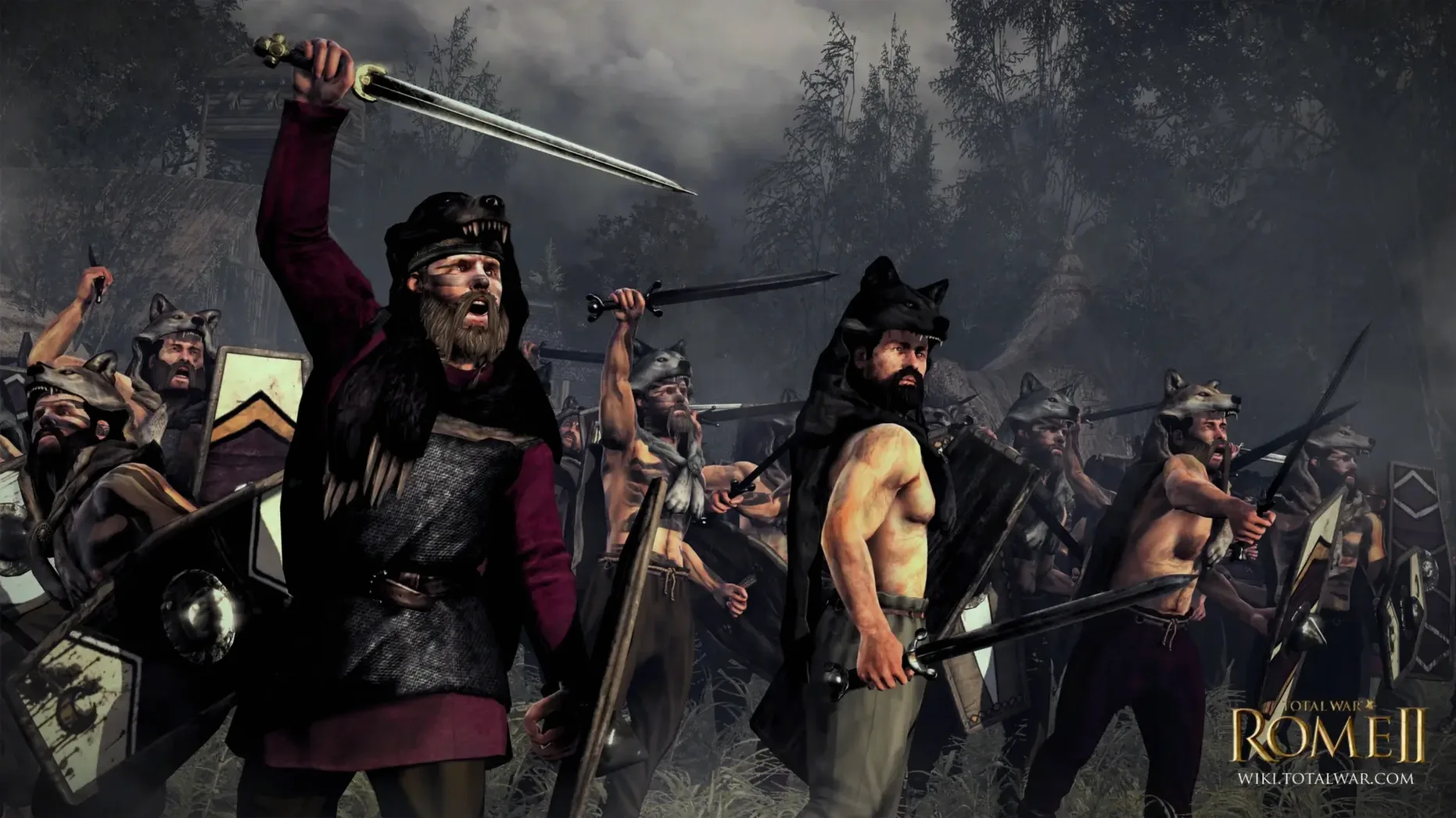
Total War: ROME II - Emperor Edition is for anyone who wants to command one of the ancient world's strongest armies on a Mac. It combines turn-based strategy with real-time battles, and the Emperor Edition brings the Imperator Augustus campaign, which begins in 42 BCE. You can choose whether to defend the republic or become a dictator.
- Requires macOS 15.0 or later and an Apple Silicon Mac (M1 with 7-core GPU or better).
- Runs natively on ARM — no emulation layer needed.
- Interface languages include English, German, French, Russian, Spanish, Italian, Polish, Turkish, and Czech.
- Voice languages are English, German, and French.
- To switch the interface language, edit NemirtingasSteamEmu.json in Config/nsteame_settings inside the app.
- If the game crashes during play, change the language back to English.
Installation is straightforward: mount the disk image, drag the app to your Applications folder, then launch it from Launchpad. The Mac version matches the latest Windows release and includes all Emperor Edition content and updates.
Change the interface language before your first campaign
Before you start your first campaign, there are a couple of adjustments that can make a real difference. The interface language is set to English by default, but if you prefer Russian, German, or one of the other available languages, open the app’s Config/nsteame_settings folder and edit NemirtingasSteamEmu.json. Replace english with your chosen language code. Keep in mind that if you run into crashes, switching back to English usually resolves them.
Within the game itself, I recommend taking a moment to adjust the camera speed and scroll sensitivity. The default settings work well on a desktop, but on a laptop screen they can feel a little fast or slow depending on your trackpad setup. A quick tweak in the options menu saves you from frustration during a tense siege.
Apple Silicon Macs only, macOS 15 minimum
This version of Total War: ROME II - Emperor Edition is built for Apple Silicon Macs only. It requires macOS 15.0 or later, 8 GB of RAM, and at least 50 GB of free space. The minimum GPU is the integrated 7-core unit on the M1, so if you are on an M1 MacBook Air from 2020, you meet the baseline. The game is native ARM — no Rosetta translation is happening in the background.
The disk image you download is large, but once installed the game loads from your internal drive. Because the port matches the current Windows release, you get all the Emperor Edition updates without any missing content. No activation is needed, so you can start playing right after you drag the app into place.
One student handles war, another manages diplomacy
I run the after-school game club at my school, and this is the kind of title that works well on a single Mac during lunch breaks. One student takes the military campaign while another handles diplomacy and building management. The turn-based map phase allows for discussion and planning between students before the real-time battle begins. The Imperator Augustus campaign, with its starting point in 42 BCE, fits neatly into a history unit on the late Roman Republic. I have found that the language options are useful here too: a student who speaks Turkish or Polish can switch the interface without missing key text. Just remember to set it back to English before the next session to avoid any confusion with the next user.
- Includes the Imperator Augustus campaign.
- Matches the latest Windows release and includes Emperor Edition content and updates.
- macOS 15.0 or later
- Apple Silicon Mac (M1 7-core GPU or better)
- 8 GB RAM
- 50 GB free storage space
How to install
- Mount the downloaded disk image so macOS can read the installer files.
- Drag the app to the Applications folder — this copies it onto your system.
- Open the app from Launchpad after the copy finishes.
- To change the language, open NemirtingasSteamEmu.json in the app's Config/nsteame_settings folder.
- Replace
englishwithrussian(or another supported language code). - If crashes occur during play, change the language back to English.
Similar games
Sign in or join the club to leave a comment.
Nobody has commented yet.