
- Version
- 6.1
- Studio or maker
- BZG
- Languages
- English, German, Spanish
- Activation
- Not required
- Runs on macOS
- macOS 13 or later
- Chip type
- Apple Silicon, Intel 64-bit
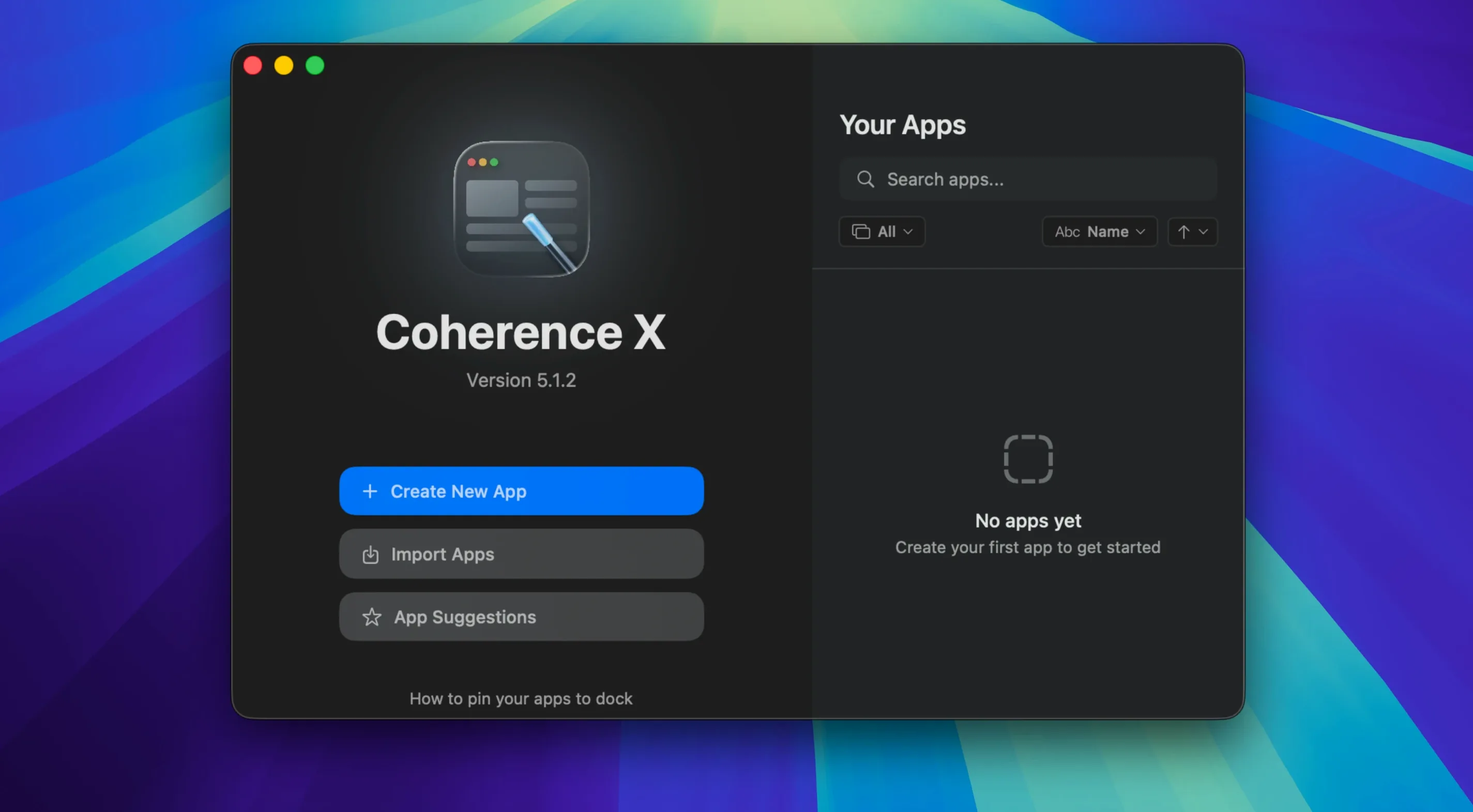
If you have ever dragged a frequently used school website into a new browser tab only to lose it among twenty others, Coherence X is the tool that solves that. It turns any webpage into its own standalone Chrome-based app, complete with its own window, settings, and extensions. Version 6.1 makes the first steps even smoother. Here is what a newcomer should try first.
Enter the website address and choose Standard or Tabbed
Open Coherence X and enter the website address. Choose between a Standard app or a Tabbed app — Tabbed keeps multiple pages inside one window, useful for a set of teaching resources. The app builds itself. You can change the icon and name before saving.
What about links that should open in my main browser?
Version 6.1 makes link routing easier. You can set rules so certain links stay inside your app and others open in Safari or Chrome. Multiple domains can share one rule, and the app now suggests a destination when you start a new rule. Changes save without rebuilding the app.
Can I share an app with a colleague?
Yes. Exported apps include settings, extensions, and profiles, so the person on the other end gets the same experience. The app works in English, German, or Spanish, and requires macOS 13 or later.
A few things that trip you up at first, from my game club trials
Even with a straightforward tool like Coherence X, a few things can trip you up at first.
The app window stays blank or won't load
This usually means the website itself blocks automated tools or expects a cookie banner you cannot click. Try switching the app to Incognito mode during setup — that often bypasses aggressive cookie walls. If that does not help, check whether the site works in your regular Chrome browser first. Some school portals and live-service dashboards restrict non-browser access.
Extensions do not appear in the new app
Coherence X lets you install and manage Chrome Web Store extensions inside created apps. If an extension is missing, open the app's settings from Coherence X and look for the extension management section. Version 6.1 improved the Manage in Coherence button so it opens the correct app more reliably, and it shows a message when the extension cannot connect. If you still see nothing, restart the app once after installing the extension.
Link routing rules do not seem to apply
In version 6.1 you can add multiple domains to a single rule, and the app suggests a destination when you begin a new rule. If links still go the wrong way, double-check that you saved the rule. Changes now save without rebuilding the app, but a rule still needs a destination. Also confirm the app is not in Incognito mode — some routing options behave differently there.
Dock clicks do not behave as you expect
By default, clicking the app's Dock icon opens a minimized window or creates a new one if none exists. If the app opens a new window every time, check whether you have restore tabs after restart enabled. That setting can cause the app to create a fresh window even when you meant to bring the old one back. Toggle it off if you prefer single-window behavior.
Set default app mode and other preferences before building your first app
Before you build your first app, open Coherence X's preferences and set a few defaults. They save time later.
- Default app mode. If you mostly use sites with multiple related pages (like a school dashboard plus a calendar), set Tabbed as the default. Standard works best for single-page services like a grade book or a messaging tool.
- Default browser for offloaded links. Pick your main browser early — Safari, Chrome, or Firefox. Routing rules will use this as the fallback destination unless you override it per rule.
- Extension permission. Decide whether you want new apps to prompt for extension access or install extensions automatically. I recommend the prompt for the first few apps so you see what is being added.
- Language. Coherence X supports English, German, and Spanish. Set it once in preferences rather than per app.
A colleague uses three separate apps for her morning library workflow
One of my colleagues runs the school's media library. She has three services she opens every morning: the library catalog, a booking system for rooms, and a shared document with student requests. Before Coherence X, she kept them in three Chrome tabs among ten other tabs and lost track of which was which.
She now has three separate apps on her Dock. The catalog is a Standard app because it is a single search page. The booking system is a Tabbed app with the calendar and the booking form on separate tabs. The shared document is a Standard app with the restore tabs setting turned on so it opens to the same sheet every day.
Link routing handles the confusing part: any link from the booking system that points to the library catalog opens inside the catalog app, not in a new browser window. She set that up with one rule in version 6.1, and the suggested destination saved her from typing the URL twice. The whole setup took about ten minutes, and she has not opened a browser for those tasks since.
For anyone running a similar mix of web services — a school portal, a grading tool, a communication platform — Coherence X turns that rough workflow into separate, predictable apps that behave like native macOS software.
- macOS 13 or later
- Intel or Apple Silicon
Questions I keep getting
What changed in version 6.1?
Link routing now accepts multiple domains per rule, new rules suggest a destination, and changes to link routing or appearance save without rebuilding the app.
What kind of apps can I create with Coherence X?
You can create Standard apps and Tabbed apps, both with support for incognito mode, extensions, and saved profiles.
Can I use Coherence X in a language other than English?
Yes. The interface is available in English, German, and Spanish.
How to install
- Open the downloaded disk image.
- Drag the app into the Applications folder.
- Launch the app from Launchpad after copying finishes.
Similar apps




Sign in or join the club to leave a comment.
Nobody has commented yet.