

- Version
- 12.1.0
- Studio or maker
- iZotope
- Languages
- English
- Activation
- K'ed by iamdumb
- Runs on macOS
- macOS 14.7 or later
- Chip type
- Apple Silicon, Intel 64-bit
A podcast editor in Hamburg has a two-hour interview with mains hum on one track and a clipped voice on another. Opening each in a separate tool and fixing them manually would take an evening. With iZotope RX, both repairs happen inside a single application or as plugins inside a DAW, and the machine learning modules suggest settings that often need only a listen and a click.
Plugin formats and system support
RX 12 ships as AU, AAX, AAX Audiosuite, VST3, and the ARA variants of AU and VST3, so it fits into nearly any Mac host — Logic Pro, Pro Tools, Cubase, Reaper, Ableton Live. It runs natively on Apple Silicon Macs and on Intel Macs, with no Rosetta requirement for the main modules. The standalone application works without a DAW for batch processing or for opening files directly.
What the modules do
The suite includes De-click, De-clip, De-crackle, De-ess, De-hum, and De-reverb, each aimed at a specific kind of audio problem. The new Scene Rebalance separates dialogue, music, and effects from a single mix, and Trim Silence removes dead air from long recordings. Stems View lets you apply the toolkit to isolated stems. The rebuilt De-bleed and Breath Control give more precise control over crosstalk and unwanted breaths. All modules use assisted technology that analyzes the audio and proposes fixes, which you can accept or adjust.
Set processing resolution to 32-bit float for faster daily work
When you open RX for the first time, the default settings work fine for quick looks, but a few changes make day-to-day work faster. In the standalone application, set the processing resolution to 32-bit float if your source is 24-bit or higher — it preserves headroom during spectral editing. Switch the default output format to match your project’s sample rate and bit depth so you are not converting every file twice. Under preferences, enable automatic backup of the original file before any destructive edit. That way, a misclick in the spectral editor does not cost you the original recording. If you work with batch files often, turn on the option to retain the folder structure when processing multiple files; it keeps organized sessions tidy.
A real-world scenario: restoring an old music recording
An amateur archivist in Berlin gets a cassette transfer of a local band’s 1992 live show. The recording has tape hiss, a 50 Hz mains hum, and occasional clicks from a worn cassette shell. They open RX and start with De-hum, setting it to 50 Hz with a tight Q. The hiss gets passed through to Spectral De-noise, using the learn function on a silent section between songs. For the clicks, De-click with the threshold set to moderate catches most of them without dulling the cymbals. The whole process takes about fifteen minutes per track, and the archivist exports 24-bit WAV files for a digital release. The band hears the cleaned audio for the first time in three decades.
Start with a low threshold instead of full-strength De-click
New users often apply too much processing at once. Running De-click on full strength removes the click but also eats the transient of a snare hit or a plosive. The better approach is to start with a low threshold and increase it only until the click is just gone. Another common error is using De-ess on a vocal track without first listening to the sibilance in isolation — sometimes the sibilance is actually a recording artifact that De-hum or De-crackle handles better. Beginners also forget to check the preview before committing. The preview button lets you audition a short looped section, and it is worth leaving it on while tweaking parameters. Skipping the preview is how you end up with a vocal that sounds like it is under a blanket.
Reduce Repair Assistant strength after aggressive previews
One snag is the Repair Assistant suggesting an aggressive fix that sounds good on the preview but unnatural on the full file. The fix is to use the assistant as a starting point, then manually reduce the strength of each module it engaged. Another snag: the spectral editor sometimes shows artifacts after heavy noise reduction. Zoom in to the spectrogram and paint the remaining noise out with the brush tool, or apply a second, lighter pass of Spectral De-noise. A third snag is that batch processing stops because one file has an unexpected sample rate. Before batching, run a quick check that all source files share the same format, or set RX to convert on the fly in the preferences. None of these are dealbreakers; they are just steps you learn after the first few jobs.
De-click a podcast vocal with low threshold then render
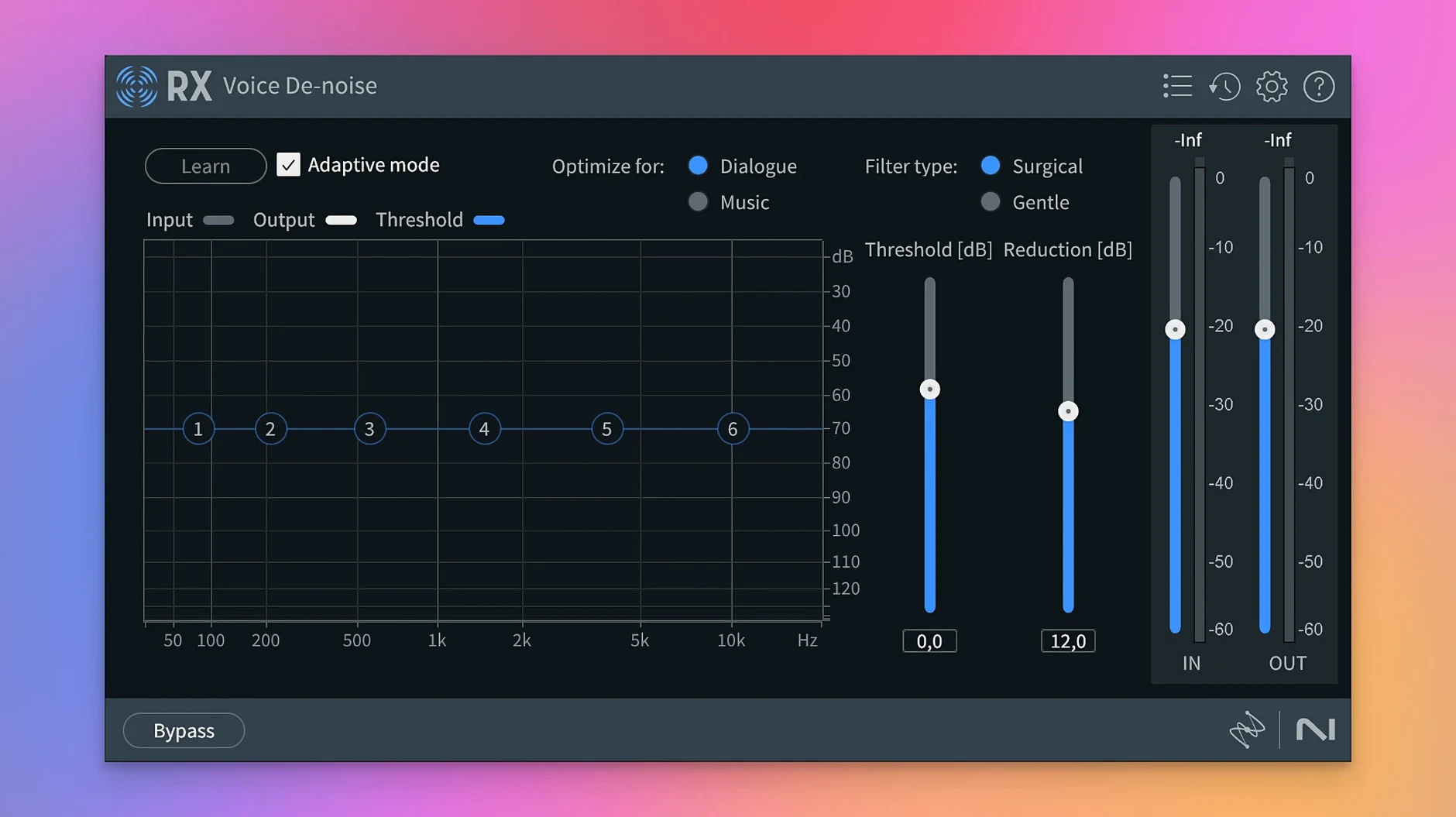
Start with the raw vocal file in the standalone application. First, use De-click with the threshold set to low and listen for mouth clicks and lip smacks. Adjust the sensitivity until only the clicks are highlighted, then render. Next, run De-ess on any harsh sibilance — set it to focus on 6-8 kHz and reduce by about 3 dB. After that, apply Spectral De-noise using a noise print from a silent section of the track. If the room has a boxy sound, try De-reverb at a light setting. Finally, use Voice De-noise to catch any remaining broadband noise. Preview after each step, and export as a 48 kHz 24-bit WAV ready for the DAW. The whole chain takes about ten minutes for a forty-minute episode, and the voice stays natural without the background rumble.
- Scene Rebalance for separating dialogue, music, and effects from a single mix
- Trim Silence to remove silent sections from long audio files
- Stems View for applying the toolkit to isolated stems
- Rebuilt De-bleed and Breath Control modules
- macOS 14.7 Sonoma
- Intel or Apple Silicon (native and Rosetta supported)
- Interface language: English
Questions I keep getting
Does RX 11 work as a standalone application or only inside a DAW?
RX 11 works both as a standalone application and as plugins inside a DAW. You can open files directly in the app for batch processing or use the plugins in your host.
How to install
- Run the package installer and follow the on-screen instructions. The installer places the application and plugins in the correct system locations.
- Open the application and use the activation tool provided in the package to authorize your copy. No additional licenses are needed.
Similar apps

Sign in or join the club to leave a comment.
Nobody has commented yet.