

- Version
- 2025.12
- Studio or maker
- LANDR Audio
- Languages
- English
- Activation
- K'ed by FLARE
- Runs on macOS
- macOS 12 or later
- Chip type
- Apple Silicon, Intel 64-bit
The latest version of the LANDR Vocal Bundle (2025.12) refines what was already a practical set of four plugins for vocal work. Included with LANDR Studio, the bundle targets the whole vocal chain: from quick pitch fixes to final de-essing.
Good for
- Vocal tracks: VoxTune handles natural pitch correction or a stronger tuned effect. VoxDeEss removes harsh sibilants like s and sh. The channel shaper adjusts tone.
- Vocal buses: VoxVerb adds depth and space while preserving clarity, ideal for sending multiple tracks to a shared reverb.
- Recording, mixing, and live performance: the bundle is designed for all three scenarios.
Keep in mind
- Runs on macOS 10.14 or later, with native Apple Silicon and Intel support.
- Each plugin is specialized: you will still need a separate EQ or compressor for broader mixing tasks.
VoxTune’s voice color and vibrato controls save time
Each plugin in the bundle has a few design touches that save time once you know they are there. VoxTune includes control over voice color and vibrato, which means you are not stuck with a single processed sound. You can adjust how the pitch correction sits in the voice, keeping a more natural feel or pushing toward a polished pop tone. The vibrato control lets you reintroduce movement if the correction flattens the performance too much.
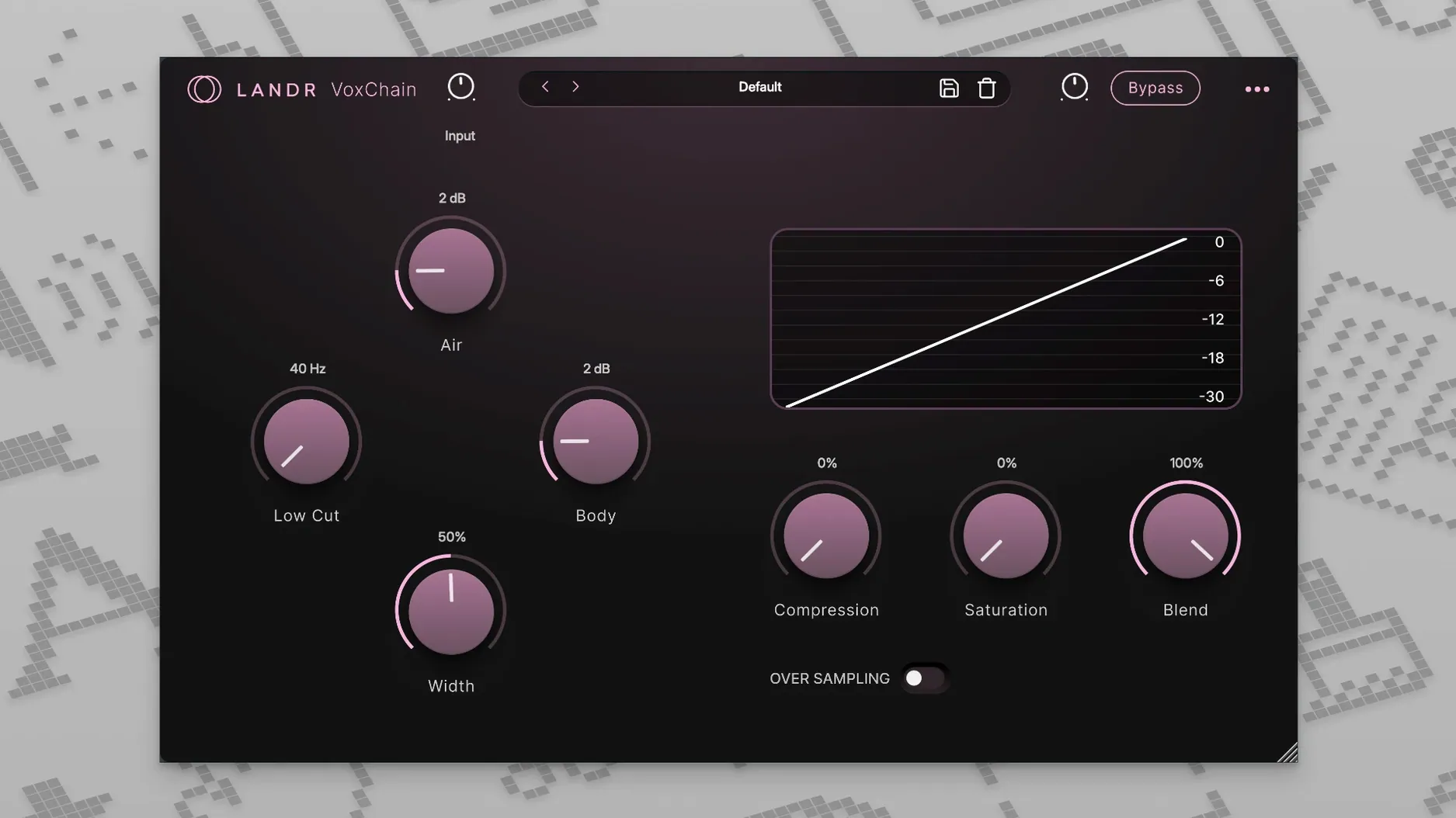
VoxChain combines EQ, compression, and saturation in one plugin. That may not sound like a hidden feature, but it means one instance instead of three on a channel. The EQ handles frequency shaping, the compression evens out dynamics, and the saturation adds harmonic content. For a quick vocal chain, that reduces clutter in your session. VoxDeEss is straightforward — it targets only the harsh sibilants — but its simplicity means you do not have to dig through controls to get a clean result. The reverb in VoxVerb is tuned for vocals, so the room and plate styles tend to sit in the mix without excessive low-end buildup.
The plugins load quickly and appear in your DAW under the LANDR folder. No additional account setup or cloud login is required after installation; they work as standard AU, VST3, or AAX plugins depending on your host.
Works live with no latency for stage or streaming
Do the plugins work in a live setup? Yes. The bundle is described as suitable for live performance, and VoxTune operates without latency. That makes it usable for real-time pitch correction on stage or during streaming.
Can I use only one of the four plugins without installing the whole bundle? The installer places all four plugins on your system. You are not forced to use them all on every session. If you only need VoxDeEss today, it shows up in your plugin list and the others wait until you need them.
Will these plugins replace my existing pitch or reverb tools? They are specialized for vocals, so they cover the core vocal workflow quickly. For broader mixing tasks — such as bus compression on a drum group or a large hall reverb on strings — you would still reach for other plugins. The bundle is a complement, not a replacement for everything else.
The product page says the bundle is included with LANDR Studio. After installation, the plugins function independently without a constant internet connection. The activation method used in this release handles the license check, so you do not need to log in to a service each time you open your DAW.
Fixing pitch wobbles in a verse with VoxTune
I start a mix session with a vocal take that has a few pitch wobbles in the verse. I insert VoxTune on the vocal track. The interface is clean, so I adjust the correction amount to catch only the off notes, leaving the natural phrasing mostly intact. The voice color control lets me add a slight brightness to help the vocal sit above the guitar. I set a subtle vibrato to keep the end of long notes sounding alive.
Next I add VoxChain after VoxTune in the insert order. I use the EQ section to cut a little low-mid mud around 300 Hz, then apply gentle compression to tame the louder phrases in the chorus. A small amount of saturation adds presence without making the vocal harsh. The whole adjustment takes about two minutes because the controls stay focused on what matters for voice.
The vocal still feels dry, so I send it to an auxiliary track with VoxVerb. I pick the plate algorithm and dial in a medium decay time. The reverb stays behind the vocal, adding space without washing out the consonants. The clarity mentioned in the bundle description holds up — the vocal remains intelligible even with the reverb at a higher level.
Finally I add VoxDeEss on the vocal track, after the chain. A quick sweep of the threshold removes the worst sibilance on the s and sh sounds. I leave the effect subtle; the de-esser does not dull the track, it just catches the peaks. The whole vocal chain takes under ten minutes to set up and leaves me with a clean, present vocal that needs only minor tweaks later in the mix.
- macOS 10.14 or later
- Apple Silicon or Intel processor
- Compatible DAW (hosts AU, VST, or AAX)
Questions I keep getting
Is the LANDR Vocal Bundle included with a subscription?
Yes, the bundle is included with LANDR Studio.
What macOS versions does the bundle support?
It supports macOS 10.14 and later, both Apple Silicon and Intel.
Can VoxTune be used for subtle correction?
Yes, it can be used for natural pitch correction or a stronger tuned effect.
How to install
- Open the downloaded disk image.
- Run the standard installation procedure.
Similar apps

Sign in or join the club to leave a comment.
Nobody has commented yet.