- Version
- 1.6 [Wineskin]
- Studio or maker
- Rayll
- Languages
- Russian, English, German, Spanish, Portuguese, French
- Activation
- Not required
- Chip type
- Apple Silicon
- Tried out on
- macOS Sequoia, Mac mini 2024 M4
- First released
- 6.01.2022
- Voice languages
- Music only
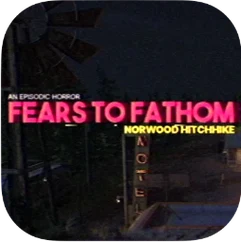
Fears to Fathom: Episode 2 - Norwood Hitchhike runs on Apple Silicon Macs, including the latest models. The Mac build is version 1.6 [Wineskin], tested on macOS Sequoia on a Mac mini 2024 M4. If you have an M1 or newer, you're set.
What experienced players will appreciate
- Voice activity: Your own voice plays a part, adding an interactive layer that goes beyond simple choices.
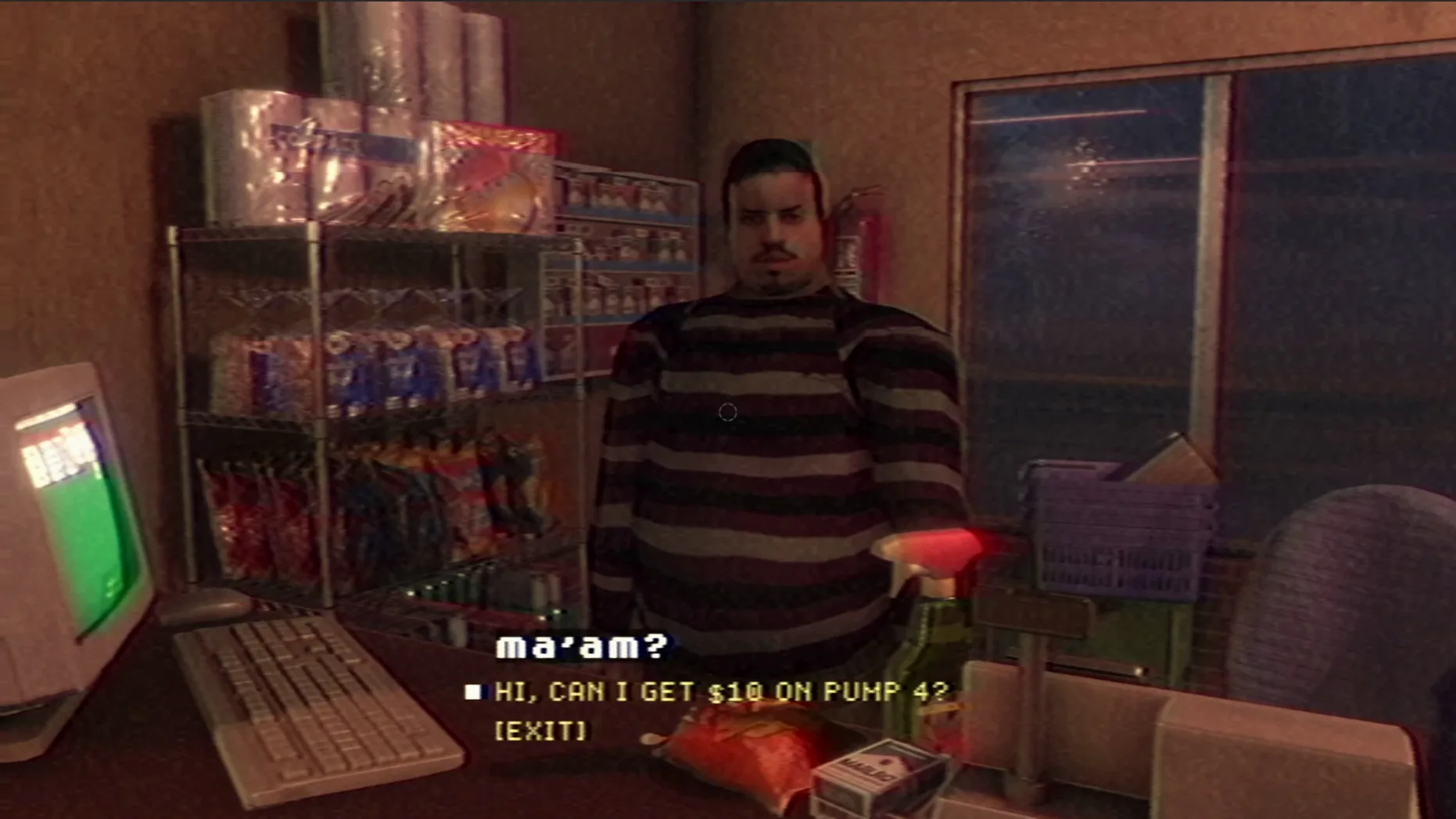
- Photorealistic graphics: The VHS-style presentation wraps realistic environments in a grainy, unsettling filter that fits the horror tone.
- Language options: Interface in Russian, English, German, Spanish, Portuguese, and French—so you can switch if you prefer.
About the story
You take a long detour to avoid traffic and end up at a motel. What happens there is told as a survivor's short story, episodic and atmospheric. The build label says Russian version, but the interface language menu lets you choose English and other languages.
Set the language before the drive with Holly
Before you start the drive with Holly, take a moment to set the language. Open the menu in the upper-right corner of the main screen and pick your preferred option from Russian, English, German, Spanish, Portuguese, or French. The build label says Russian version, but the interface switches cleanly once you choose. If you see an error the first time you launch, don't worry — run the Fix file included in the disk image. That small step resolves the startup hiccup for most people.
No activation required in the 1.6 Mac build
The current Mac build, version 1.6 [Wineskin], is the one you will play on Apple Silicon. It is the same version tested on macOS Sequoia. The key change in everyday use is that activation is not required — you open the disk image, drag the app to Applications, and go. No extra launchers or account logins. The voice activity and VHS-style visuals are part of this build, so the full atmospheric experience is there from the start. The multilingual interface covers six languages in this version, including English and German, which makes it easy to share the game with students in the club who prefer reading in their own language.
Runs on M1 through M4 Apple Silicon
The game is built for ARM architecture, meaning it runs on M1, M2, M3, and M4 machines. The testing was done on a Mac mini 2024 M4 running macOS Sequoia, so any Apple Silicon Mac with a recent macOS version should handle it without extra configuration. The photorealistic graphics and VHS effects rely on the GPU, but there is no need for special drivers or compatibility layers — the Wineskin wrapper handles the translation between the game code and macOS. The disk image is a single file you mount, then drag the app into Applications. If you teach horror or narrative design in the game club, the install process is simple enough to demonstrate in a few minutes.
- macOS: any version that supports Apple Silicon (tested on Sequoia)
- Architecture: Apple Silicon (ARM)
- Tested on: macOS Sequoia, Mac mini 2024 M4
Questions I keep getting
Does the Mac version require Apple Silicon?
Yes, the build is for ARM architecture, so it runs on M1 and newer Macs.
How to install
- Open the downloaded disk image.
- Drag the app into your Applications folder—this keeps it with your other apps.
- Launch the app after copying finishes.
- If the game shows an error at launch, run the Fix file in the disk image to resolve it.
- To change the language, use the menu in the upper-right corner.
Similar games




Sign in or join the club to leave a comment.
Nobody has commented yet.