- Version
- 2.5.2
- Studio or maker
- Aquiris Game Studio
- Languages
- Russian, English, German, Spanish, Italian, Chinese (Traditional), Chinese (Simplified), Korean, Dutch, Portuguese, Thai, Turkish, French, Hindi, Japanese
- Activation
- Not required
- Chip type
- Apple Silicon, Intel 64-bit
- Tried out on
- macOS Sonoma, MacBook Air (M1. 2020)
- First released
- 26.03.2021
- Voice languages
- Music only
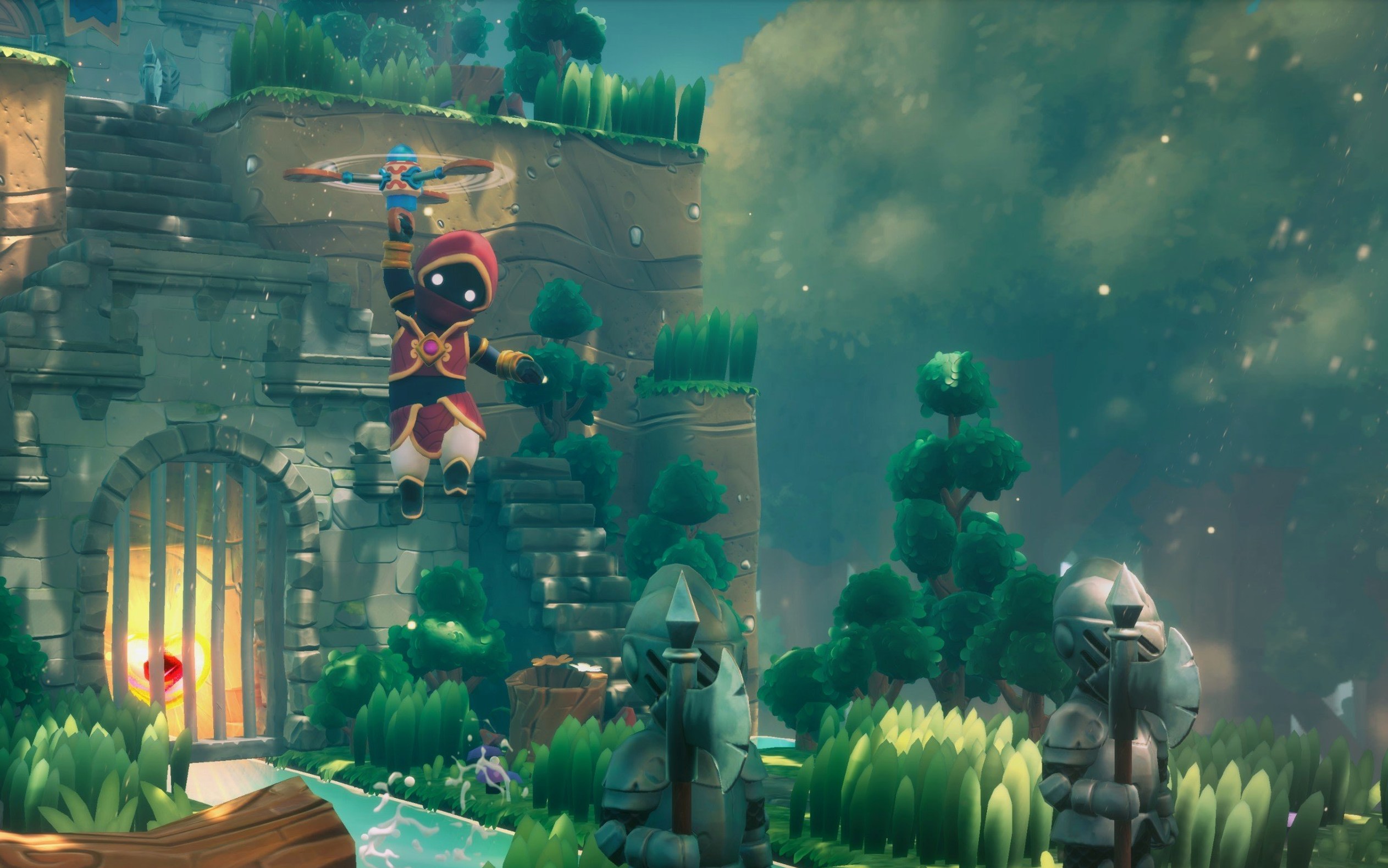
Wonderbox: The Adventure Maker offers over 50,000 user-made adventures in connected cube-shaped worlds. Each cube holds a short level with enemies, jumps, puzzles, and obstacles, and you can hop from one to the next without loading screens.
Adventure mode and creator mode
Adventure mode lets you play through hand-crafted and community levels, each one a compact challenge. Creator mode gives you the same blocks and tools the developers used, so you can build your own cube environments, place enemies and items, then share your creation online. The game runs on both Apple Silicon and Intel Macs, and supports 15 interface languages including English, German, Spanish, and French.
Suits players who enjoy short, varied levels and simple creation tools
This is a good fit for players who enjoy short, varied levels and want to experiment with game design. The creation tools are simple enough for younger players but flexible enough for adults who like tinkering. It works well in a classroom game club or as a low-pressure creative outlet at home.
Plays offline for adventures and building; sharing needs a connection
Some people wonder whether the game needs an internet connection to work. It does not. You can play adventure mode and build in creator mode offline. Sharing and browsing other players' adventures requires a connection, but the core game runs without it.
Another frequent question is whether the game supports controllers. Wonderbox is designed for keyboard and mouse. The cube-based navigation and block placement work well with a trackpad or a standard mouse, and there is no need to configure extra hardware.
A few readers ask about save files. Your progress in adventure mode and any creations you build are saved locally. If you share your Mac with others, each person can have their own set of saved adventures without interfering with yours.
Explore each cube fully—puzzles hide items behind solid-looking blocks
The most common slip is trying to jump between cubes too quickly. Each cube is a self-contained level, and it helps to explore every corner before moving on. Some puzzles hide key items behind blocks that look solid but are breakable.
New builders sometimes place too many enemies in a single cube. A handful works better than a crowd. The game rewards careful placement and a clear path through each challenge. If your level feels unfair, try removing a few obstacles and testing it yourself in adventure mode.
Another beginner habit is skipping the hero customization screen. Changing your character's look only takes a moment, and it makes shared adventures feel more personal. It also helps you spot your own creations in a list of community levels.
Finally, players sometimes forget that Wonderbox publishes adventures under a simple tag system. Giving your level a clear name and adding a few descriptive keywords makes it easier for others to find. A short test run before publishing catches most unintended dead ends or missing items.
- macOS version not specified by the developer
- Architecture: Apple Silicon (ARM) and Intel 64-bit
Questions I keep getting
Does Wonderbox support Apple Silicon Macs?
Yes, the game supports both ARM (M1 and later) and Intel 64-bit Macs.
What languages are available in Wonderbox?
The interface is translated into 15 languages, including English, German, Spanish, French, Italian, Dutch, Portuguese, Thai, Turkish, Korean, and both Simplified and Traditional Chinese.
How to install
- Mount the downloaded disk image.
- Drag the game to the Applications folder alias so it installs in the right place.
- After copying finishes, launch the game from Launchpad.
- If the app does not open, run
xattr -cr /Applications/Wonderbox.app && codesign --force --deep --sign - /Applications/Wonderbox.appin Terminal to clear extended attributes and re-sign the app.
Similar games






Sign in or join the club to leave a comment.
Nobody has commented yet.