
- Version
- 14.0.20.6
- Studio or maker
- Wondershare Technology
- Languages
- English, German, Spanish, Italian, Portuguese, French, Japanese
- Activation
- K'ed by TNT team
- Runs on macOS
- macOS 10.14 or later
- Chip type
- Intel 64-bit
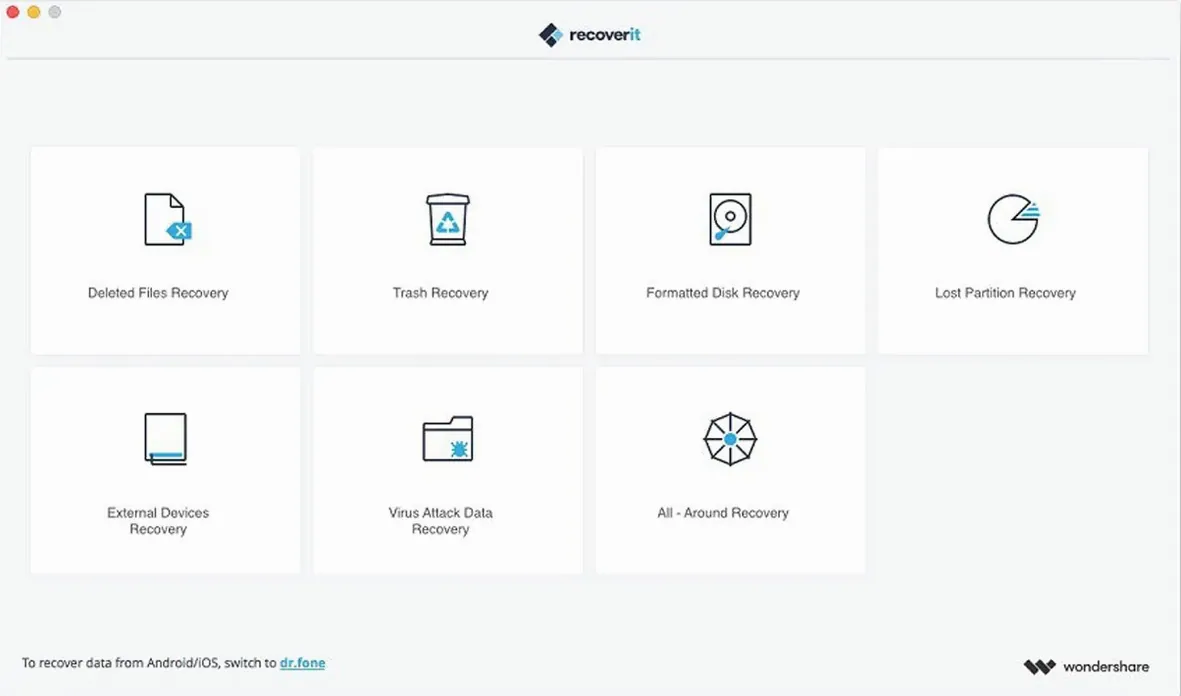
Teachers, students, and anyone who has accidentally deleted a term paper or lost photos from a formatted drive can use Wondershare Recoverit. This Mac utility restores deleted or lost files from Mac systems, including situations where storage was formatted or a partition went missing. You can preview files before deciding what to recover, which helps avoid restoring unwanted data.
Who would use Wondershare Recoverit?
Anyone who needs to get back files after emptying the Trash, formatting a drive, or losing a partition. It is a practical tool for home users and small offices.
Can I see what I am recovering before I restore it?
Yes. The software lets you preview recoverable files before starting the recovery process, so you can pick only what you need.
Which Macs does it run on?
It works on macOS 10.14 and later, on Intel-based Macs. The interface is available in English, German, Spanish, Italian, Portuguese, French, and Japanese.
- macOS 10.14 or later
- Intel processor
Questions I keep getting
What kinds of data loss does Wondershare Recoverit handle?
It recovers files from formatted storage, partition loss, and other deletion or loss scenarios on Mac systems.
Can I check which files are recoverable before restoring?
Yes. You can preview files before deciding to recover them.
How to install
- Mount the disk image and run Open Gatekeeper friendly so the system trusts the installer.
- Press Enter in Terminal to bypass Gatekeeper when prompted.
- Drag the app to the Applications folder for a standard install.
- Launch the app after installation and start scanning.
Similar apps





Sign in or join the club to leave a comment.
Nobody has commented yet.