
- Version
- 14.4
- Studio or maker
- Lostmarble LLC
- Languages
- Russian, English, German, Spanish, Chinese (Traditional), Chinese (Simplified), French, Japanese
- Activation
- k'ed by CORE
- Runs on macOS
- macOS 10.15 or later
- Chip type
- Apple Silicon, Intel 64-bit
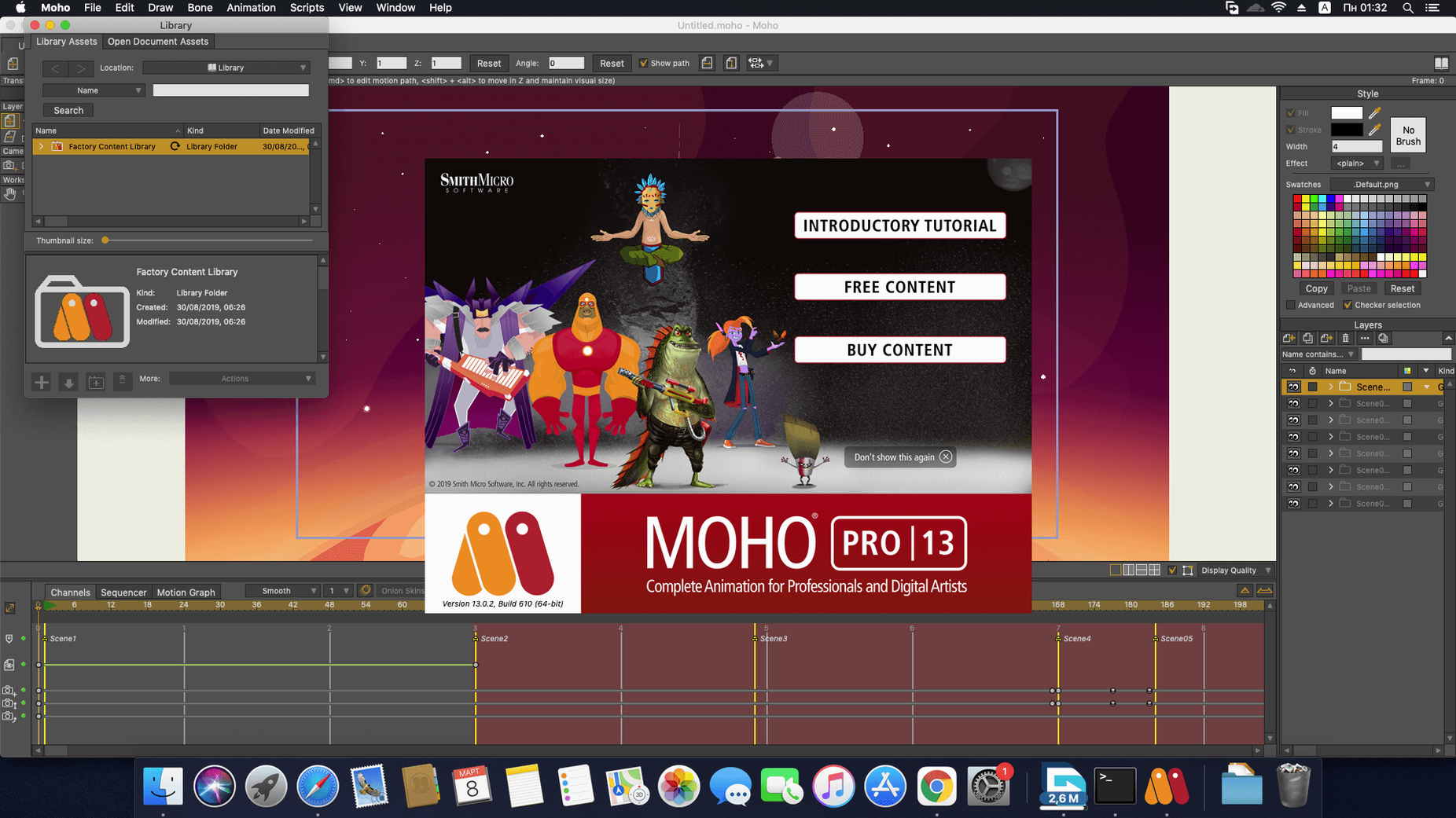
If you've used Moho before, you know it as a dependable workhorse for vector and cut-out animation. The current version, 14.4, keeps that core focus while adding a few modern touches. For teachers and hobbyists alike, it remains a solid tool for bringing characters to life without the steep learning curve of some 3D packages.
glTF/GLB export bridges 2D animations to game engines
The headline addition is glTF/GLB export, which lets you move your 2D animations into game engines like Unity, Unreal, and Godot. That's a practical bridge if you're teaching game design or prototyping. The particle system and layers got updates and fixes, so things like dust or sparks behave more predictably. The scripting interface now runs on Lua 5.4.4, which means custom tools and scripts stay current with the language's latest features.
built-in library, physics controls, and Photoshop support remain
Moho Pro still includes the built-in library of visual objects, physics controls for density, gravity, friction, and elasticity, and the sequencer for timing your scenes. It supports Photoshop documents, so you can import layered files directly. You can also create 3D objects from 2D shapes, a feature that's been around for a while but remains useful. Finished projects export as video, image, or SWF files, and the program runs on both macOS and Windows.
glTF/GLB export is a free update for version 14 owners
Moho 14.4 is a free update for anyone who already owns version 14 or newer, so there is no extra cost to stay current. The glTF/GLB export is the most visible addition in daily work — instead of rendering out separate image sequences and reimporting them into Unity or Godot, you can send a single file that keeps your rigging and layer structure intact. For teachers running a game design unit, that saves one whole step in the pipeline.
The particle system updates and fixes mean less time troubleshooting why a particle emitter behaves oddly after a scene change. Students working on effects like falling leaves or smoke tend to notice the difference quickly: fewer unexpected bursts or missing particles. Lua 5.4.4 under the hood makes any existing scripts that rely on newer Lua functions work without a compatibility shim, so if you use community tools or wrote your own, they should run as intended.
runs natively on Apple Silicon with macOS 10.15 or later
Moho Pro 14.4 runs on macOS 10.15 or later and works on both Intel and Apple Silicon Macs natively — no Rosetta translation needed on an M1 or M2. The requirements are modest: a 2.0 GHz Intel Core i3 or better, 4 GB of RAM, and 1.6 GB of free hard drive space. It needs a graphics card that supports OpenGL 4.1, which covers most Macs from the last several years. The installer is a standard package file; activation instructions are included. One note for school IT setups: an online connection is required for activation, so plan for that if you manage multiple lab machines.
a cut-out character export sequence for Unity or Godot
Here is a typical sequence you might walk through with a class, from a finished Moho scene to a glTF file ready for Unity or Godot.
- Set up your character and scene. Use Moho's layer-based tools to rig a cut-out character with bones and switch layers for expressions. Test the animation in the sequencer to confirm timing and motion.
- Review the export settings. Go to the export menu and choose the glTF/GLB format. Moho 14.4 gives you a few options: you can include or exclude the skeleton data, choose between a single binary file (GLB) or separate texture and geometry files (glTF), and set the animation to loop or play once.
- Export the file. Pick a destination and let Moho write the file. The process is similar to rendering a video, but the output is a model file your game engine can read directly.
- Import into your engine. In Unity, drag the GLB file into the Assets folder. In Godot, use the import panel and point it at the file. The bones and animation clips from Moho appear as a ready-to-use character.
- Test and iterate. Play the animation inside the engine. If something looks off — a bone angle, a texture alignment — go back to Moho, adjust the rig or artwork, and re-export. The round trip is quick enough to fit into a single class period.
This workflow works for any cut-out project, not just characters. You can export props, background elements that need to move, or even a full UI mockup if you built it in Moho's layer system.
- New glTF/GLB export for video game engines and 3D software.
- Updates and fixes to the particle system and layers.
- Scripting interface updated to Lua 5.4.4.
- macOS 10.15 or later
- 64-bit OS
- OpenGL 4.1 supported graphics card
- 2.0 GHz Intel Core i3 or higher
- 4 GB RAM or higher
- 1.6 GB free hard drive space
- Online connection required for activation
Questions I keep getting
Can I export my Moho animations to game engines?
Yes, the current version includes glTF/GLB export, which works with Unity, Unreal, and Godot.
Does Moho Pro support Photoshop files?
Yes, it supports Adobe Photoshop documents, so you can import layered PSDs and animate them.
What scripting language does Moho use?
The scripting interface was updated to Lua 5.4.4 in Moho 14.
How to install
- Download the package and extract it.
- Follow the installation and activation instructions included in the package.
Similar apps






Sign in or join the club to leave a comment.
Nobody has commented yet.