
- Version
- 1.9.3 (5306)
- Studio or maker
- Arturia
- Languages
- English
- Activation
- Included
- Runs on macOS
- macOS 11 or later
- Chip type
- Apple Silicon, Intel 64-bit
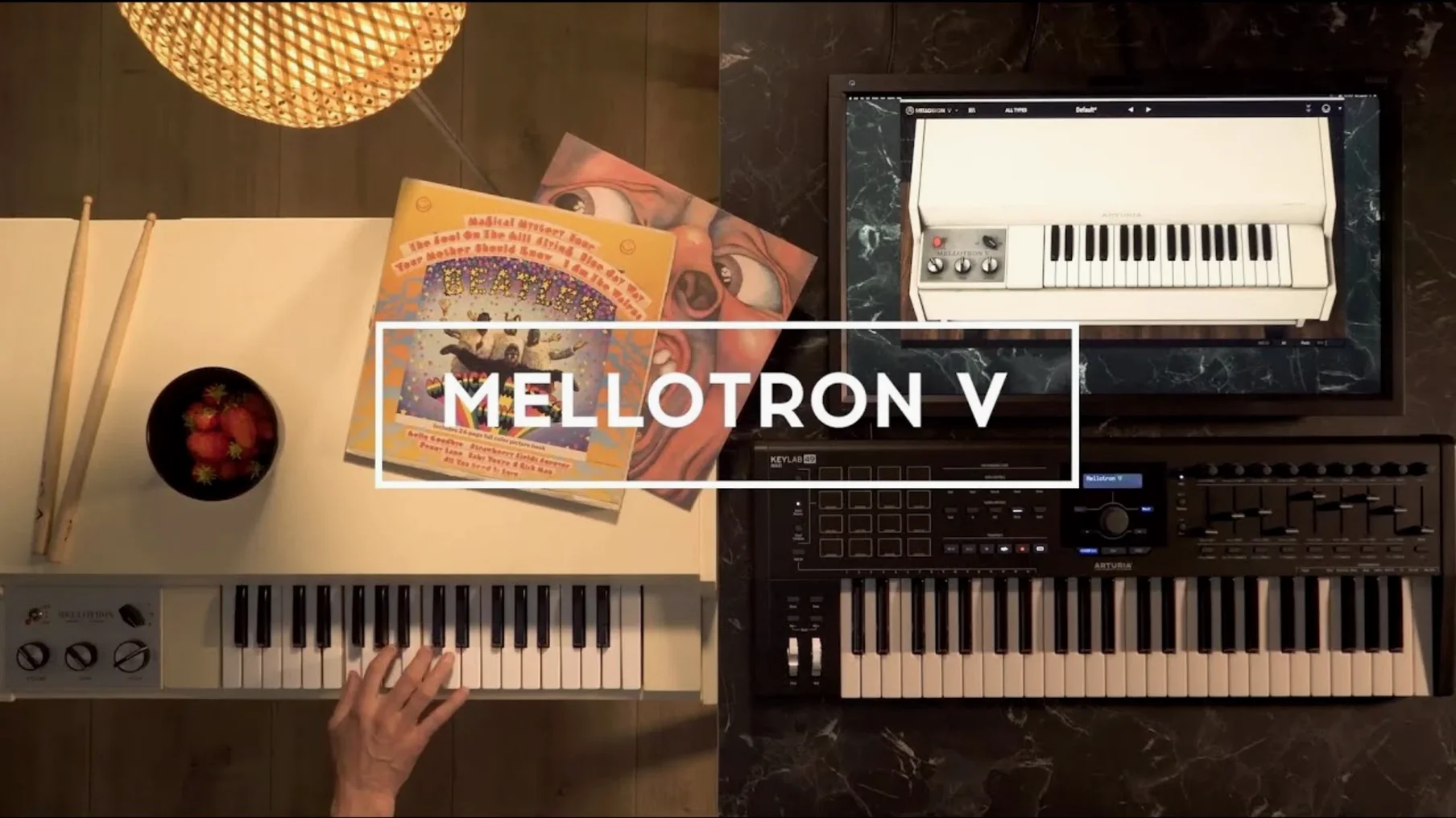
Songwriters, producers and anyone who wants that unmistakable tape-organ sound from the 60s and 70s will find Arturia Mellotron V a practical instrument to have around. It runs on macOS 11 or later on both Intel and Apple Silicon Macs, in 64-bit only. You can use it as a standalone application, or load it inside your DAW as a VST, AAX, or Audio Unit instrument. That makes it flexible whether you are composing in Logic Pro, Pro Tools, or Ableton Live.
| Detail | Value |
|---|---|
| Version | 1.9.3 (5306) |
| macOS | 11 or later, 64-bit only |
| Architecture | Intel & Apple Silicon |
| Formats | Standalone, VST, AAX, Audio Unit |
| Languages | English |
Each track can hold up to 2 factory samples, 8 user samples, or a mix of 2 factory and 6 user samples — useful if you want to blend the original Mellotron library with your own recordings. Version 1.9.3 improves preset naming, playlist editing, and preset search, and fixes a crash when browsing presets. If you have used an earlier version, you will notice the playlists appear correctly after reloading a project or after reinstalling the instrument.
You are a composer working on a film score that needs a vintage, slightly worn-in sound — something that feels like it was recorded in a dusty BBC studio in 1968. You want the strings to waver just a little, the flutes to breathe with tape hiss, and the choir to feel like it is being pulled from an old reel. Arturia Mellotron V covers that without you having to hunt down a working Mellotron or maintain a collection of tape banks. You load it as a plug-in, pick one of the 65 original tape banks, and the sound is there. The mechanical and tape controls let you dial in the amount of noise and instability, so you can make it sound pristine or almost broken, depending on the scene.
Beyond fixed recordings: what Mellotron V adds
If you already own a sample-based Mellotron library from another developer, you might wonder what Mellotron V adds. Most sample libraries give you a fixed set of recordings — you load a program and play. Mellotron V goes further by letting you build your own track rows. Each track is divided into 96 chromatic semitones, and you can assign up to 8 user samples per track alongside the factory ones. That means you are not limited to the original tape sounds. You can load your own WAV, AIFF, or FLAC files and arrange them chromatically, turning Mellotron V into a custom tape instrument.
Another option is IK Multimedia's SampleTank, which includes some Mellotron-style sounds. It is a general-purpose workstation, so you get many instruments, but the tape-specific controls are limited. Mellotron V gives you dedicated mechanical and noise parameters, plus an ADSR envelope, that let you shape the sound more like a real tape organ. If you want that specific warmth and wobbly character, the dedicated plug-in does it better than a general sampler with a few Mellotron presets.
There is also the free M-Tron Pro from GForce, which is a capable Mellotron emulation. It covers the classic tape banks well, but it does not have user sample loading or the same depth of sound-shaping controls. Mellotron V's ability to mix factory and user samples on a single track, combined with its built-in effects, gives you more room to experiment if you want to go beyond the original library.
Mac compatibility: operating system and system requirements
The plug-in requires macOS 11 or later and works on both Intel and Apple Silicon Macs. It is a 64-bit application only, so if you still run a 32-bit DAW, you will need to update. Installation is straightforward: the package includes the install steps and activation instructions. Once installed, you can use it standalone or as a plug-in in any compatible host. The latest version, 1.9.3, focuses on quality-of-life improvements — preset naming no longer crashes, favorite presets sort correctly when shuffle is on, and playlists are visible after removing and reinstalling the instrument. If you already have an older version, upgrading to 1.9.3 fixes the browsing and naming bugs that could interrupt your workflow.
- Playlist edition improvements.
- Preset playlist naming improvements.
- Favorite preset management improvements.
- Preset naming improvements.
- Preset search improvements.
- Bug fixes.
- macOS 11 or later
- 64-bit only
- Intel or Apple Silicon processor
Questions I keep getting
Can I load my own audio files into Mellotron V?
Yes. The plug-in lets you load user samples, with each track supporting up to 8 user samples or a combination of 2 factory and 6 user samples.
Does Mellotron V work on Apple Silicon Macs?
Yes. It runs on both Intel and Apple Silicon Macs, provided you are on macOS 11 or later and using a 64-bit host.
How to install
- Read the installation and activation instructions included inside the package. They explain the order of steps and what to do if you are updating from an earlier version.
Similar apps
Sign in or join the club to leave a comment.
Nobody has commented yet.